EasyManua.ls Logo

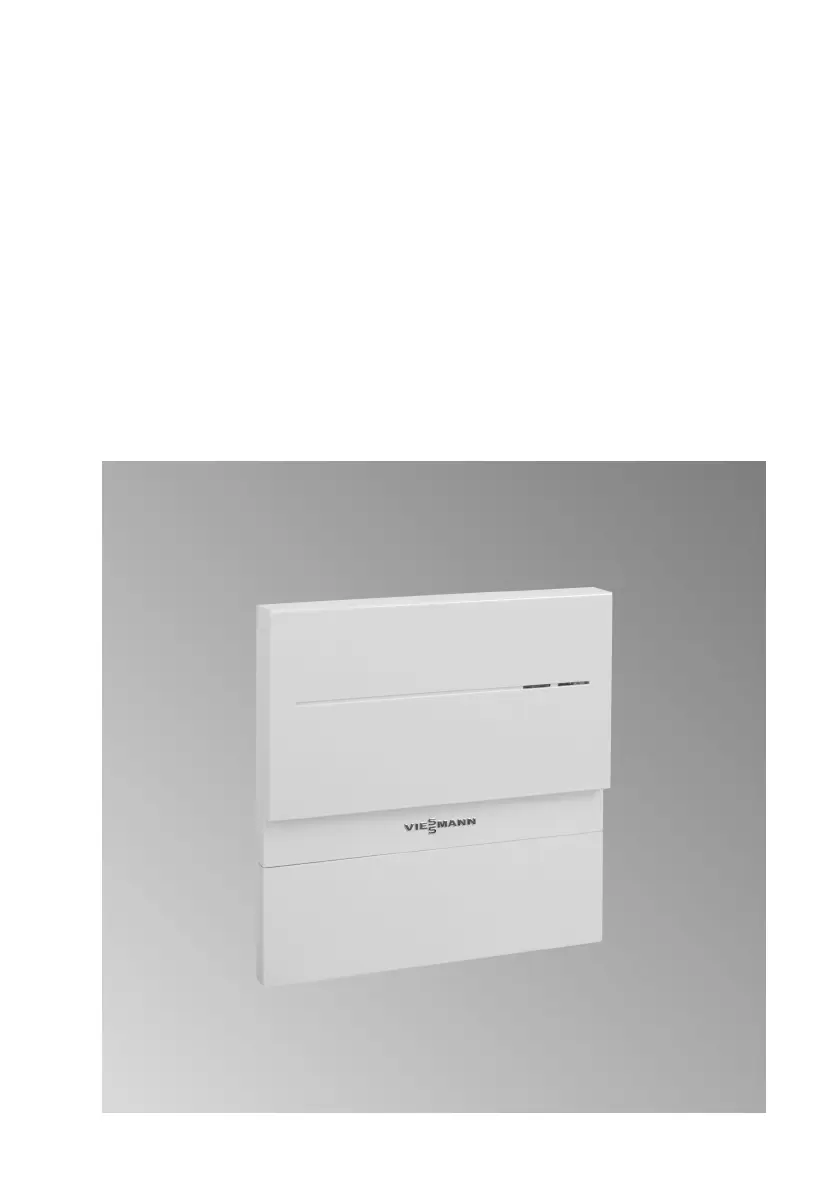
Viessmann Vitocom 100 - User Manual

Viessmann Vitocom 100
44 pages
Print Icon
To Next Page IconTo Next Page
Loading...
Operating instructions
for the system user
VIESMANN
Remote monitoring and remote control of heating systems
VITOCOM 100
5782 277 GB 2/2013
Please keep safe.

Other manuals for Viessmann Vitocom 100

Questions and Answers

  • G
    George PerkinsSep 8, 2025
    What to do if the messages are displayed in the Vitotrol app, but not sent to message destinations in Viessmann Control Systems?
    • L
      Laurie SchwartzSep 8, 2025
      To solve this, check the configuration of the message destinations in the Vitodata 100.
  • F
    frankdonnaAug 23, 2025
    How to fix red flashing light on Viessmann Recording Equipment reception quality indicator?
    • C
      Carla PenaAug 23, 2025
      If the reception quality indicator on your Viessmann Recording Equipment flashes or illuminates red, it indicates inadequate reception quality. To resolve this: * Check the mobile network reception quality using a mobile phone where the aerial is installed. * Adjust the aerial. * Consider selecting a different site for the Vitocom 100 and the aerial.
  • G
    gonzalezjessicaAug 25, 2025
    Why is the mobile network connection status indicator yellow on my Viessmann Recording Equipment?
    • K
      Kenneth YoungAug 25, 2025
      If the mobile network connection status indicator on your Viessmann Recording Equipment illuminates yellow, it means the wireless connection is not available. To solve this, disconnect the plug-in power supply unit and reconnect it after approximately 15 seconds. This will repeat the connection attempt.
  • C
    Cindy OdonnellAug 26, 2025
    What to do if Viessmann Recording Equipment mobile network connection flashes yellow?
    • S
      Sarah SmithAug 26, 2025
      If the mobile network connection status indicator on your Viessmann Recording Equipment flashes yellow slowly, it means a connection to the mobile network cannot be established. Here's how to address it: 1. Use a mobile phone to check the reception quality of the mobile network where the aerial is installed. 2. Adjust the aerial. 3. Select a different site for the Vitocom 100. 4. Use a tested SIM card for another mobile network.
  • R
    Richard HortonAug 27, 2025
    Why does Viessmann Recording Equipment flash green for too long?
    • J
      john58Aug 27, 2025
      If the operating status indicator on your Viessmann Recording Equipment flashes green for longer than 5 minutes after start-up, it indicates a fault when initialising the Vitocom 100. To resolve this: * Disconnect the plug-in power supply unit and reconnect it after approximately 15 seconds. * If the issue persists, replace the Vitocom 100.
  • T
    Tonya BennettSep 22, 2025
    What to do if I see all 3 LED's illuminate after mains voltage connection on my Viessmann Remote Control?
    • A
      Allison BirdSep 22, 2025
      If all 3 LEDs illuminate after connecting to the mains voltage, commission the unit.
  • L
    Linda MaySep 16, 2025
    Why is the yellow LED permanently on my Viessmann Remote Control?
    • D
      Darrell JamesSep 16, 2025
      The yellow LED may be permanently on because a dial-in to the GSM mobile phone network was not possible within 2 minutes. To resolve this, check the aerial position. If this does not work, trigger a reset by briefly pressing the button and making another attempt to dial in.
  • N
    nwarrenSep 18, 2025
    What to do if the yellow LED flashes on my Viessmann Remote Control?
    • L
      lawrencemargaretSep 18, 2025
      If the yellow LED flashes at 0.5 second intervals, it could be that the PIN code was not recognised. In this case, enter the PIN code again. Alternatively, check the SIM card in any mobile phone.
  • E
    Erin BergSep 7, 2025
    How to fix Vitocom 100 (Viessmann Control Systems) reporting a subscriber failure?
    • T
      thompsonkennethSep 7, 2025
      If the Vitocom 100 reports a "subscriber failure", the solution is to check the LON cable.
  • V
    Vanessa HicksSep 4, 2025
    What to do if the yellow LED flashes on Viessmann Vitocom 100 Remote Control?
    • N
      natalieandersonSep 4, 2025
      If the yellow LED on your Viessmann Remote Control flashes in 0.5-second intervals, it could be due to a missing SIM card or an unrecognised PIN code. Insert the SIM card, re-enter the PIN code, and check the SIM card in any mobile phone to ensure it is working correctly.

Viessmann Vitocom 100 Specifications

Operating Environment IconOperating Environment
operating ambient temperature32°F to 131°F (0°C to +55°C)
storage and transport ambient temperature-4°F to 185°F (-20°C to +85°C)
installation locationsliving spaces and boiler rooms
Power IconPower
operating voltage5V–
rated current1.6 A
power consumption8 W
Plug-in Power Supply IconPlug-in Power Supply
rated voltage120V~
rated frequency60 Hz
output voltage5V–

Related product manuals