24
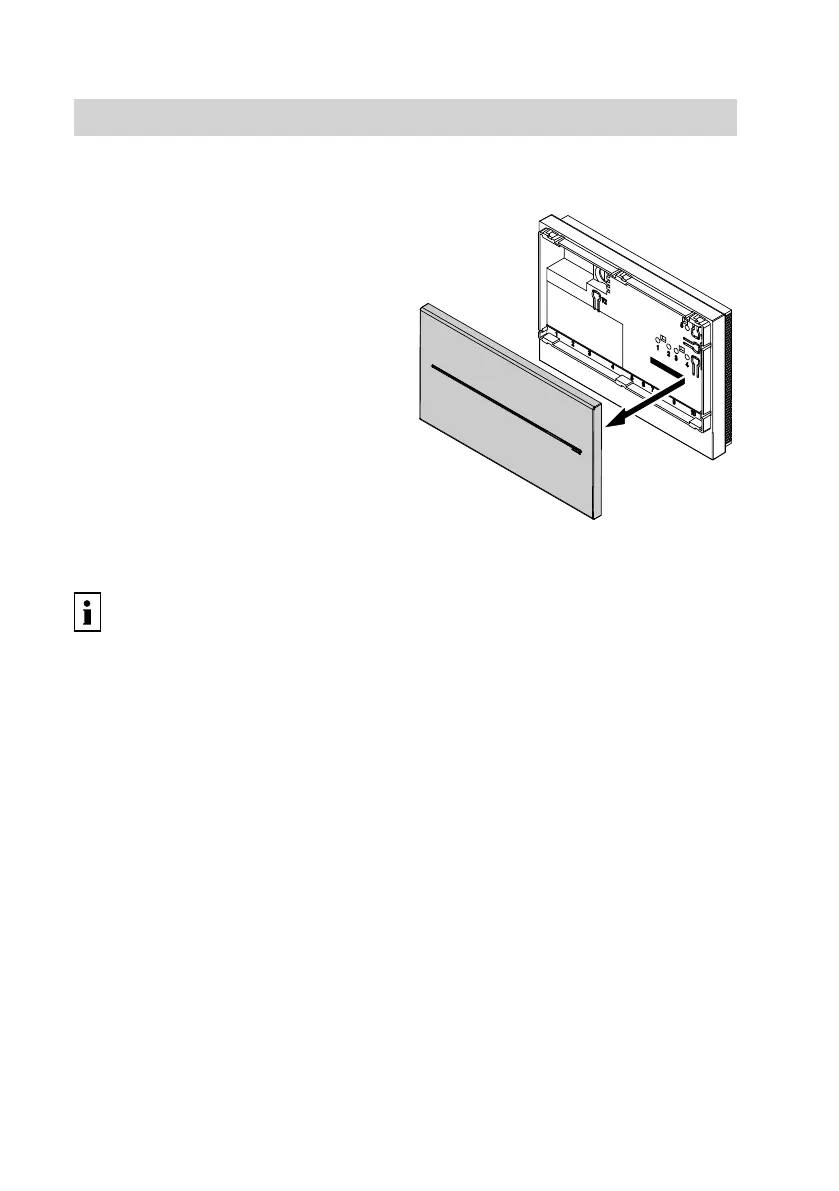
Removing the cover
!
Please note
Touching electrical contacts can
result in equipment damage.
If the power supply is already
connected, always unplug the
power supply unit before remov-
ing the cover.
Inserting the SIM card
Further information can be found
in chapter "Terminology" in the Ap-
pendix.
The SIM card must be SMS-enabled and
does not require speech support. Such
cards can offer a price advantage over
similar cards with speech support.
!
Please note
The mobile phone number is per-
manently linked to the SIM card.
When the SIM card is replaced,
the Vitocom 100 is given a new
mobile phone number.
Save the changed mobile phone
number to your mobile phone.
!
Please note
The correct function of the
Vitocom 100 cannot be ensured
with an untested SIM card.
Only use SIM cards that have
been tested by Viessmann (see
the list of tested SIM cards at
www.vitocom.info).
Note
■ If the SIM card was previously used in
a mobile phone, ensure that all stored
SMS messages are deleted from the
SIM card.
■ Check the position of the angled cor-
ner.
■ Use an on-site adaptor (micro SIM to
SIM) if a micro SIM card is used.
Commissioning the Vitocom
Changing the SIM card
5782 277 GB



 To Next Page