26
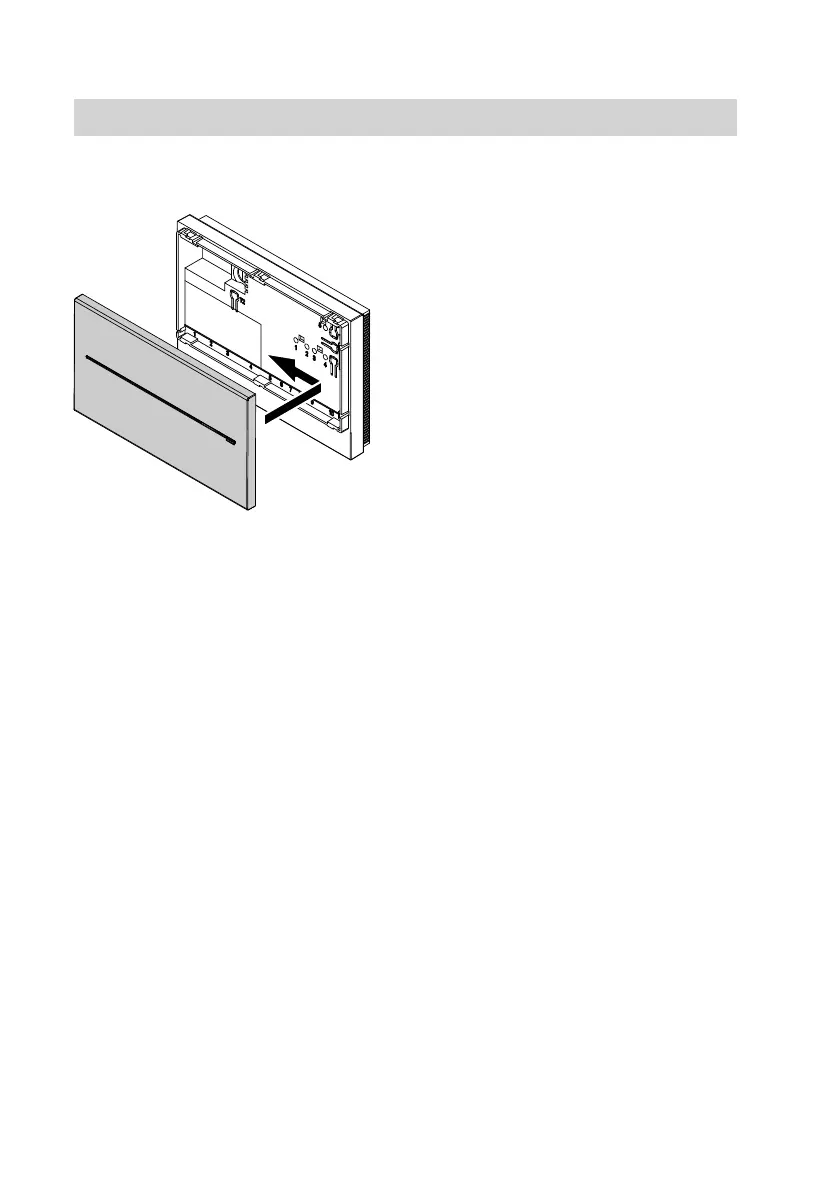
Closing the cover
Restarting the Vitocom
1. Plug the power supply unit into the
socket.
The Vitocom 100 is initialised.
2. During first-time commissioning
with a new SIM card:
The operating status indicator "4"
flashes green.
After approx. 2 min:
The field strength indicator "2" and
the indicator for the mobile network
connection status "3" flash yellow;
the operating status indicator "4"
flashes red.
Enter the PIN of the SIM card (see
page 27).
3. Note
After entering the PIN, the
Vitocom 100 is commissioned exclu-
sively via SMS messages using a
mobile phone.
Send the commissioning SMS to the
Vitocom 100; see page 28.
4. Optional:
Create SMS templates in the mobile
phone; see page 21.
5. Optional:
Enter fax number; see page 35.
Commissioning the Vitocom
Changing the SIM card
(cont.)
5782 277 GB



 To Next Page