EasyManua.ls Logo

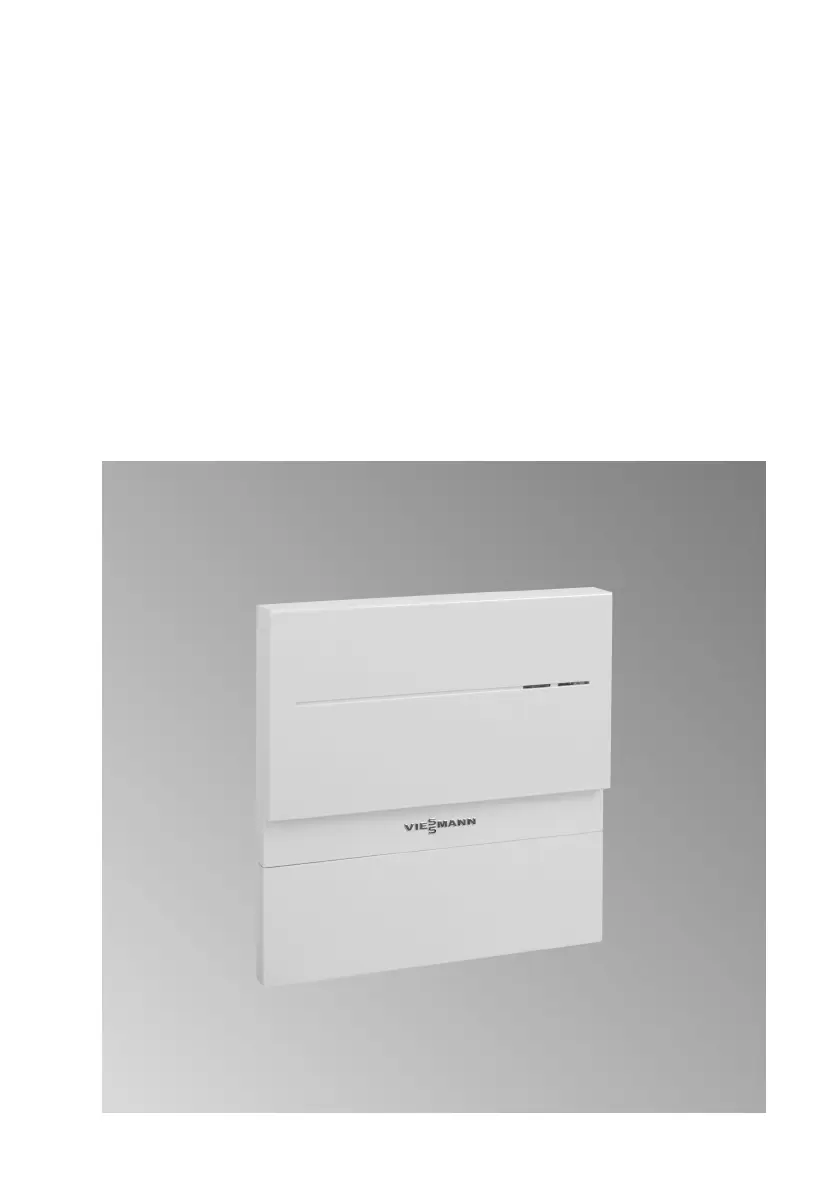
Viessmann Vitocom 100 - User Manual

Viessmann Vitocom 100
44 pages
Print Icon
To Next Page IconTo Next Page
Loading...
Operating instructions
for the system user
VIESMANN
Remote monitoring and remote control of heating systems
VITOCOM 100
5782 277 GB 2/2013
Please keep safe.

Other manuals for Viessmann Vitocom 100

Questions and Answers

  • M
    mark22Aug 21, 2025
    What to do if all indicators on the Viessmann Recording Equipment 100 are off?
    • J
      Jennifer DavisAug 21, 2025
      If all indicators on your Viessmann Recording Equipment 100 are off, the first step is to check the power supply to the unit.
  • V
    Vanessa HicksSep 4, 2025
    What to do if the yellow LED flashes on Viessmann Vitocom 100 Remote Control?
    • N
      natalieandersonSep 4, 2025
      If the yellow LED on your Viessmann Remote Control flashes in 0.5-second intervals, it could be due to a missing SIM card or an unrecognised PIN code. Insert the SIM card, re-enter the PIN code, and check the SIM card in any mobile phone to ensure it is working correctly.
  • M
    Michelle MurphySep 2, 2025
    Why Viessmann Remote Control shows 'Heating system emergency 1111'?
    • D
      Destiny LeSep 2, 2025
      The 'Heating system emergency 1111' on your Viessmann Remote Control indicates that the outside temperature sensor at the heating system has suffered a short circuit, which is indicated by fault code 10 of the control unit. The system is now in 'emergency mode'.
  • I
    Isabella AdamsSep 1, 2025
    What to do if the Viessmann Vitocom 100 yellow LED is permanently on?
    • S
      Sue ThompsonSep 1, 2025
      If the yellow LED on your Viessmann Remote Control is permanently on, it means that a dial-in to the GSM mobile phone network was not possible within 2 minutes. You should check the aerial position. If that doesn't work, trigger a reset by briefly pressing the pushbutton for entering the PIN and make another attempt to dial in.
  • F
    fmooreAug 30, 2025
    What to do if no dial-in to GSM mobile phone network possible with Viessmann Remote Control?
    • A
      Ann HillAug 31, 2025
      If you're experiencing issues with dialing into the GSM mobile phone network using your Viessmann Remote Control, there are a couple of things you can try. First, check the SIM card by testing it in a mobile phone and ensure the aerial is correctly positioned. If the issue persists, try performing a reset by briefly pressing the button and then attempt to dial in again.
  • M
    Mary GarciaAug 29, 2025
    What to do if Viessmann Recording Equipment flashes red quickly?
    • S
      Shawn PattersonAug 29, 2025
      If the operating status indicator on your Viessmann Recording Equipment flashes red quickly, it indicates an internal fault with the Vitocom 100. To attempt a fix: * Disconnect the plug-in power supply unit and reconnect it after approximately 15 seconds. * If the problem continues, consider replacing the Vitocom 100.
  • R
    Richard HortonAug 27, 2025
    Why does Viessmann Recording Equipment flash green for too long?
    • J
      john58Aug 27, 2025
      If the operating status indicator on your Viessmann Recording Equipment flashes green for longer than 5 minutes after start-up, it indicates a fault when initialising the Vitocom 100. To resolve this: * Disconnect the plug-in power supply unit and reconnect it after approximately 15 seconds. * If the issue persists, replace the Vitocom 100.
  • C
    Cindy OdonnellAug 26, 2025
    What to do if Viessmann Recording Equipment mobile network connection flashes yellow?
    • S
      Sarah SmithAug 26, 2025
      If the mobile network connection status indicator on your Viessmann Recording Equipment flashes yellow slowly, it means a connection to the mobile network cannot be established. Here's how to address it: 1. Use a mobile phone to check the reception quality of the mobile network where the aerial is installed. 2. Adjust the aerial. 3. Select a different site for the Vitocom 100. 4. Use a tested SIM card for another mobile network.
  • G
    gonzalezjessicaAug 25, 2025
    Why is the mobile network connection status indicator yellow on my Viessmann Recording Equipment?
    • K
      Kenneth YoungAug 25, 2025
      If the mobile network connection status indicator on your Viessmann Recording Equipment illuminates yellow, it means the wireless connection is not available. To solve this, disconnect the plug-in power supply unit and reconnect it after approximately 15 seconds. This will repeat the connection attempt.
  • F
    frankdonnaAug 23, 2025
    How to fix red flashing light on Viessmann Recording Equipment reception quality indicator?
    • C
      Carla PenaAug 23, 2025
      If the reception quality indicator on your Viessmann Recording Equipment flashes or illuminates red, it indicates inadequate reception quality. To resolve this: * Check the mobile network reception quality using a mobile phone where the aerial is installed. * Adjust the aerial. * Consider selecting a different site for the Vitocom 100 and the aerial.

Viessmann Vitocom 100 Specifications

Operating Environment IconOperating Environment
operating ambient temperature32°F to 131°F (0°C to +55°C)
storage and transport ambient temperature-4°F to 185°F (-20°C to +85°C)
installation locationsliving spaces and boiler rooms
Power IconPower
operating voltage5V–
rated current1.6 A
power consumption8 W
Plug-in Power Supply IconPlug-in Power Supply
rated voltage120V~
rated frequency60 Hz
output voltage5V–

Related product manuals