12
Activating the WiFi module via the menu
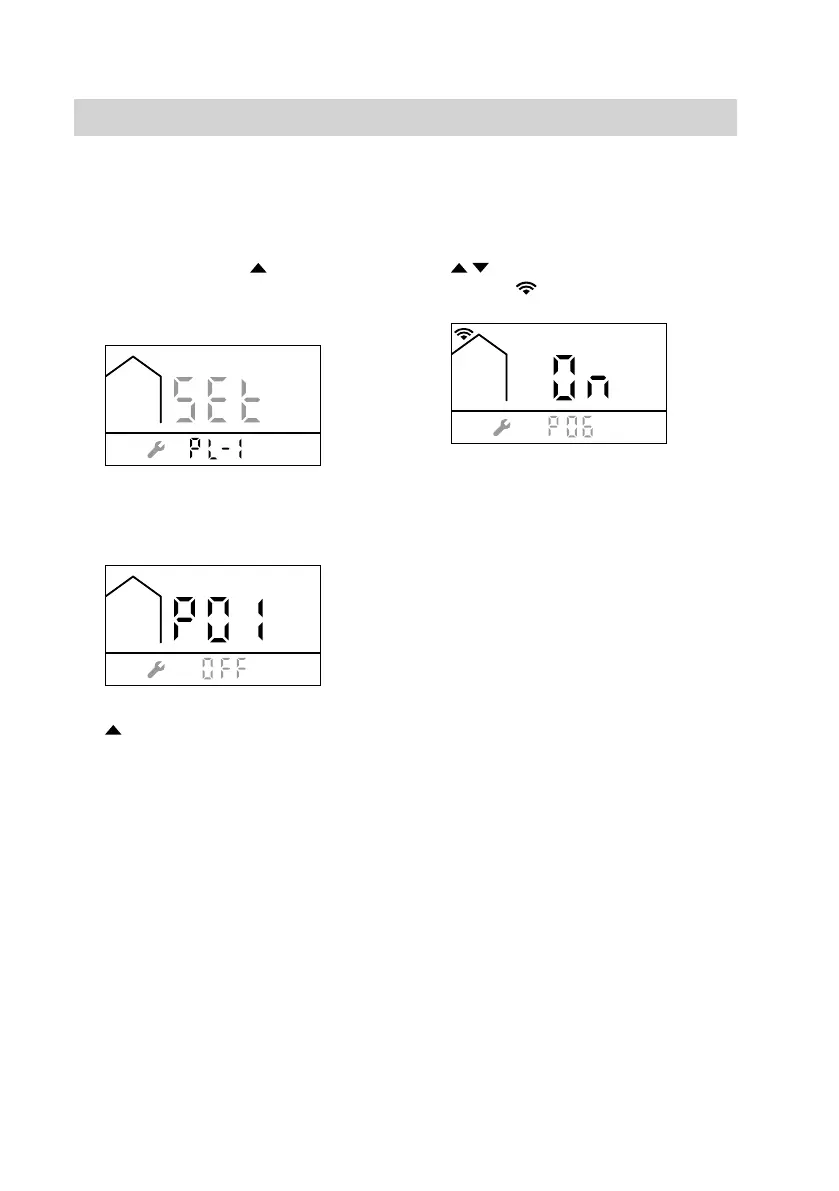
Press the following buttons:
1. Press MODE and simultaneously
and hold for at least 5 seconds until
the following display appears:
2. Press MODE within 5 seconds until
the following display appears:
3. until P06 is displayed.
4. OK to confirm
5. / until ON is displayed.
Symbol is displayed.
6. OK to confirm
7. MODE, to exit the settings mode.
If the WiFi module has been
switched on for the first time, it is in
access point mode so that it can be
configured via the associated
Viessmann app. See the following
chapter.
Connecting the heating system to WiFi and the Viessmann
server
The heating system is registered on the
Viessmann server via the relevant
Viessmann app.
1. Ask the system user to install the
relevant Viessmann app on their
smartphone or tablet.
2. Launch the Viessmann app and fol-
low the instructions it gives.
Displayed on the boiler control unit:
■ The message "COnn" is displayed
while the connection is being estab-
lished
■ If the WiFi module fails to register on
the router, "FAIL" is displayed.
■ When the WiFi module registers suc-
cessfully on the router, "PASS" is
displayed.
■ If the WiFi module is active in access
point mode, "AP" is displayed.
Connecting the control unit to the WiFi
(cont.)
5838175



 To Next Page