13
Symbols shown during operation
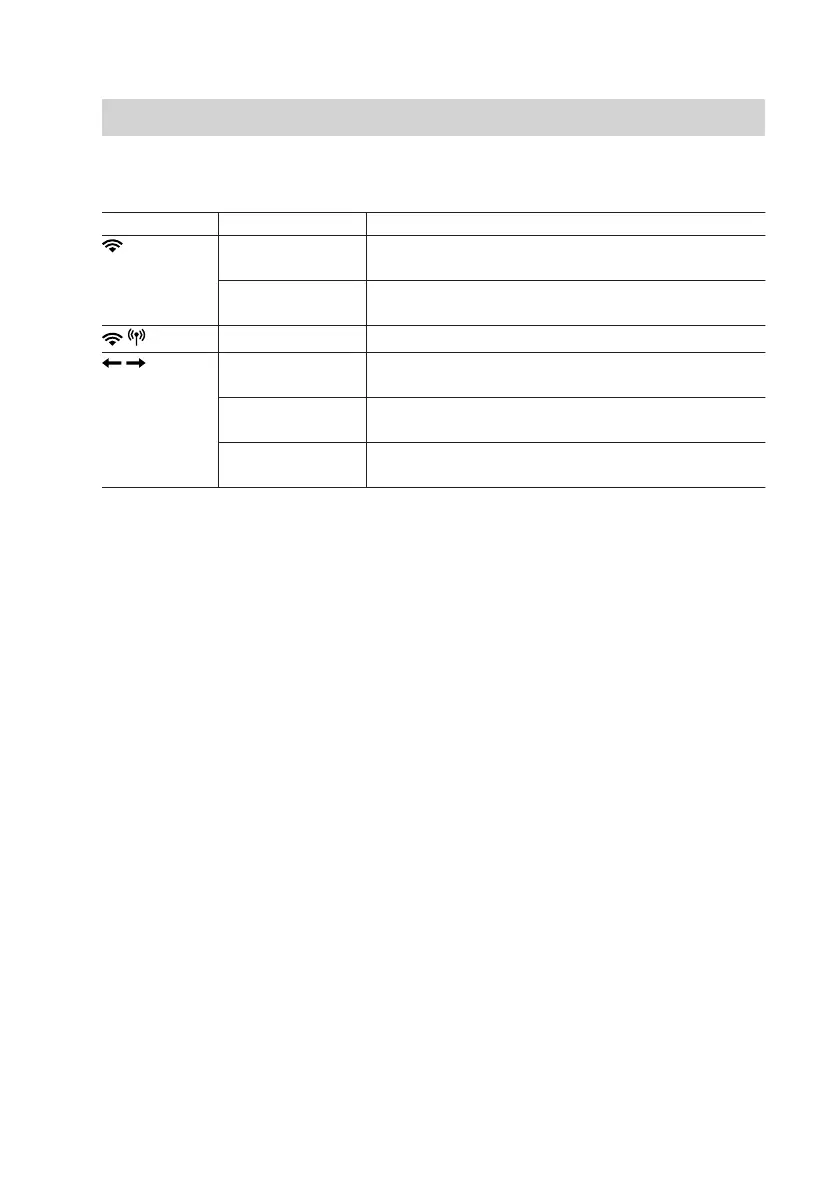
Symbol Display Meaning
Flashing WiFi module is active and trying to establish a
connection to the router.
Permanently on WiFi module is active and connected to the rout-
er.
Permanently on WiFi module active in access point mode
Flashing alter-
nately
Time synchronisation via NTP server running.
Flashing syn-
chronously
Establishing a connection to the Viessmann
server
Permanently on Connection to Viessmann server active and time
synchronised
Connecting the control unit to the WiFi
(cont.)
5838175



 To Next Page