15
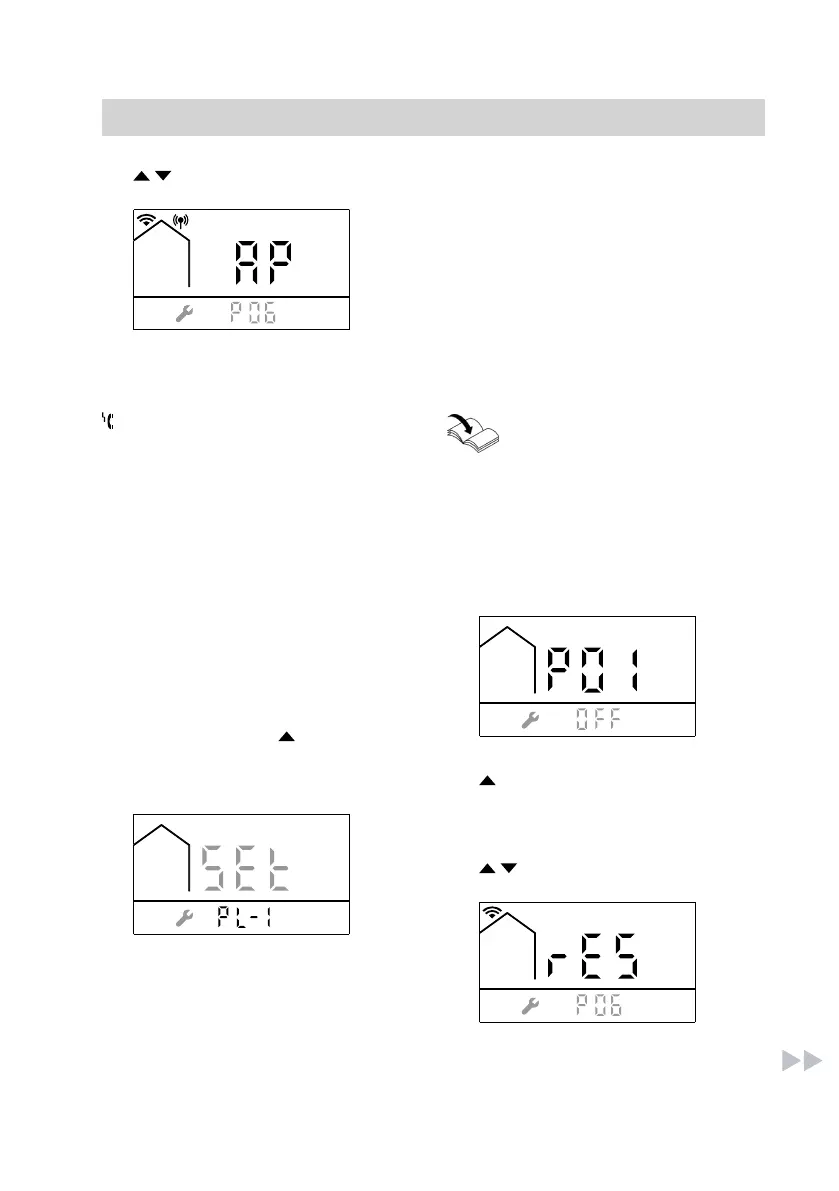
5. / until AP is displayed. 6. OK to confirm
7. MODE, to exit the settings mode.
8. Start configuration via the
Viessmann app.
Faults during operation
flashes and "FAC" is displayed: Con-
nection error between the WiFi module
and the control unit.
For more information, see mes-
sages in the app.
Reinstating the delivered condition
Resetting the WiFi module
Note
Only possible if the WiFi module is acti-
vated.
Press the following buttons:
1. Press MODE and simultaneously
and hold for at least 5 seconds until
the following display appears:
2. Press MODE within 5 seconds until
the following display appears:
3. until P06 is displayed.
4. OK to confirm
5. / until rES appears.
6. OK to confirm
Troubleshooting
(cont.)
5838175



 To Next Page