11
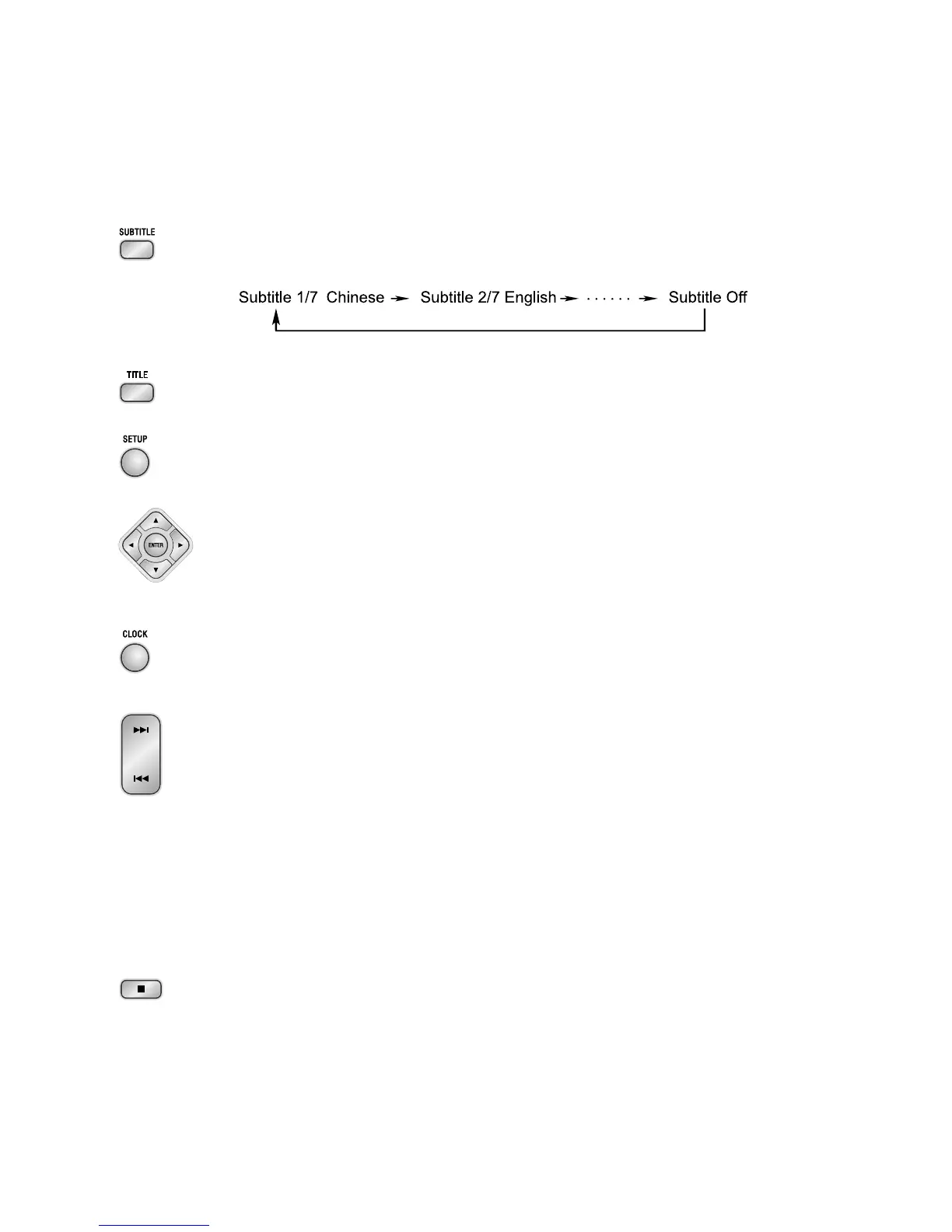
6. When you are playing the DVD disc, you can repeatedly press the subtitle button
(
SUBTITLESUBTITLE
SUBTITLESUBTITLE
SUBTITLE) to select the subtitle language to display on the TV screen if available.
7. In play mode, press the title button (
TITLETITLE
TITLETITLE
TITLE) to go back to the title menu.
8. Press the setup button (
SETUPSETUP
SETUPSETUP
SETUP) to set the function of this unit.
9. Press the direction buttons (p,q,t,u) to move the cursor to illuminate the
desired selection.
Press the confirmation button (
ENTERENTER
ENTERENTER
ENTER) to confirm the menu selection.
10.In standby mode, press the clock button (
CLOCKCLOCK
CLOCKCLOCK
CLOCK ) to set the clock.
(You can also operate the key
CLOCK CLOCK
CLOCK CLOCK
CLOCK on the panel of the DVD Player.)
11. When playing a DVD disc, press the next button (G) to skip to the next chapter
or title.
When playing a Video CD disc, press the next button (G) to skip to the next
track.
(You can also operate the key “G” on the panel of the DVD Player.)
When playing DVD disc, press the previous button (H) to skip to the previous
chapter or title.
When playing Video CD disc, press the previous button (H) to skip to the
previous track.
(You can also operate the key “H” on the panel of the DVD Player.)
12. Press the stop button (L) to stop playing, the unit will store the last playing time
in the memory automatically, then press the play/pause button (BF ), the unit
will resume to last memory time and continue playback automatically.
If you press the stop button (L) twice to stop the disc playing.
(You can also operate the key “L” on the panel of the DVD Player.)
USER : Normal sound
ROCK : For rock
CLASSIC : For classic
JAZZ : For jazz
POPS : Vocal sound is intensified


 To Next Page