10
Normal playingNormal playing
Normal playingNormal playing
Normal playing
Use the DiscsUse the Discs
Use the DiscsUse the Discs
Use the Discs
Operate the keys on the unitOperate the keys on the unit
Operate the keys on the unitOperate the keys on the unit
Operate the keys on the unit
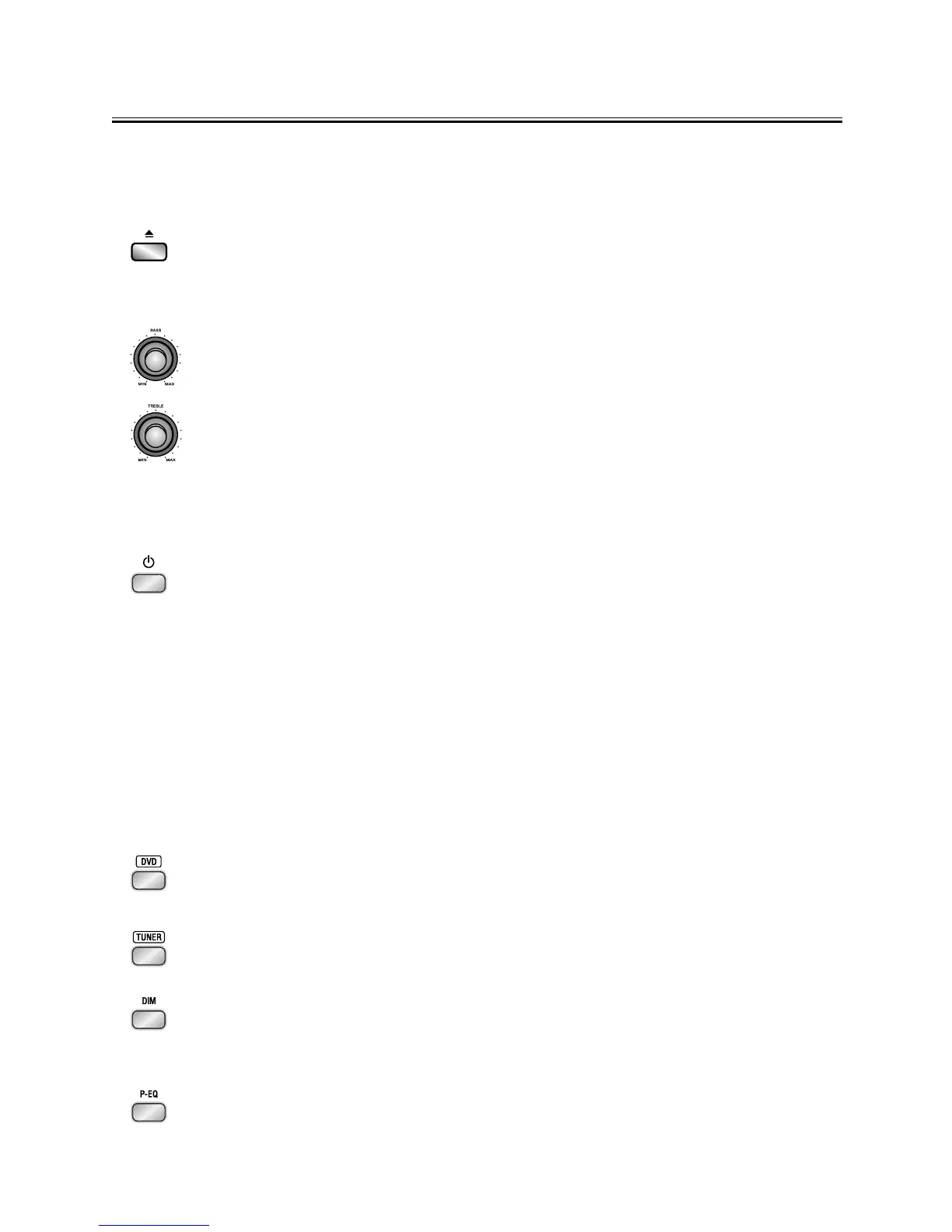
Press the open/close button (K) on the DVD Player to open the disc tray and place
the disc on the disc tray (with the printed side up). Press this button again to close
the disc tray, the unit will read the disc and the disc type will display on the TV
screen then play it automatically.
Rotate the BASS knob clockwise or counter clockwise on the Amplifier to adjust the
intensity of the bass output sound.
Rotate the TREBLE knob clockwise or counter clockwise on the Amplifier to adjust
the intensity of the treble output sound.
Operate the keys on the remote controlOperate the keys on the remote control
Operate the keys on the remote controlOperate the keys on the remote control
Operate the keys on the remote control
1. You can use all the functions on the panel of the DVD Player or the remote control
after turning the system power on.
TT
TT
T
urning the System Onurning the System On
urning the System Onurning the System On
urning the System On
Press the standby button
((
((
(
STST
STST
ST
ANDBYANDBY
ANDBYANDBY
ANDBY
) )
) )
) to turn the system on from standby mode.
Caution:Caution:
Caution:Caution:
Caution: When turning the system on, the system will continue in the mode it
was in when it was turned off last time.
TT
TT
T
urning the System Ofurning the System Of
urning the System Ofurning the System Of
urning the System Of
ff
ff
f
Press the standby button
((
((
(
STST
STST
ST
ANDBYANDBY
ANDBYANDBY
ANDBY
))
))
) again to turn the system off (called
Standby Mode), the clock will display on the VFD.
Caution:Caution:
Caution:Caution:
Caution: Be sure to unplug the power cord from the outlet when going away or
the system is not in use for an extended period of time.
2. In power on mode, press the disc function button (
DVDDVD
DVDDVD
DVD) on the remote control or
the function button (
FUNCTIONFUNCTION
FUNCTIONFUNCTION
FUNCTION) on the panel of Amplifier to select DVD function.
3. In power on mode, press the tuner function button (
TUNERTUNER
TUNERTUNER
TUNER) on the remote control
or the function button (
FUNCTIONFUNCTION
FUNCTIONFUNCTION
FUNCTION) on the panel of Amplifier to select FM function.
4. This unit has several brightness levels for you to adjust the VFD screen to light
or dark. Press the VFD darkness select button (
DIMDIM
DIMDIM
DIM), then you can choose the
lighting level you desire.
5. You can adjust the sound reproduced simply by choosing from different preset
equalizations. Each press of the preset equalizer button (
P-EQP-EQ
P-EQP-EQ
P-EQ) will select one
of the following different preset equalizations:


 To Next Page