
 To Next Page
R
Ronald RobinsonAug 5, 2025
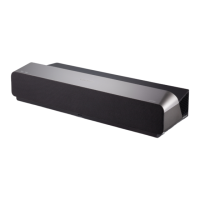
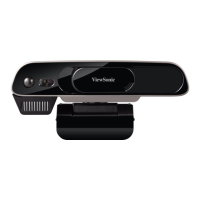
What to do if my ViewSonic Projector myViewBoard Sens will not start?
- KKendra WilkinsonAug 5, 2025
If your ViewSonic Projector's myViewBoard Sens won't start, ensure the AC adapter is correctly plugged into both the myViewBoard Sens DC-in jack and the power outlet. Also, check that the DC connector is fully inserted into the correct socket on the front of the device. Try testing the power socket with another device. Finally, confirm the sliding door of myViewBoard Sens is in the 'power on' position. If the issue persists, contact ViewSonic support or the reseller.
 General