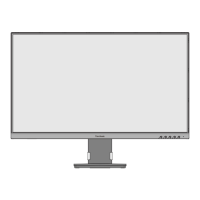
12
Refer to the table below for the standard dimensions for wall mount kits.
Maximum
Loading
(W x H)
Interface Pad
(W x H x D)
Pad
Hole
14 kg 100 x 100 mm 115 x 115 x 2.6 mm Ø 5 mm
M4 x 10 mm
4 pieces
Wall mount kits are sold separately.
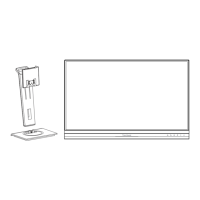
1. Turn o the device and disconnect all cables.
2. Place the device on a at, stable surface, with the screen facing down.
3. Push and hold the quick release tab and carefully li the stand.
4. Pull down slightly to disengage the hooks and remove the stand.


 To Next Page