4
Introducon
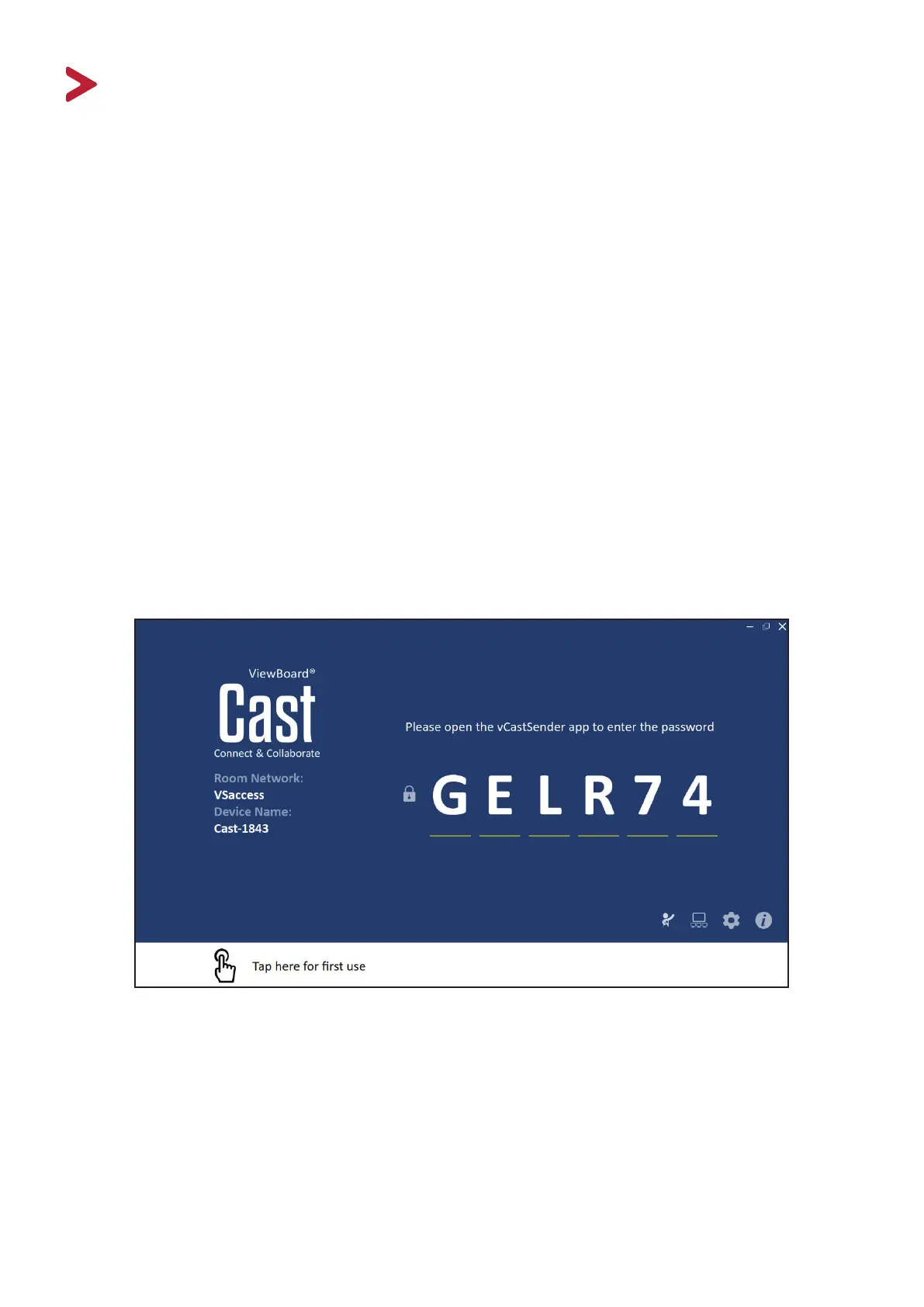
ViewBoard® Cast for Windows soware is designed for wireless presentaons and
wireless collaboraon.
Working with ViewBoard® Cast soware and the vCastSender app allows you to
stream live recordings and annotate as well as share your screen, photos, videos,
annotaons, documents and camera directly onto ViewSonic® ViewBoard®
Interacve Flat Panels and other mobile devices.
Presenters can control displayed content from a phone, tablet, or laptop while
Android and iOS device users are able to use vCastSender’s specialized annotaon
toolbar and control the ViewBoard® remotely. Whether in class or in a meeng,
vCastSender makes teaching and group discussion quick and easy. The specialized
moderaon feature allows a moderator to take control of meengs or classrooms.
Wireless screen sharing and collaboraon in just three easy steps:
1. Connect with ViewBoard® Cast.
2. Download vCastSender app.
3. Open vCastSender to share content.


 To Next Page