19
Moderator mode for PC users (Window/Mac/Chrome only)
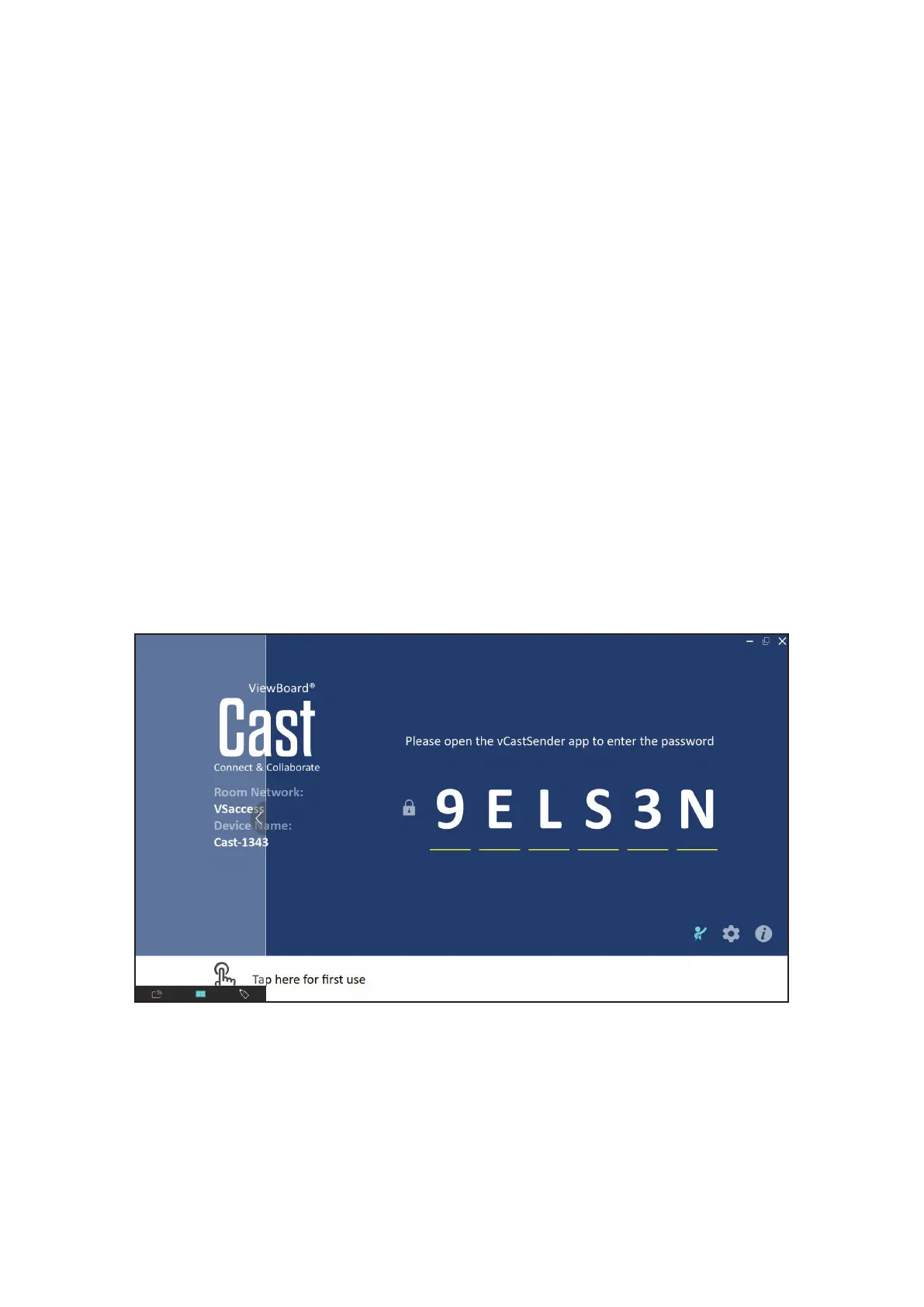
Click the Moderator icon on-screen to enter ViewBoard® Cast Moderator mode, the
feature allows the Moderator to take control of meengs or a classroom.
NOTE:
• Moderator mode is only supported on Windows/Mac/Chrome devices.
• When you cast your Windows/Mac/Chrome screen to a ViewBoard®, the
full screen will not be broadcasted back to your device in order to avoid re-
cycled screen casng.
• Chrome OS is limited to only a “preview” funcon and casng sound out.
• Moderator: The moderator has full control of meengs or classrooms and can
preview images and screens shared to the ViewBoard® by a presenter.
• Broadcast and annotate: Moderators can broadcast screen content to
parcipants on Windows/Mac/Chrome devices and do annotaon.
• Presenter: Presenters can present, view, and annotate (mobile devices only).
• Viewer: Aer the moderator has enabled the broadcast funcon, all parcipants
will be able to view the meeng or classroom content being displayed.


 To Next Page