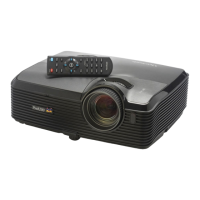
ViewSonic Pro8200 14
User 2
Recall the customized settings
based on the current available
settings.
PIP/POP
Switch screen to PIP/POP by
sequence.
Swap
Swap input source in PIP or POP
image.
Aspect
Select the display aspect ratio.
RGBCMY
Change indivial RGBCMY color (user
color setting).
Default
Restore settings to factory default.
20
21




 To Next Page