Sub-Menu
If you find a right pointer symbol (as shown in the right view) appears to the left of certain
fields that means a sub-menu can be launched from this field. A sub-menu contains
additional options for a field parameter. You can use arrow keys ( ↑↓ ) to highlight the
field and press <Enter> to call up the sub-menu. Then you can use the control keys to
enter values and move from field to field within a sub-menu. If you want to return to the
main menu, just press the <Esc >.
General Help <F1>
The BIOS setup program provides a General Help screen. You can call up this screen
from any menu by simply pressing <F1>. The Help screen lists the appropriate keys to
use and the possible selections for the highlighted item. Press <Esc> to exit the Help
screen.
The Menu Bar
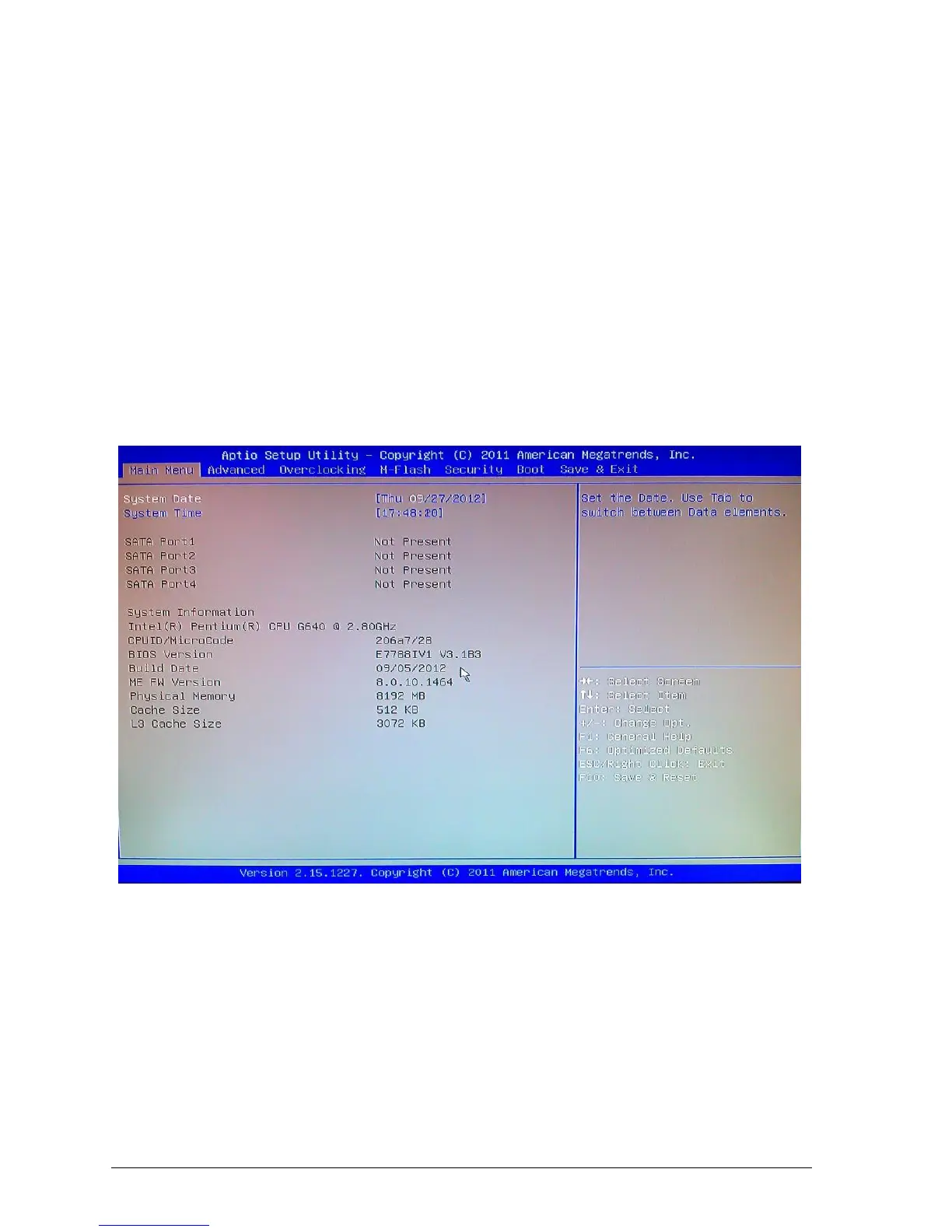
Figure 26: Main Menu Bar
Main Menu - Use this menu for basic system configurations, such as time, date etc.



 To Next Page