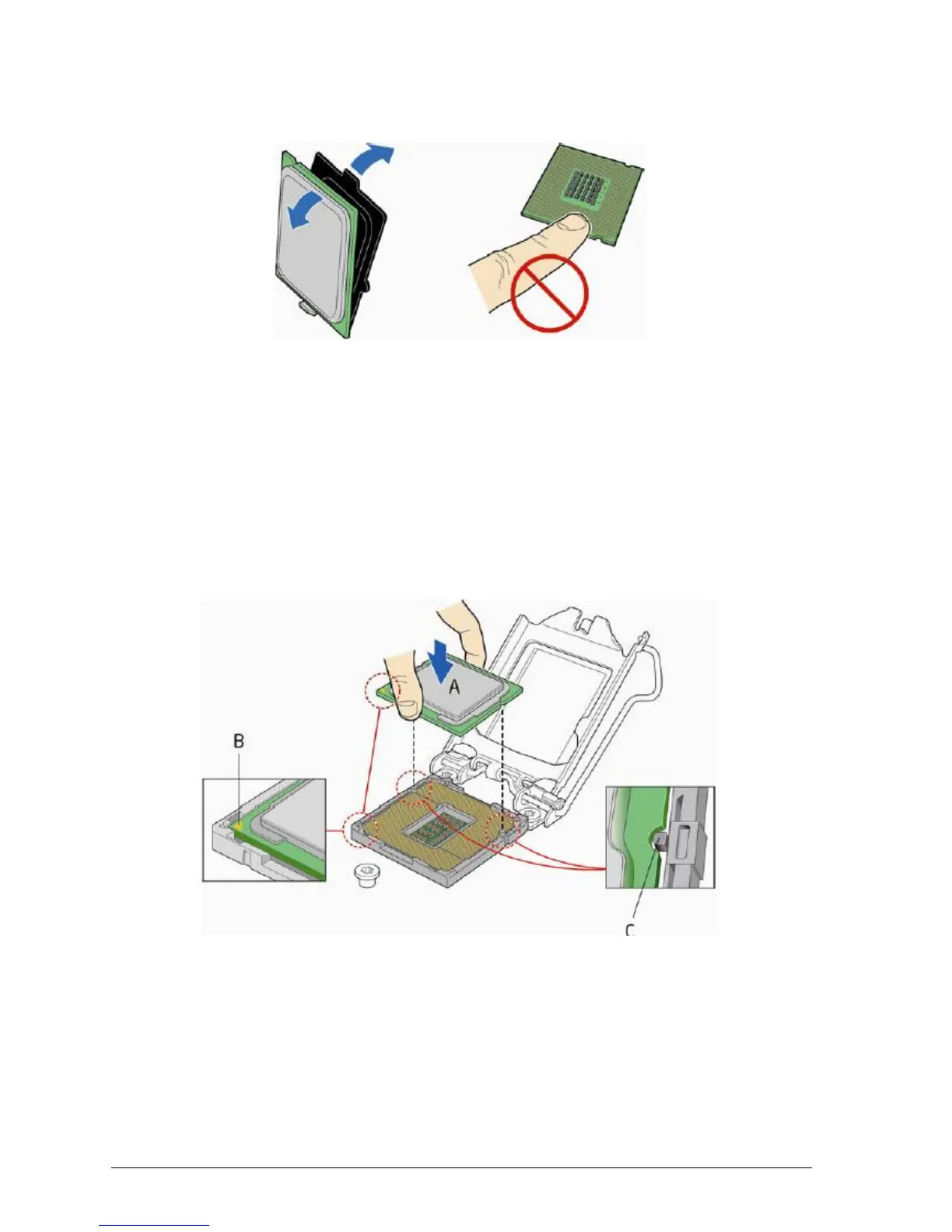
3. Remove the processor from its protective cover. Hold the processor only at the
edges, being careful not to touch the bottom of the processor (see Figure 24).
Figure 26: Remove the processor from the protective cover
Note: Do not discard the processor cover. Always replace the processor cover if you
remove the processor from the socket.
4. Hold the processor with your thumb and index finger oriented as shown in Figure 25
to align your fingers with the socket finger cut-outs. Make sure that the processor Pin
1 indicator (gold triangle) is aligned with the Pin 1 chamfer on the socket (Figure 25,
B) and that the notches on the processor align with the posts on the socket (Figure
25, C). Lower the processor straight down without tilting or sliding it in the socket
(Figure 25, A).
Figure 27: Install the processor



 To Next Page