Menu items
The highlighted item on the menu bar displays the specific items for that menu. For
example, selecting Main shows the Main menu items.
The other items (Ai Tweaker, Advanced, Monitor, Boot, Tool, and Exit) on the menu bar
have their respective menu items
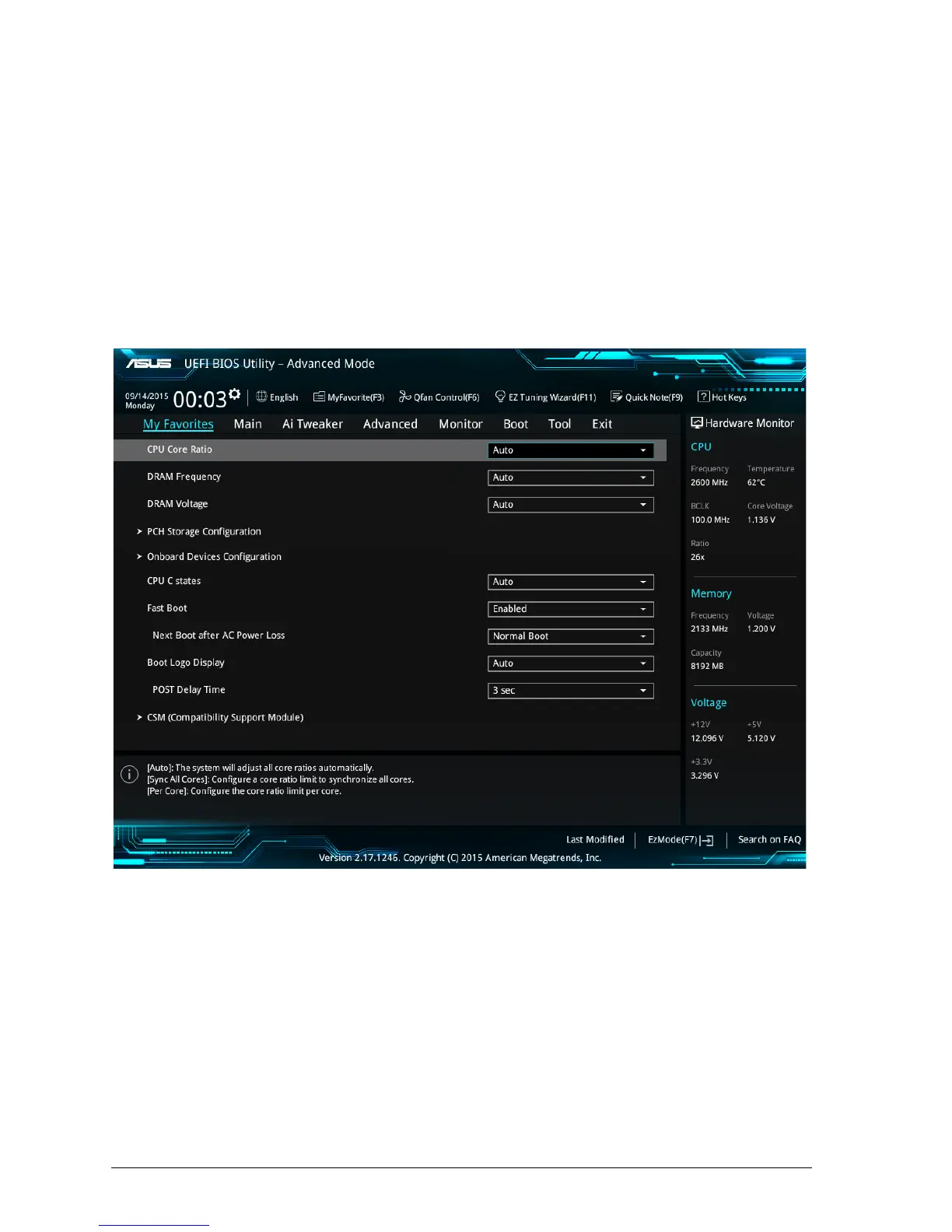
4.5 My Favourites
MyFavorites is your personal space where you can easily save and access your favourite
BIOS items.
Figure 37: My Favourites Menu



 To Next Page