6
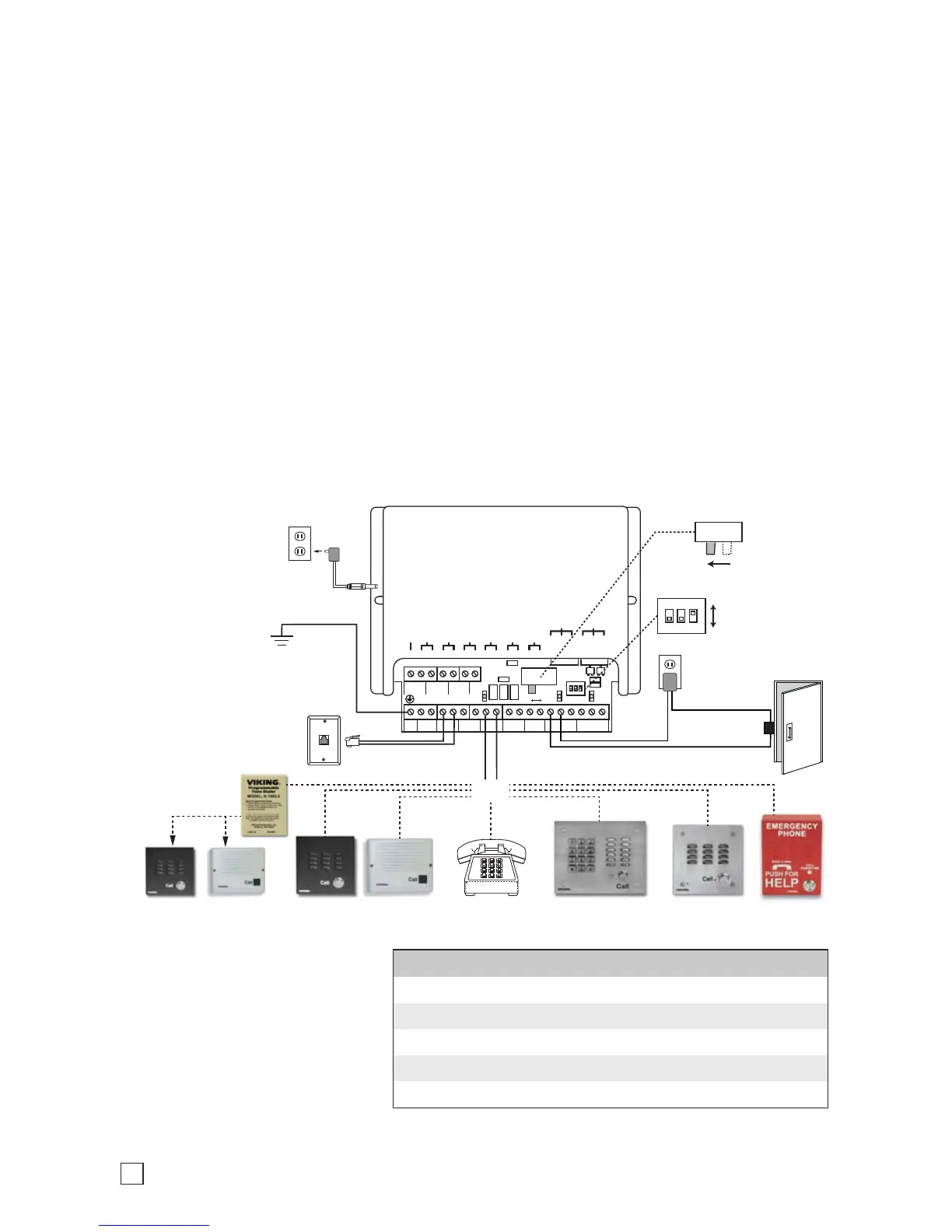
Model DOD Description
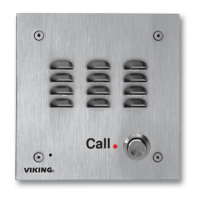
E-10A / E-20B 210 Handsfree Speaker Phones
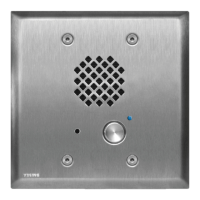
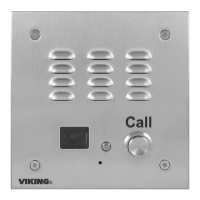
E-30 212 Vandal Resistant Handsfree Speaker Phone
E-1600A 215 Emergency/Elevator Phone
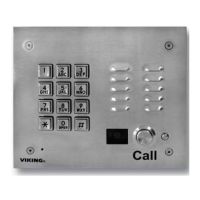
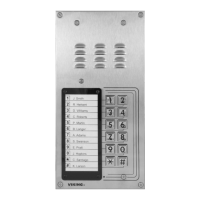
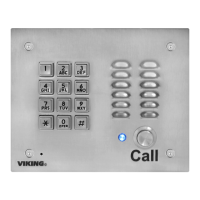
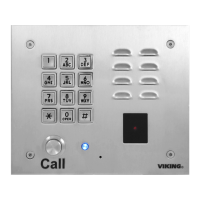
K-1700-3 157 Handsfree Speaker Phone with Keypad
K-1900-5 317 Touch Tone Dialer
The C-1000B can be used as a line concentrator, allowing up to three separate C.O. lines to connect to one
telecom device. For more information, see DOD 872.
F. Line Concentrator Mode (One Telecom Device Can Answer up to Three Lines)
The C-1000B can be used to control up to three doorboxes. For more information, see DOD 872.
G. Using the C-1000B with Three Doorboxes and No C.O. Line
Note: This mode can NOT be used with W-1000, W-2000A or W-3000 doorboxes. This application is ideal
for connecting the C-1000B to an unused analog station of your phone system. See Programming section F.
Important: 1. In this application, only a single door phone is used and
Q
5 must be selected when programming.
2. Do not program the CCTV Video Control Mode (Q8) in this application (See Note 2 below).
Only Auxiliary Contact Mode (Q7) can be used.
H. Using the C-1000B on an Analog Station Port (Analog PABX/KSU Station Mode)
Notes: *1. The K-1700-3’s keypad can be used for extension dialing, etc., but can NOT be used for keyless
entry (see Installation section D).
2. If “Switched” camera control is needed (for a switching video RF modulator), connect the camera to “Video 2
In”, connect the RF Modulator to “Video Out” and program the C-1000B with “ Q7” and “11 # 03”.
3. Once the “Analog PBX/KSU Station Mode” (Q5) has been programmed, you are not able to access the
programming mode of the C-1000B in the normal fashion. For details, see Programming, Section A.
**4. The K-1900-5’s touch tone and flash restrictions must be disabled (
Q
02). See the K-1900-5 Product
Manual for complete programming instructions, DOD 317.
*** Note: The E-10A and E-20B
Speaker Phones may be used with-
out a dialer when installed on a
ring-down circuit.
Need more information on the
products shown above? Go to:
www.vikingelectronics.com
and enter the DOD:



 To Next Page