19
Operation
After all PC programming is completed, saved to the dat file and uploaded to the CTG-2A, you can now exit programming
and place the unit in the “RUN” or “OFF” mode. To exit PC programming and place the unit in the RUN mode click on “RUN”
in the “Event Programming” screen, select “Automatically Switch Schedules” (automatically switches schedules per Calendar
programming) or select which specific “Schedule” you would like the CTG-2A to run. If you select a specific schedule the
CTG-2A will only run that schedule and will not change schedules until reprogrammed. The CTG-2A will now display the
current time with a flashing colon and light the “RUN” LED. When placed in the “RUN” mode the CTG-2A is now ready to
play and/or activate the next scheduled event. Note: Only one wave file event can be played per minute but the CTG-2A
can change a schedule, play a wave file and activate the Aux relay at the same programmed time.
To exit PC programming and place the unit in the “OFF” mode click on “Exit” in the “Event Programming” screen then click
“NO”. This will close PC programming and place the CTG-2A in the “OFF” mode. The unit’s clock display will display “OFF”.
With the CTG-2A in the “OFF” mode the unit will not play or activate any programmed events. The 4 trigger inputs will
remain fully functional for emergency signaling, etc. The unit can be placed back into the “RUN” mode via Push Button
programming or PC programming.
If you select a specific schedule through the PC software or push button programming, the CTG-2A will only run that schedule
and will not change schedules until another schedule or Automatically Switch Schedules mode is set (any schedule change
events are ignored).
Auxiliary Relay Operation
The auxiliary relay can be either timed or continuously activated through clock events. If the auxiliary relay is currently
activated (because of an event) and AC power is lost even momentarily, the auxiliary relay will no longer be activated when
power is restored. If this type of operation is not desirable, a UPS is recommended for the CTG-2A power.
If an auxiliary relay activation is missed while programming or due to power failure, connect with the CTG-2A and check
the “Aux Relay On” checkbox on the “Run” screen when finished programming. If the “Aux Relay On” checkbox is already
checked on the “Run” screen, the auxiliary relay was activated when you entered PC programming.
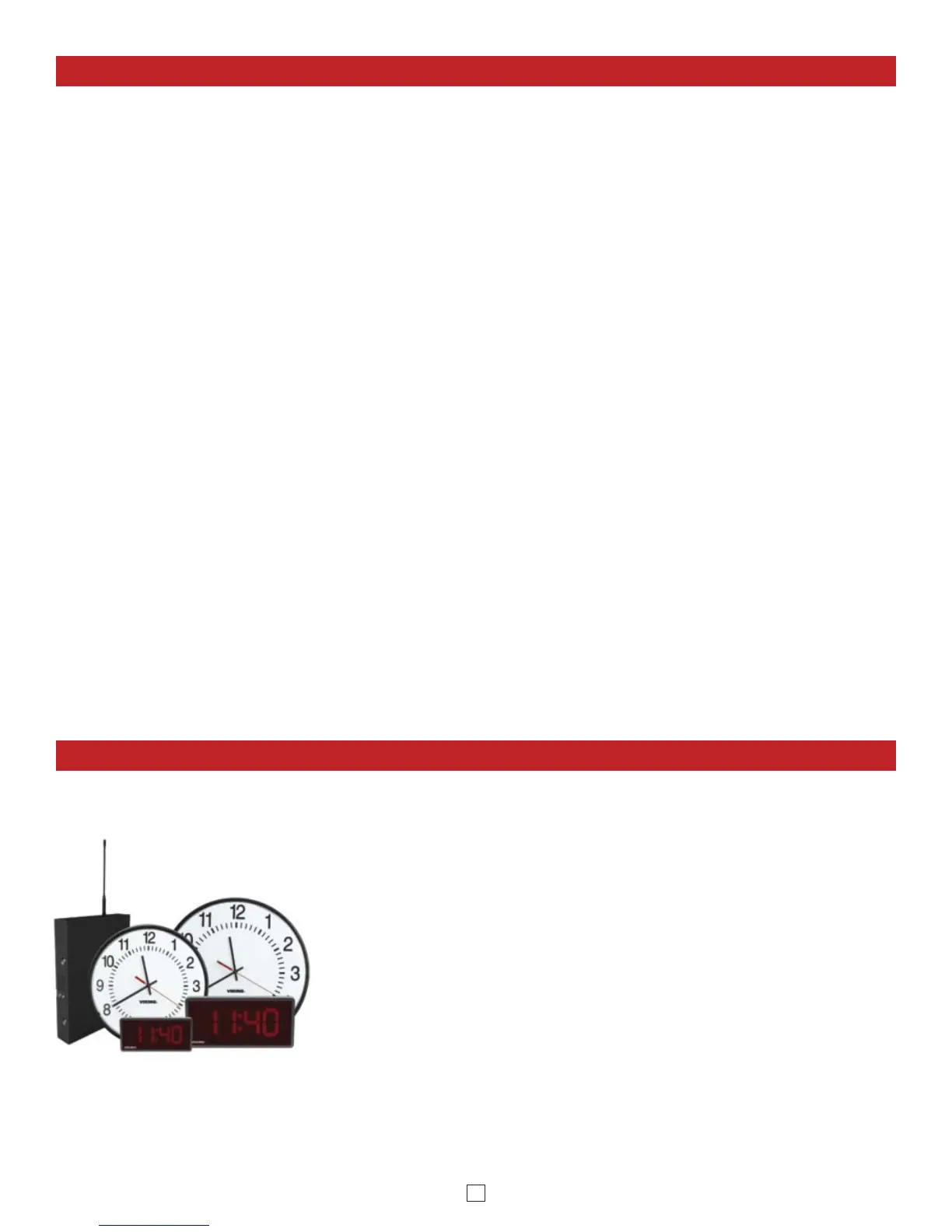
Viking’s Wireless Clock System provides reliable, accurately synchronized clocks
for your entire facility. Eliminating dedicated clock wiring can save you thousands
of dollars on installation and also allows for easy retrofitting of an existing
installation. While most wireless systems are limited to the range of the
transmitter, Viking’s system is not. Each clock acts as a Repeater (transceiver),
meaning the secondary clocks both receive and retransmit the signal, maximizing
signal transmission distances. The system is comprised of a CTG-2A master
clock, a CL-RFT clock RF transmitter and Analog or Digital wireless slave clocks.
Working on Viking’s 915-928MHz frequency hopping technology eliminates
interference with other wireless products and requires no FCC license, eliminating
extraneous fees. The received signal remains strong even under the effects of
noise, obstructions or long distances which tend to decrease the signal to noise
ratio. Installation is a cinch for our wireless clocks, just insert the batteries or
connect power and hang them. That’s it.
Wireless Analog / Digital Clocks and Accessories
See DOD# 466 for more info
Compatible Products


 To Next Page
 Loading...

