EasyManua.ls Logo

Viking Huskystar C10 - User Manual

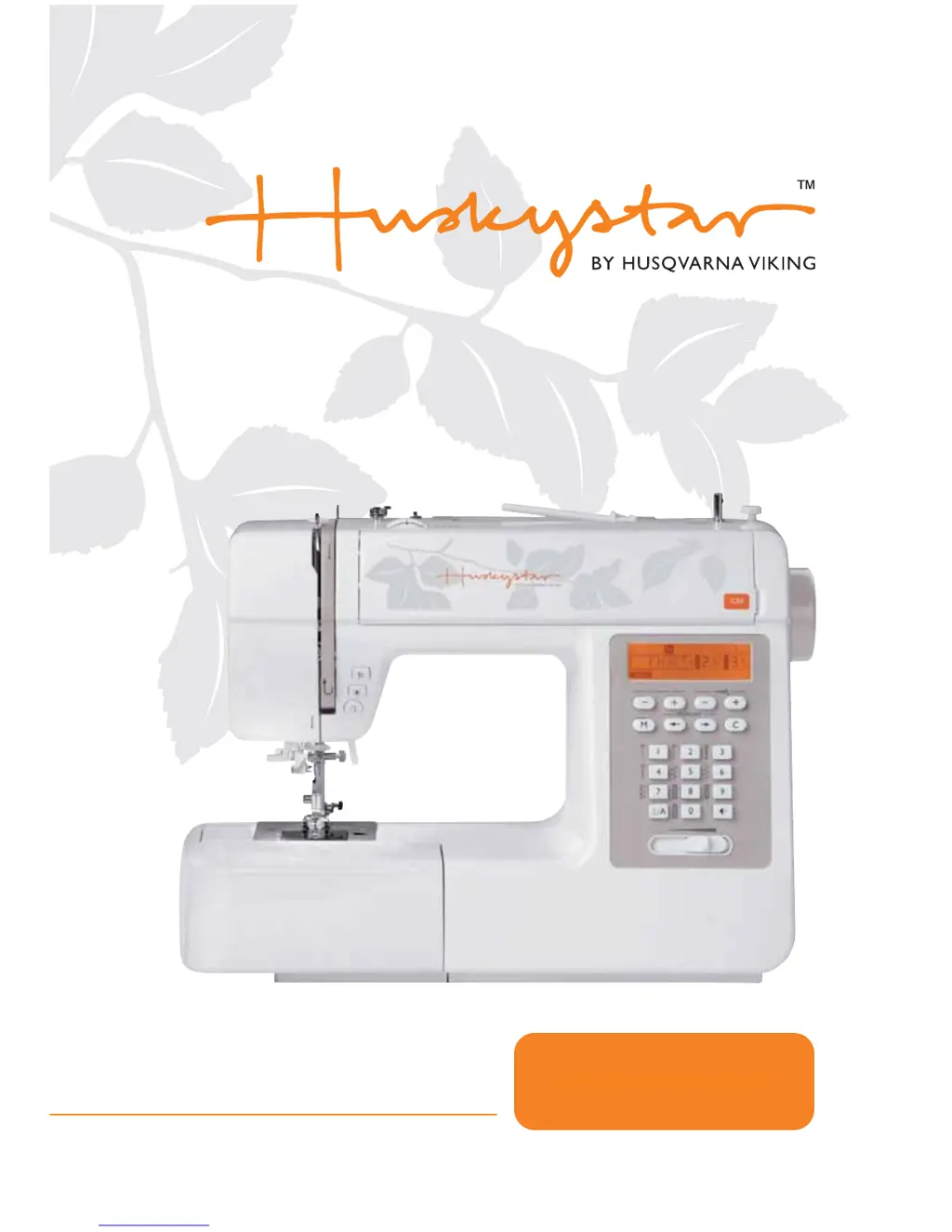
Viking Huskystar C10
72 pages
Print Icon
To Next Page IconTo Next Page
Loading...
C10/20
USER’S GUIDE

Table of Contents

Questions and Answers

  • Y
    yleeAug 18, 2025
    What to do if the needle breaks on my Viking Sewing Machine?
    • D
      Daniel DiazAug 18, 2025
      If the needle breaks on your Viking Sewing Machine, consider the following: 1. Replace the needle if it is damaged. 2. Ensure the needle is correctly inserted with the flat side towards the back. 3. Use the correct needle size for the fabric. 4. Attach the correct foot for the sewing task. 5. Firmly tighten the needle clamp screw with a screwdriver. 6. Use a presser foot appropriate for the stitch type. 7. Loosen the upper thread tension if it's too tight.
  • H
    humphreydanielAug 20, 2025
    Why does the upper thread keep breaking on my Viking Huskystar C10 Sewing Machine?
    • M
      Megan RiveraAug 20, 2025
      If the upper thread breaks on your Viking Sewing Machine, here are a few things to check: * Make sure the machine is threaded correctly; rethread it if necessary. * If the thread tension is too tight, reduce it. * If the thread is too thick for the needle, select a larger needle. * Ensure the needle is correctly inserted with the flat side towards the back. Remove and reinsert it if needed. * Check if the thread is wound around the spool holder pin; if so, remove the spool and wind the thread onto it. * Replace the needle if it is damaged.
  • V
    Vanessa DayAug 22, 2025
    How to fix skipped stitches on my Viking Sewing Machine?
    • E
      ernest44Aug 22, 2025
      If your Viking Sewing Machine is skipping stitches, try these solutions: * Remove and reinsert the needle, ensuring the flat side faces towards the back. * Replace the needle with a new one if it's damaged. * Use the correct size needle for the thread you're using. * Check that the foot is correctly attached. * Rethread the machine. * Increase the presser foot pressure.
  • T
    Thomas SandersAug 26, 2025
    Why is the lower thread breaking on my Viking Huskystar C10 Sewing Machine?
    • K
      Kimberly MitchellAug 26, 2025
      If the lower thread breaks on your Viking Sewing Machine, check these items: * Remove and reinsert the bobbin case, then pull on the thread. It should pull easily. * Check the threading of both the bobbin and bobbin case to ensure they are correct. * Loosen the lower thread tension if it is too tight.
  • N
    Nicolas BakerAug 28, 2025
    How to fix loose stitches on my Viking Huskystar C10 Sewing Machine?
    • M
      Mark ReynoldsAug 28, 2025
      If you're experiencing loose stitches with your Viking Sewing Machine: * Check the threading of the machine. * Thread the bobbin case as illustrated. * Ensure the needle size suits the fabric and thread. * Correct the thread tension.
  • M
    Mark WellsAug 30, 2025
    What causes seam puckering on my Viking Sewing Machine and how to fix it?
    • O
      ortizdanielleAug 30, 2025
      If the seams are puckering on your Viking Sewing Machine, try these solutions: * Loosen the needle thread tension. * Rethread the machine. * Choose a needle suitable for the thread and fabric. * Shorten the stitch length. * Decrease the presser foot pressure.
  • A
    Amanda HarrisSep 2, 2025
    What to do if my Viking Huskystar C10 Sewing Machine jams?
    • I
      Ivan PhillipsSep 2, 2025
      If your Viking Sewing Machine jams, remove the upper thread and bobbin case. Turn the handwheel backwards and forwards by hand to remove any thread and lint. Thread may be caught in the hook.
  • N
    Natalie PetersonSep 4, 2025
    Why are seams gathering on my Viking Huskystar C10?
    • E
      Erin BowersSep 4, 2025
      If the seams on your Viking Sewing Machine are gathering or puckering: * Select a finer needle. * Shorten the stitch length. * Loosen the thread tension.
  • M
    madison96Sep 6, 2025
    How to resolve uneven stitches and feed on my Viking Huskystar C10?
    • A
      andrea35Sep 6, 2025
      If you're experiencing uneven stitches or uneven feed with your Viking Sewing Machine: * Select a better quality thread. * Remove the bobbin case and thread, then reinsert correctly. * Avoid pulling on the fabric while sewing; let it be fed by the feed dogs.
  • B
    bradleyrileySep 9, 2025
    Why is my Viking Huskystar C10 Sewing Machine so noisy?
    • A
      Amber PattonSep 9, 2025
      If your Viking Sewing Machine is making excessive noise, consider the following: * Clean any lint or oil that has collected on the hook or needle bar. * Use only good quality sewing machine oil. * Replace the needle if it is damaged. * Note that a humming sound coming from the internal motor is normal. * Remove any thread caught in the hook by turning the handwheel backwards and forwards by hand and removing the thread and lint.

Summary

Buttons of the Machine

Connecting the Machine to the Power Source

Starting Sewing

Replacing the Needle

Changing the Presser Foot

Adjusting Presser Foot Pressure

Winding the Bobbin

Inserting the Bobbin

Threading the Upper Thread

Needle Threader

Top Thread Tension

Bringing Up the Bobbin Thread

Operation Buttons

Reverse Button

Hold down to sew backwards or a reinforcement stitch at a low speed.

Auto-lock Button

Press to sew 3 locking stitches at the start or end of a pattern and automatically stop.

Needle Up;Down Button

Decide needle position (up or down) when stopping sewing.

Function Buttons

Stitch Width Button

Adjusts stitch width, indicated by numbers on the LCD screen.

Stitch Length Button

Adjusts stitch length, indicated by numbers on the LCD screen.

Selection Buttons

Memory Buttons

Memory Button

Enter memory mode to program and store stitch combinations.

Straight Stitches and Needle Position

Zigzag Stitches

Overcasting Stitches

Buttonhole Stitching

Free-motion, Darning, Embroidery and Monogramming

Memory - Model C10

Adding Patterns

Add new stitches or modify existing ones in memory mode.

Clearing Patterns

Delete selected stitches or patterns from memory.

Memory - Model C20

Programming Patterns

Enter memory mode to program stitch combinations via the LCD screen.

Adding Patterns or Letters

Add new stitches or letters or modify existing ones in memory mode.

Clearing Patterns or Letters

Delete selected stitches or letters from memory.

Recall and Sew the Memorized Pattern

Retrieve and sew stored stitch combinations from memory.

Warning Functions

Replacing the Light Bulb

Maintenance

Troubleshooting Guide

Viking Huskystar C10 Specifications

General IconGeneral
BrandViking
ModelHuskystar C10
CategorySewing Machine
LanguageEnglish

Related product manuals