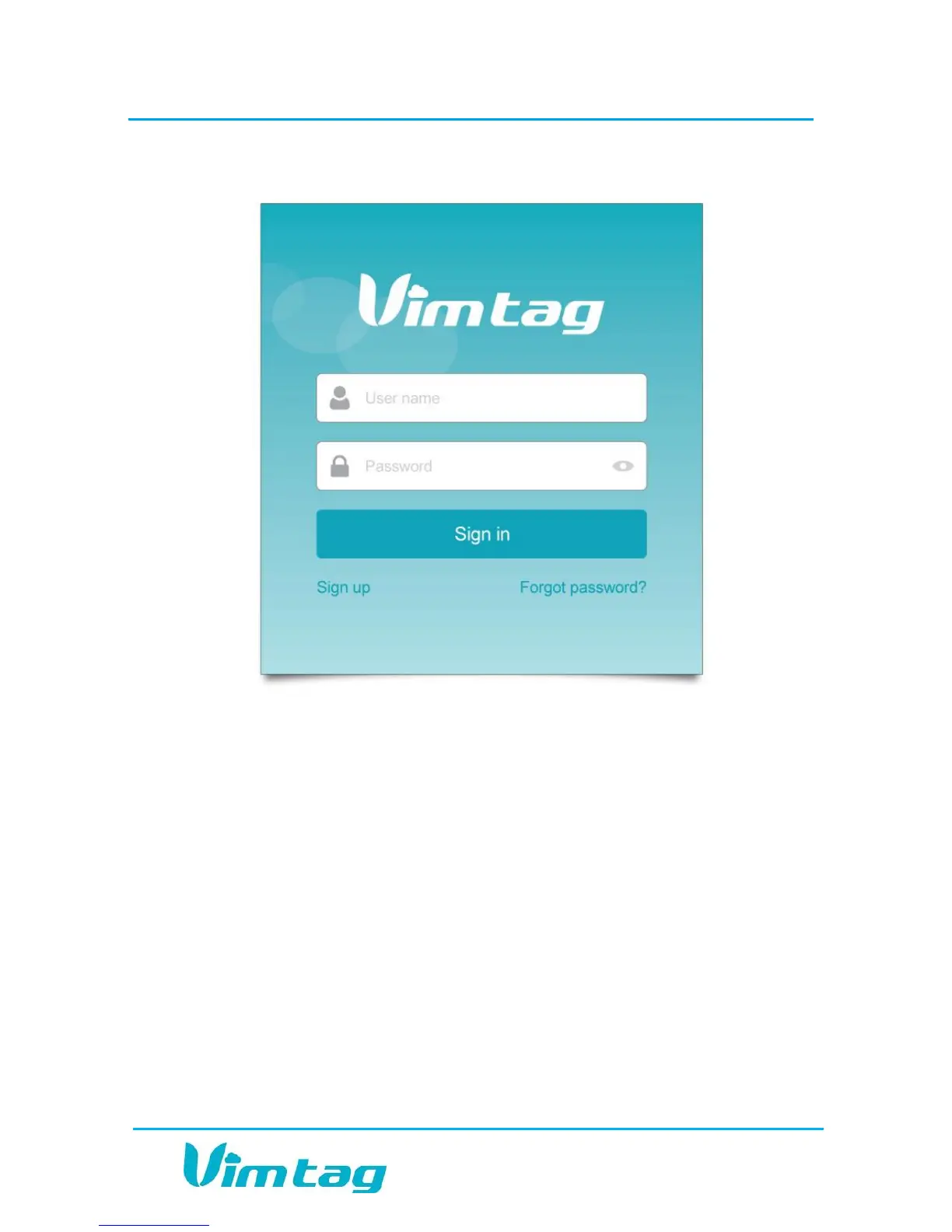
2. The Sign Up page opens. Create a User name and a Password.
Note: The user name should have 6-20 characters containing only
numbers and letters. The user name is not case-sensitive. The password
should also contain 6-20 characters. The password IS case sensitive.
3. Enter the password again in the Confirm Password field.
4. Click Sign up. If you have not picked a unique name to the system,
you will be notified and you will need to enter a new user name.
5. Once you have successfully provided a unique user name, the site will
ask you to confirm that you wish to sign in to the account. Click OK.


 To Next Page