you can download according the appropriate version for your device
or computer. Options include:
o Windows
o MAC
o Android
o iOS
On your computer, open the Vimtag website
(www.vimtag.com), and hover over APP
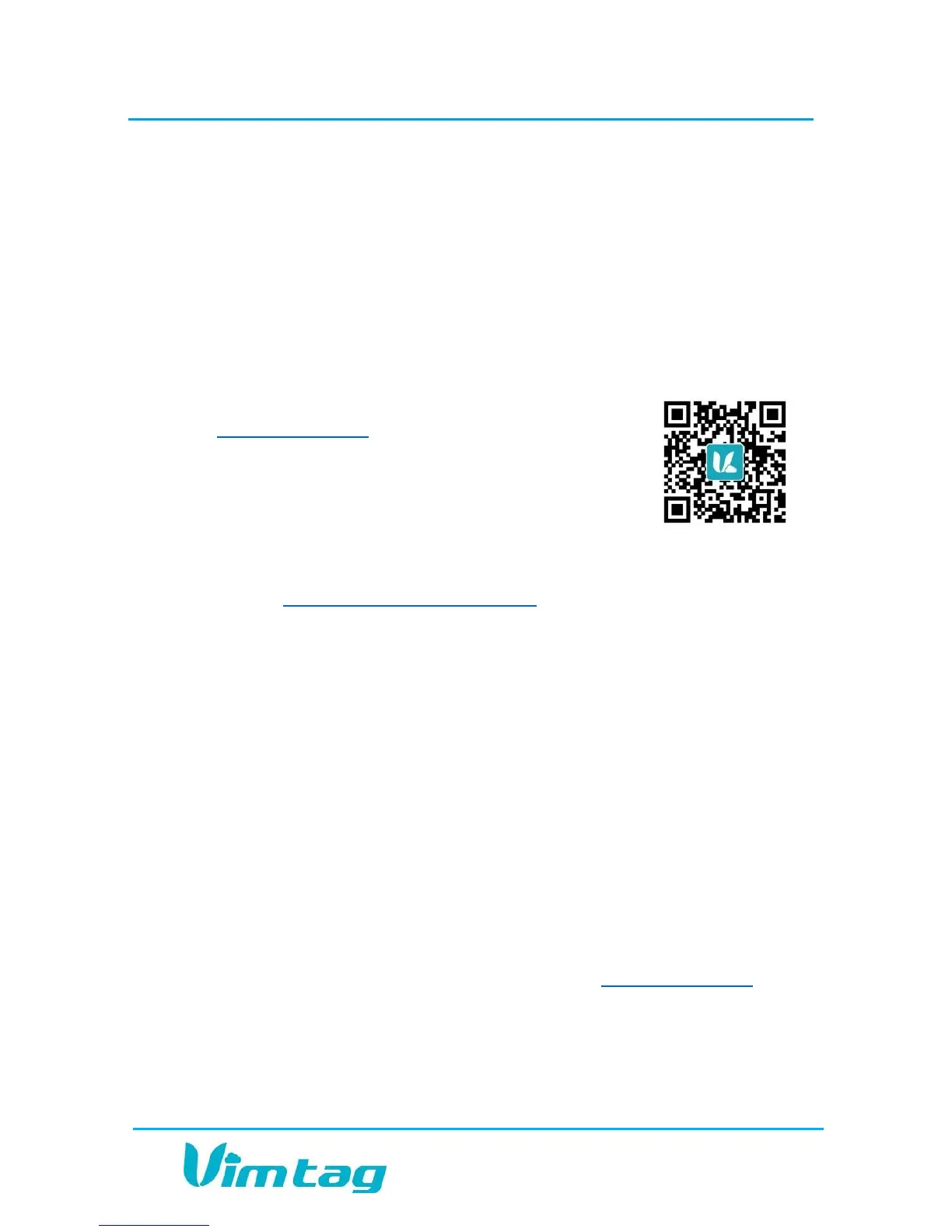
Download option. QR code will appear. Using
your mobile device, scan the QR barcode to
access a link to the appropriate Web app and
install as above.
Enter the direct link in your browser on any computer or mobile
device: (www.vimtag.com/download/), and install the app directly.
Once you have successfully downloaded and installed the Vimtag app,
you will need to create a Vimtag account.
Creating an Account
To use the cloud-based Vimtag solution, you will need to set up an
account with Vimtag.
To create an account:
1. Locate the Sign up link:
o In the Vimtag app on your mobile device, press I am a new user
Sign up >>.
o Using your Internet browser, navigate to www.vimtag.com and
locate the Sign up option under the Sign in form and click the
link.


 To Next Page