15
16
9
10
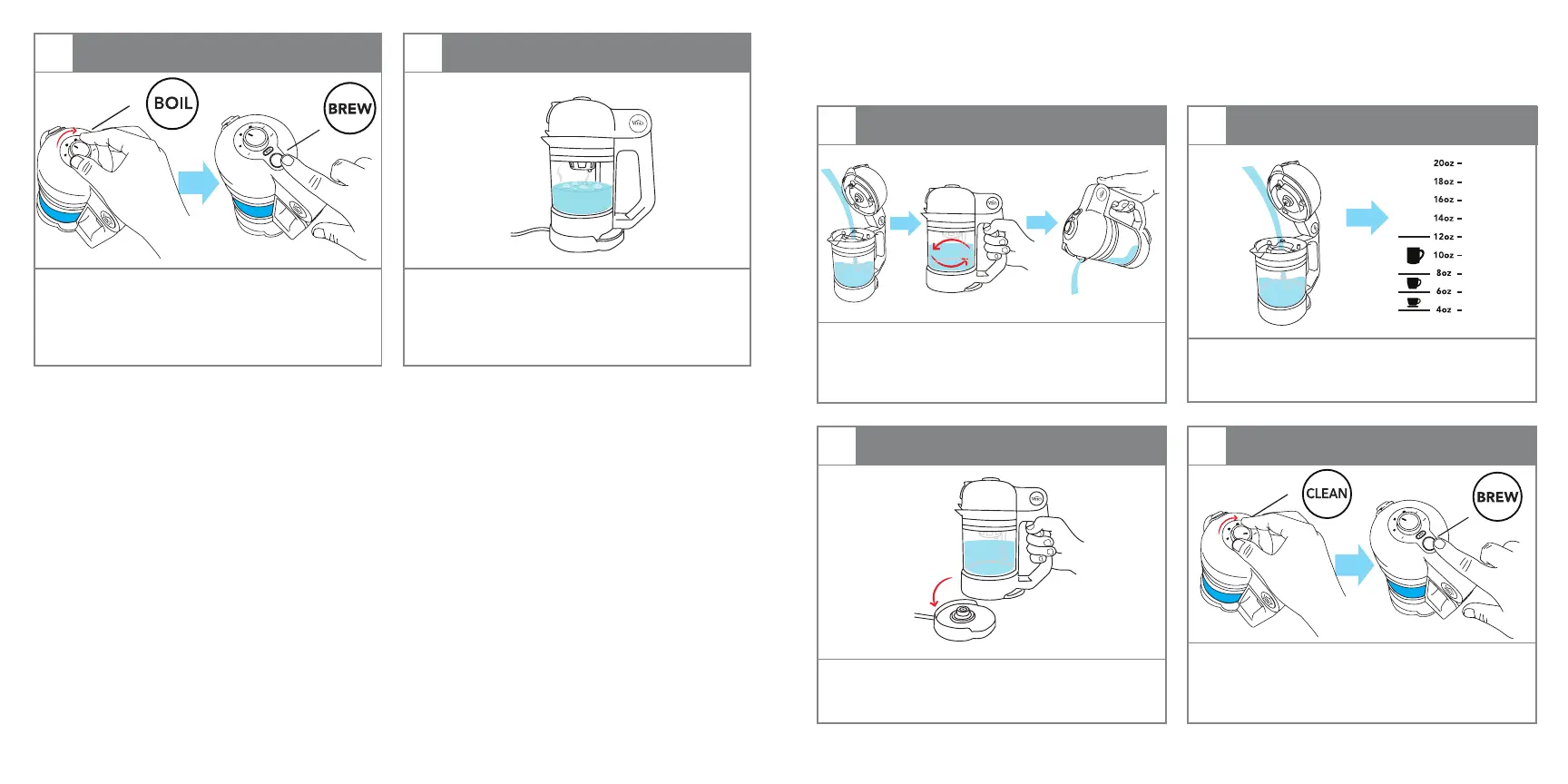
BOILING PROCESSBOIL SELECT / BREW
The bottom of the Carafe(E) will be
illuminated blue indicating that the water is
being heated. When the water reaches the
proper boiling temperature, the blue light
will turn off.
Rotate the Control Knob(A) to BOIL and press
the BREW button to begin boiling water.
B
REW
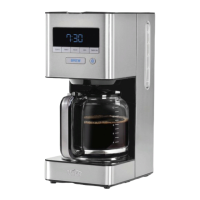
CARE AND CLEANING
IMPORTANT: Make sure that all surfaces are all clean of any unwanted minerals or coffee grounds
before using. This will ensure that the brewer will provide the best cup of cold brewed coffee.
Rotate the Control Knob(A) to Clean and
press the BREW button to start the cleaning
process.
Fill the Carafe(E) with fresh water, swirl and
discard.
Fill the Carafe(E) with fresh, room temperature
filtered water to a minimum of 6oz increment
line.
1
3
2
4
FILL WATER/ SWIRL/POUR
PLACE ON BASE
ADD WATER
CLEAN SELECT / BREW
Place the Nano Brewer onto the Power Base(I),
making sure it is sitting completely flat and
securely on the base.
B
REW
CAUTION:
• Do NOT open Control Lid(B) or remove the Carafe(E) from the Base during the brewing process.
• Do NOT touch the glass portion of the Carafe(E) after the brewing process has begun or for
several minutes after, as the glass WILL be very HOT. Only use Handle to move.
“BEEP”


 To Next Page