71
ACM Family - System Installation & Conguration
A100K10647
Recordingprocedure:
1. Dial 8180+thedirectorynumber of the feature that you want to
modify
- I a message alreay eists te message ill e laye a
- I te message is a station-reore message it as to e elete
by pressing digit 0+M-key before a new message can be recorded
2. Press the M-key to start recording.
- Each M-key press starts a new recording
3. Release the M-key to stop recording
- The recorded message is played back
4. Press digit 7 to listen once more to the message
5. Press digit 8 to store the message
6. Press the C-key to cancel the recording without storing the message
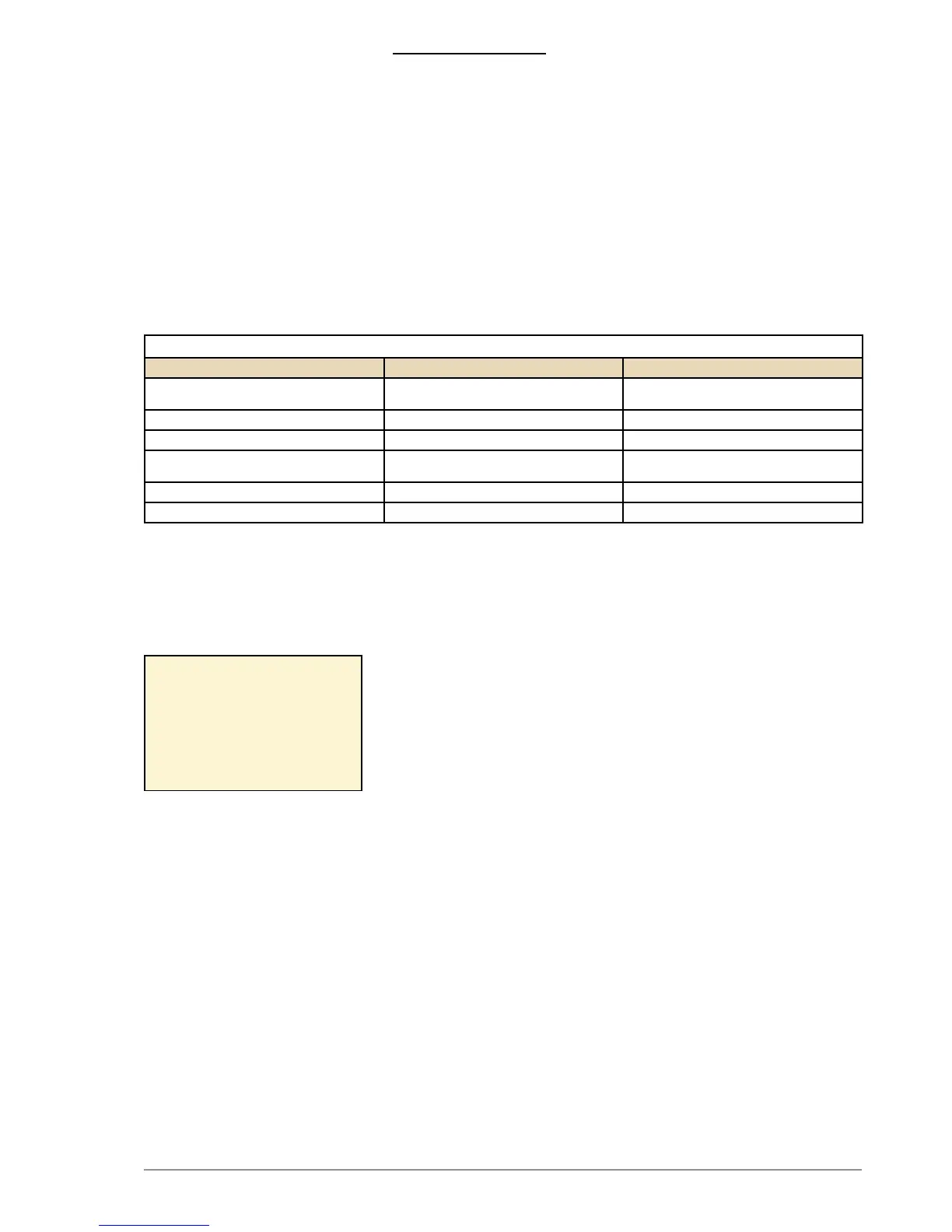
SOMEFEATUREEXAMPLES
Dial Feature Minimum license required
8180 + 9550 Auto-Attendant Basic: 1 Auto-Attendant
Enhanced: 3 Auto-Attendants
8180 + 623 Send Call request None
8180 + 70 Station reset None
8180 + 8191-8199 Alarm Message 1-9 Basic: 3 alarm messages
Enhanced: all alarm messages
8180 + 771-779 Absence messages Enhanced
8180 + 660-669 Voice Mail messages Enhanced
A station-recorded message will mask any corresponding web-loaded
message or ASVP message. When a station-recorded message is
elete te e-loae message ill e unmase i resent
A station-reore message ill e store as a A le in te as
memory of the AMC-IP board and can be accessed from the System
Conguration> Messaging page in AlphaWeb.
e A le ill e store it te le name svp_ggg_iiia_.wav
where ggg is te Message rou numer iii is the Group Index number
and a indicates that it is a station-recorded message and not a web-
loaded message.
You are only allowed to record messages according to the type of Audio
Messaging license installed.
o e ale to arry out station reoring te station must ae aess
to features 111 and 114 in its Class of Service settings.
13.2.3 Licensing
Playback of Stored Voice Messages stored on the AMC-IP board
requires a license.
Usage of the ASVP board requires no license.
The license check is done on the Message Group/Index number at the
time a message is requested for playback. Different message groups
are use or ierent untions ene loing er untion as ell as
limiting the number of different messages for a function is possible.
Licenses does not limit the duration of single messages or the total
duration of all stored messages.
Upload of Easy Messages and Station Recording features are not
restricted by license. The ASVP module is also active without any
license. The licensing only blocks the messages that can be used.
Nolicense
- Only ASVP help messages are available (Message Group 10)
- Standard ASVP messages by uploading ASVP Software Module
- eor on ustomie messages
Example:
svp_030_001a.wav
shows that this is a station-
recorded message associated
with group 30 and index 1.
(Alarm message 8191).


 To Next Page