VINGTOR products are developed and marketed by Zenitel Norway AS. The company’s Quality Assurance System is certified to meet the requirements in NS-EN ISO 9001:2008. Zenitel Norway AS reserves the right to modify designs and alter specifications without prior notice.
©2011 Zenitel Norway AS.
support@vingtor.com
DOC NO.
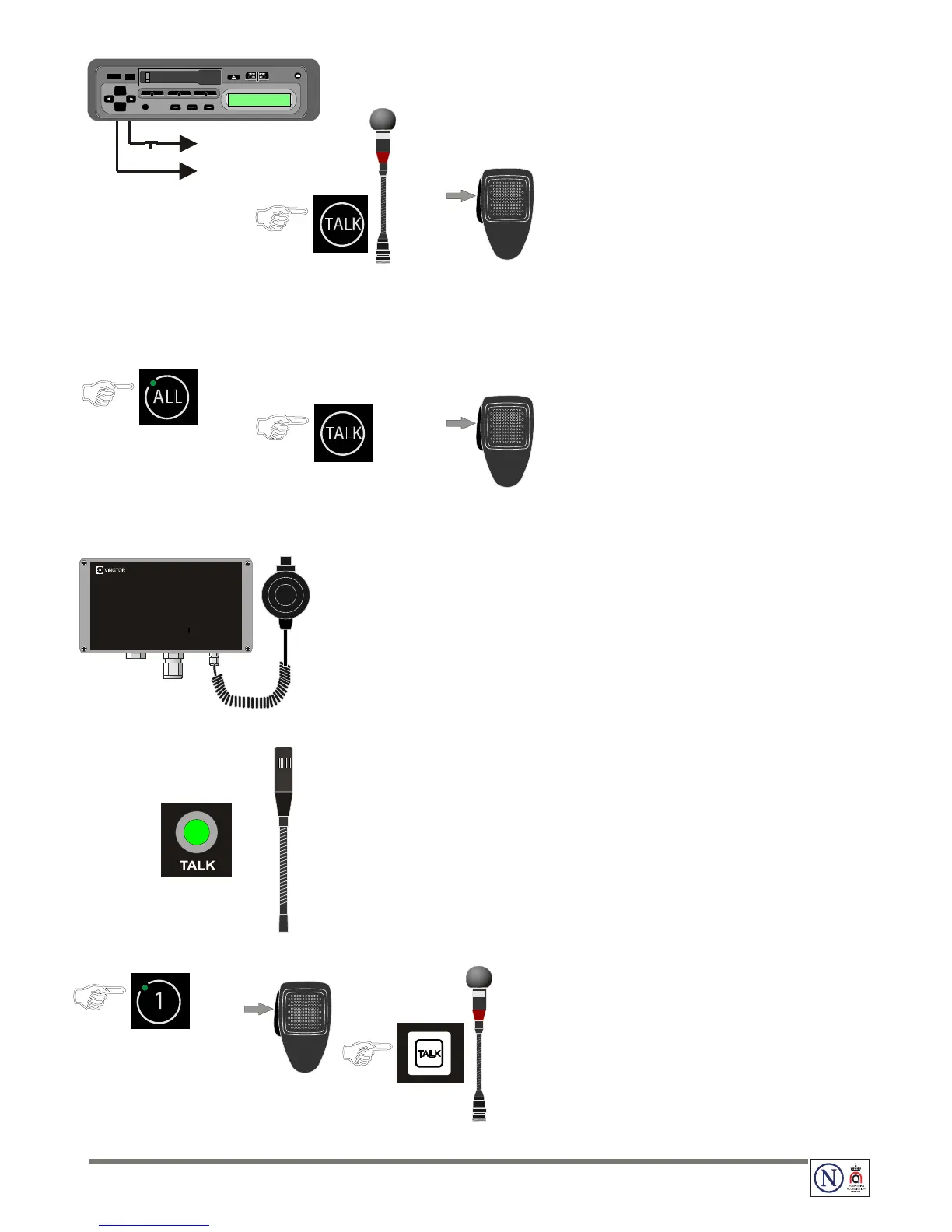
Audio from External Systems (ETB-10A)7
Switch on the external equipment ●
the audio will be distributed to all substations and in -
the ETB-10A central unit
To override the function:
● Press the TALK button or PTT switch on the handheld
microphone
● Speak clearly into the microphone
Switch off the external equipment ●
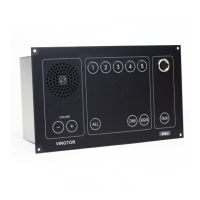
Emergency PA from Call Station 1 (ETB-100A)8
● Press the ALL button
the call is set up indicated by a steady green LED -
● Press the TALK button or PTT switch on the handheld
microphone
Speak clearly into the microphone ●
Press the ● ALL button once more to terminate the call
Emergency PA from Call Station 2 (VMT-603)9
Press the ● PTT switch on the microphone
This will mute the General Alarm system and override -
Talk-Back and single PA calls
Speak clearly into the microphone ●
When the PTT switch is released, the ETB-100A will revert to normal Talk-Back mode.
Emergency PA from Call Station 3 (VMP-603)10
● Press the TALK button on VMP-603
The operation will mute the General Alarm system and -
override Talk-Back and single PA calls.
Speak clearly into the microphone ●
When the TALK button is released, the ETB-100A will revert to normal Talk-Back mode.
Parallel Communication (STB-6/STB-6GN on Bridge Wing)11
Press the line button on the ETB to select station ●
the call is set up, indicated by a steady green LED -
● Press the PTT switch or TALK button on parallel stations
STB-6 or STB-6GN
Speak clearly into the microphone ●
When the PTT switch or TALK button is released, the parallel
station will be in listening mode and you will hear the
communication from the selected station in the loudspeaker.


 To Previous Page