Operators guide
17
To engage the lock:
Hold the platform in the horizontal position and push the button [22] inwards until it
latches and the release catch [22.1] appears.
Use the pan bar to rock the platform slightly whilst pushing the button [22].
To release the centre lock [22], rock the platform slightly and push down on the release
catch [22.1].
Pan and tilt brakes
The pan and tilt brakes are operated by levers ([3], [4]) at the rear of the head. The brakes are
applied by pulling the appropriate lever in an upward direction, and released by pushing the
lever downwards. The brakes must be applied whenever the camera is left unattended.
Pan and tilt drag
The pan and tilt drag adjustment knobs ([10], [14]) are mounted on the left-hand side of the head
and are graduated from 0 (minimum drag) to 9 (maximum drag). Turn the knobs clockwise to
increase drag and counter-clockwise to decrease drag. The dials on the drag adjustment knobs
illuminate when the level bubble push button is pressed and remain lit for approximately 15
seconds.
Mounting the VRi box
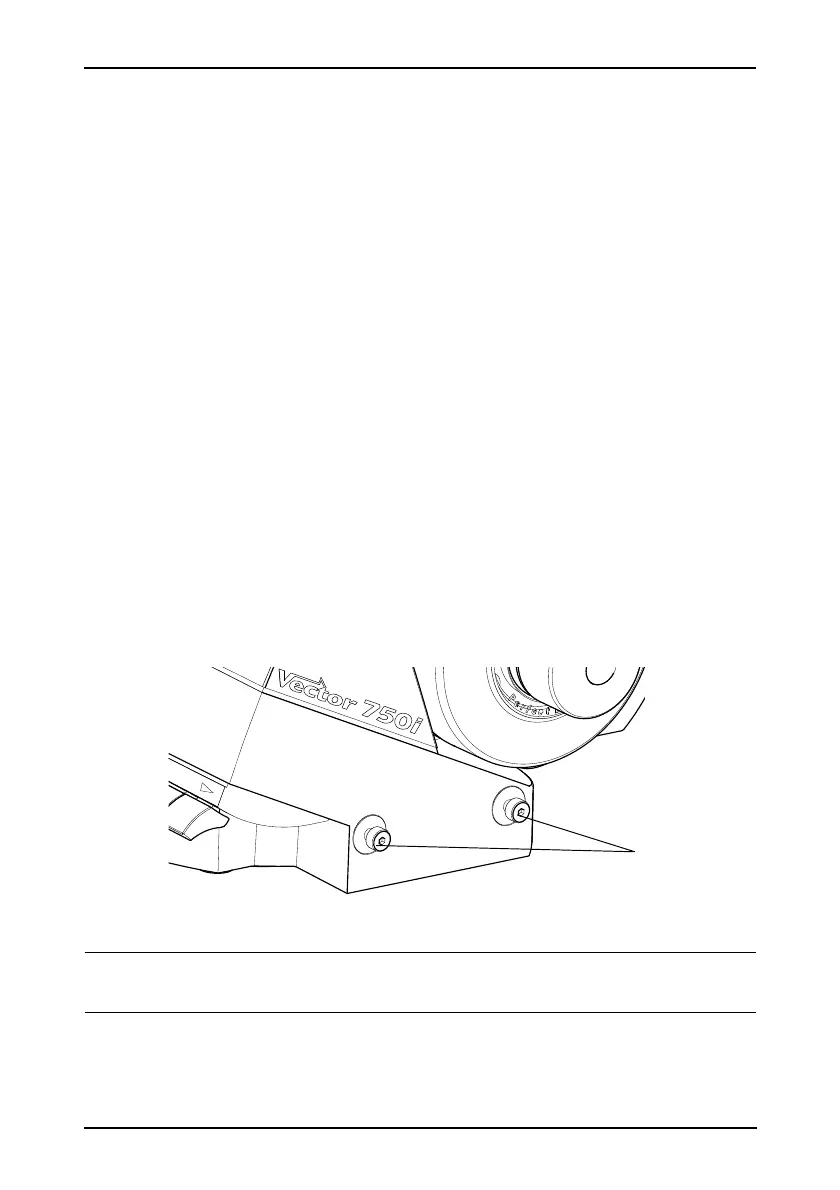
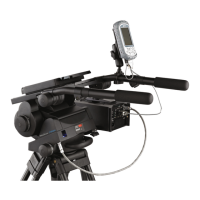
The VRi box can be mounted to either side of the head using the mounting points [11] (Fig. 6)
and a mounting bracket (consisting of two mounting rods and a spacer). Refer to the VRi box
Operators Guide (publication part no. V4083-4980) for installation instructions.
Fig. 6 VRi box mounting points (right-hand side)
NOTE: It is important that the VRi box is fitted BEFORE balancing the head. If it is
fitted after balancing, you MUST rebalance the head.









 To Next Page