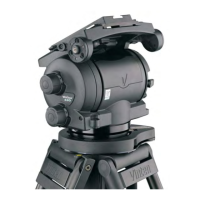
Vector 750i encoded pantographic manual head
16
Adjust payload C of G height
When fore and aft balance has been achieved, adjust the payload C of G height as follows:
Using the pan bar, tilt the platform forward and backward. When correctly balanced,
there should be no perceptible tilting force on the pan bar at any angle of tilt and the
head should remain in any tilt position to which it is set.
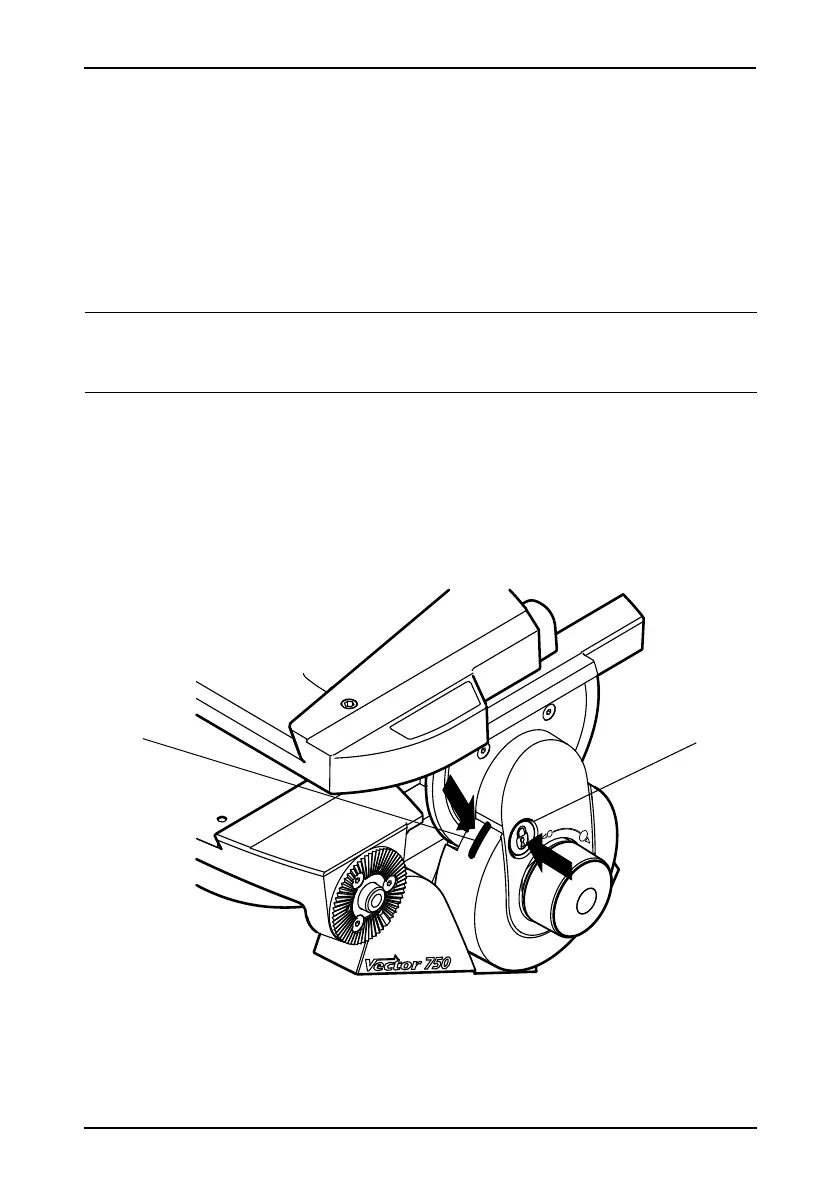
If the head tends to fall away when the platform is tilted, push and turn the Perfect
Balance adjustment knob [21] clockwise to increase the C of G height setting. If the
head tends to spring back to centre, push in and turn the Perfect Balance adjustment
knob [21] counter-clockwise to decrease the C of G height setting.
When the payload C of G height adjustment is complete, check that the fore and aft
balance remains satisfactory. Readjust the position of the slide plate if necessary.
After balancing, release the brakes ([3], [4]) and exercise the head through both axes to confirm
that it operates smoothly.
Locking the platform
The centre lock mechanism is operated by a push button [22] on the right-hand side of the
head.
NOTE: The Perfect Balance adjustment knob is a multi-turn control. To enable the
knob to be turned more easily, slightly tilt the platform using the pan bar whilst
turning the knob.
Fig. 5 Locking the platform









 To Next Page