17
Contents
Previous
Page
First
Page
Next
Page
Previous
View
Mounting the camera
5 Remove the slide plate (13) from the head by releasing the slide plate clamp (1), pressing the slide lock
release (11) and pulling the plate to the rear.
6 Attach the slide plate to the camera or camera mounting plate under the approximate centre of the
camera's weight using both camera mounting screws (12). Position the screws as far apart as possible.
7 Set the platform level and engage the centre lock (5).
8 Push the slide plate and camera into the platform from the rear, ensuring slide lock release (11) snaps
into position.
9
10
11
12
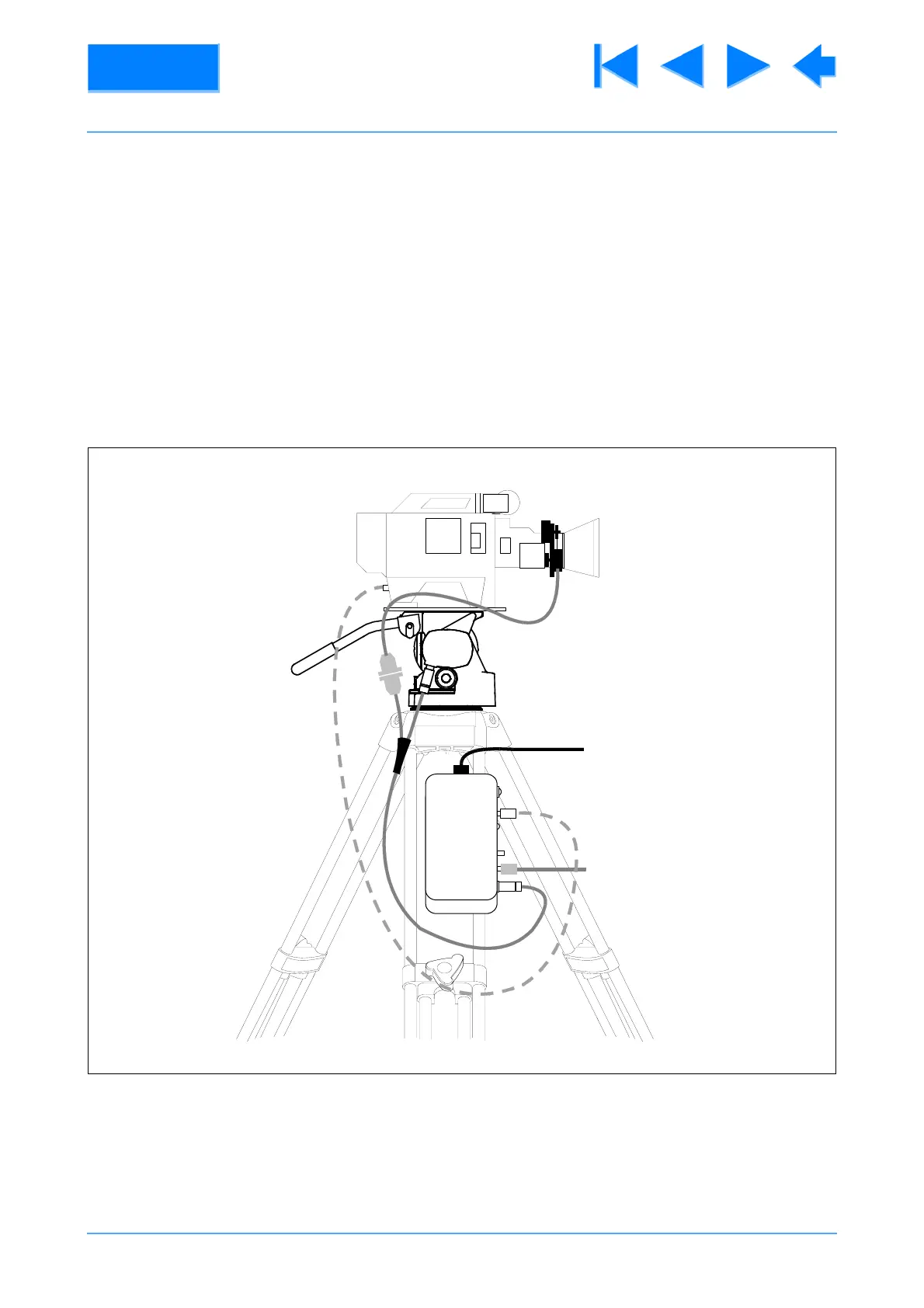
Fig 2.1 250IT Interconnections
AC IN
SYNCH
DATA OUT



 To Next Page