3 – 13
Press the (ENTER) key to return the pen carriage to its previous position and to switch the cutting plot-
ter to READY mode.
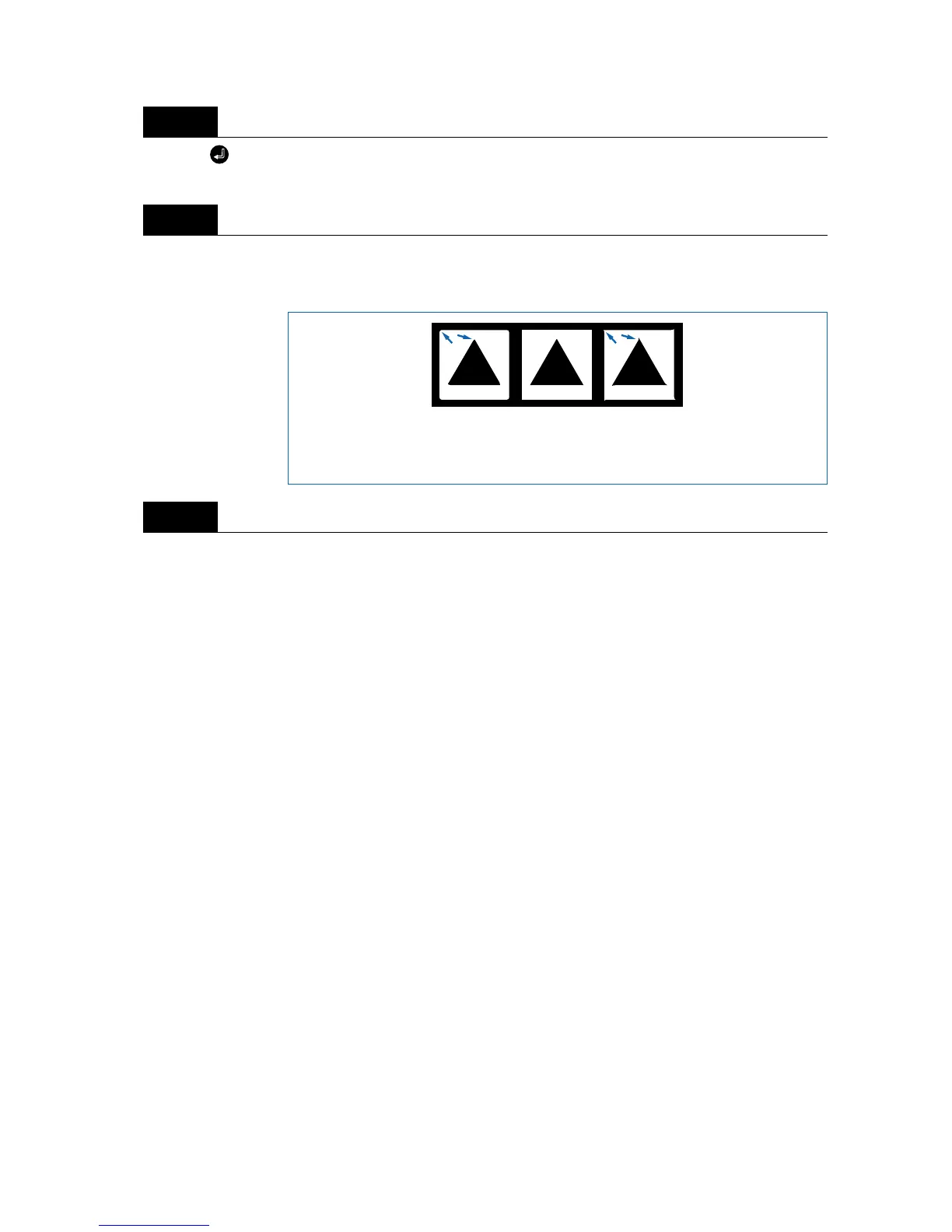
Adjust the CUTTER OFFSET value to suit the type and thickness of the medium being used, and fine-
adjust the finish of each corner. Set the FORCE so that only faint cutting lines remain on the base sheet
when the blade length is properly adjusted.
Upon completion of fine adjustment, actual cutting data can be sent to the cutting plotter.
Step
5
Step
6
Step
7
CUTTER
OFFSET
is too low
Increase
(by +1 to +5)
Correct
CUTTER
OFFSET
setting
CUTTER
OFFSET
is too high
Decrease
(by -1 to -5)



 To Next Page