EasyManua.ls Logo

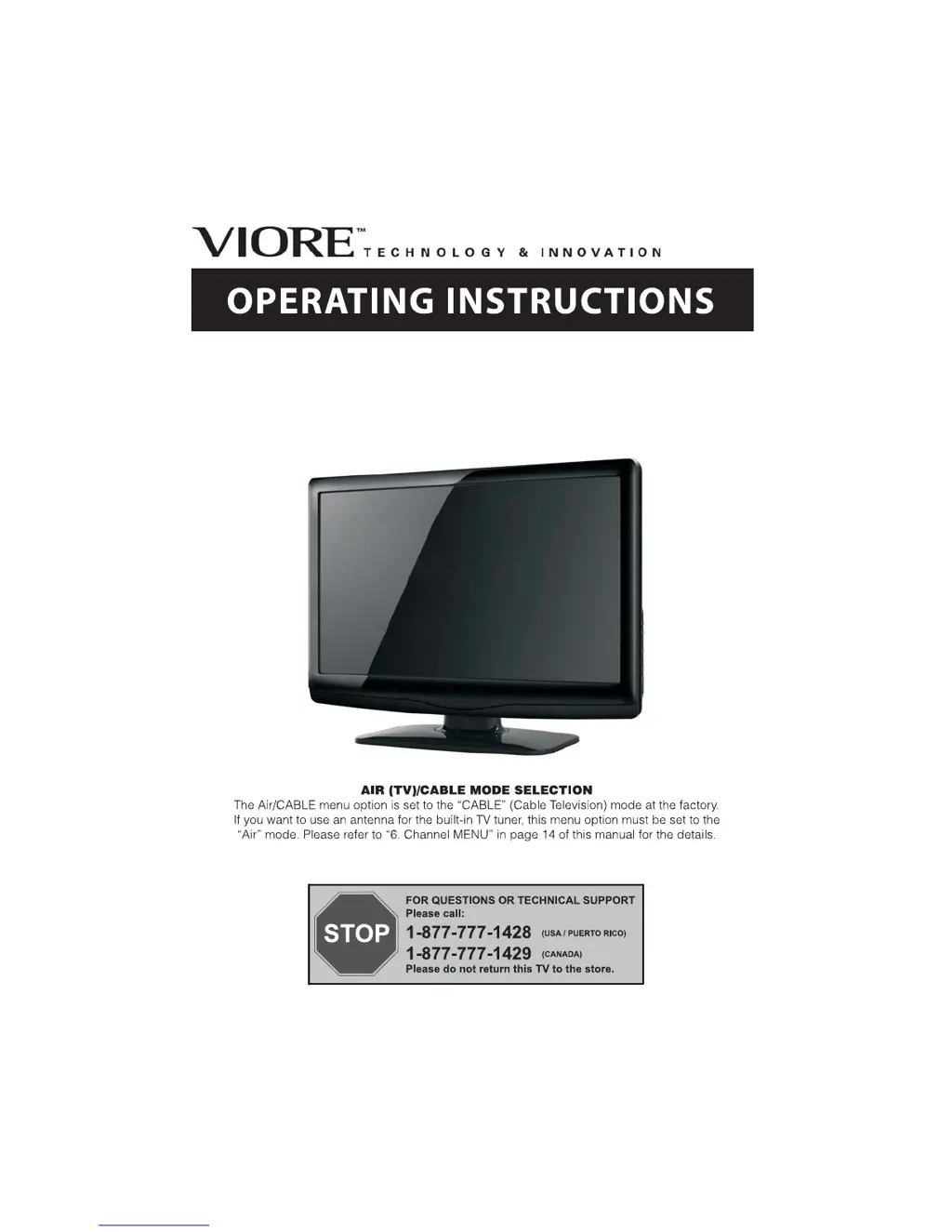
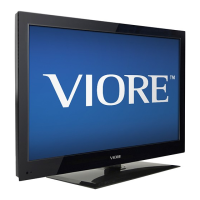
VIORE LC32VF56 - User Manual

VIORE LC32VF56
17 pages
Print Icon
To Next Page IconTo Next Page
Loading...
32
LC32VF56
" 1080p LCD Television

Questions and Answers

  • M
    Michelle RogersAug 13, 2025
    What to do if my VIORE LCD TV has no picture?
    • S
      Sean HernandezAug 13, 2025
      If your VIORE LCD TV shows no picture, make sure the power cord is properly inserted and the power switch is on. Then, adjust the contrast, brightness, and volume settings. Finally, press the standby key on the remote control to check if that resolves the issue.
  • C
    Carly WilliamsAug 16, 2025
    Why is there interference on my VIORE LC32VF56 LCD TV?
    • J
      Jeremiah GomezAug 16, 2025
      Interference on your VIORE LCD TV is often caused by electronic equipment, cars, motorcycles, or fluorescent lights. Try to eliminate these sources to improve the picture quality.
  • A
    alexander21Aug 20, 2025
    What to do if my VIORE LCD TV has no color?
    • J
      Jonathan HernandezAug 20, 2025
      If your VIORE LCD TV has no color, first, check the TV system settings. Also, try adjusting the color control to see if that restores the color.
  • P
    Paula GreenAug 25, 2025
    How to fix snow on my VIORE LC32VF56?
    • R
      Randy CampbellAug 25, 2025
      Snow on your VIORE LCD TV is usually related to the antenna. Check the antenna's position, direction, and connections to ensure they are properly set.
  • O
    olsenjosephAug 27, 2025
    How to fix ghosting on my VIORE LCD TV?
    • N
      Nathaniel BuckAug 27, 2025
      Ghosting on your VIORE LCD TV is often due to issues with the antenna. Check the antenna's position, direction, and connections.
  • R
    Regina FoxAug 31, 2025
    What to do if the picture is breaking up on my VIORE LCD TV?
    • T
      Tyler BlairAug 31, 2025
      If the picture on your VIORE LCD TV is breaking up, try retuning the channel. This might resolve the issue.
  • S
    Stephen BlackSep 3, 2025
    Why is there no color on my VIORE LC32VF56?
    • E
      Eric BakerSep 4, 2025
      If your VIORE LCD TV has no color, adjust the color control. It might be set too low.
  • R
    Richard CamposSep 8, 2025
    Why does my VIORE LC32VF56 LCD TV have a normal picture but no sound?
    • K
      Kristine HughesSep 8, 2025
      If your VIORE LCD TV has a normal picture but no sound, check the volume settings to ensure that mute is not activated. Also, verify that the audio system connections are correct.

Summary

OPERATING INSTRUCTIONS

Air (TV);Cable Mode Selection

Guides on selecting between Air and Cable TV modes for the built-in tuner.

Safety and Warnings

Important Safety Instructions

Crucial guidelines for safe operation, installation, and maintenance of the TV.

Installation

General Installation Guidelines

Tips on TV placement, ventilation, and power connection for optimal use.

Front and Rear Panel Connections

Diagrams and labels for front, side, and rear AV connection ports.

Introduction

Main Features

Key features of the 32-inch 1080p LCD Television.

Accessories

List of items included with the television, such as cables and remote.

Main Parameters

Technical specifications and parameters of the television model.

Remote Control

Remote Control Layout

Identification and function of each button on the remote control.

Battery Installation

Instructions on how to insert batteries into the remote control.

Operation

Picture Menu Adjustments

How to adjust picture settings like contrast, brightness, and color.

Audio Menu Adjustments

How to adjust audio settings like bass, treble, and balance.

Timer Menu Settings

Configuration of sleep timer, time zone, and daylight saving time.

Setup Menu Options

System setup options including language, transparency, and aspect ratio.

Parental Control (P.G Menu)

Setting up and managing parental control features and ratings.

Channel Menu Settings

Adjusting digital and analog TV channels, auto scanning, and favorites.

Trouble Shooting

Picture and Audio Issues

Common problems like snow, ghosting, no picture/color, and their inspection checks.

VIORE LC32VF56 Specifications

General IconGeneral
Display TypeLCD
Aspect Ratio16:9
Response Time8 ms
USB Ports1
Screen Size32 inches
InputsHDMI, Component, Composite, VGA, RF

Related product manuals