EasyManua.ls Logo

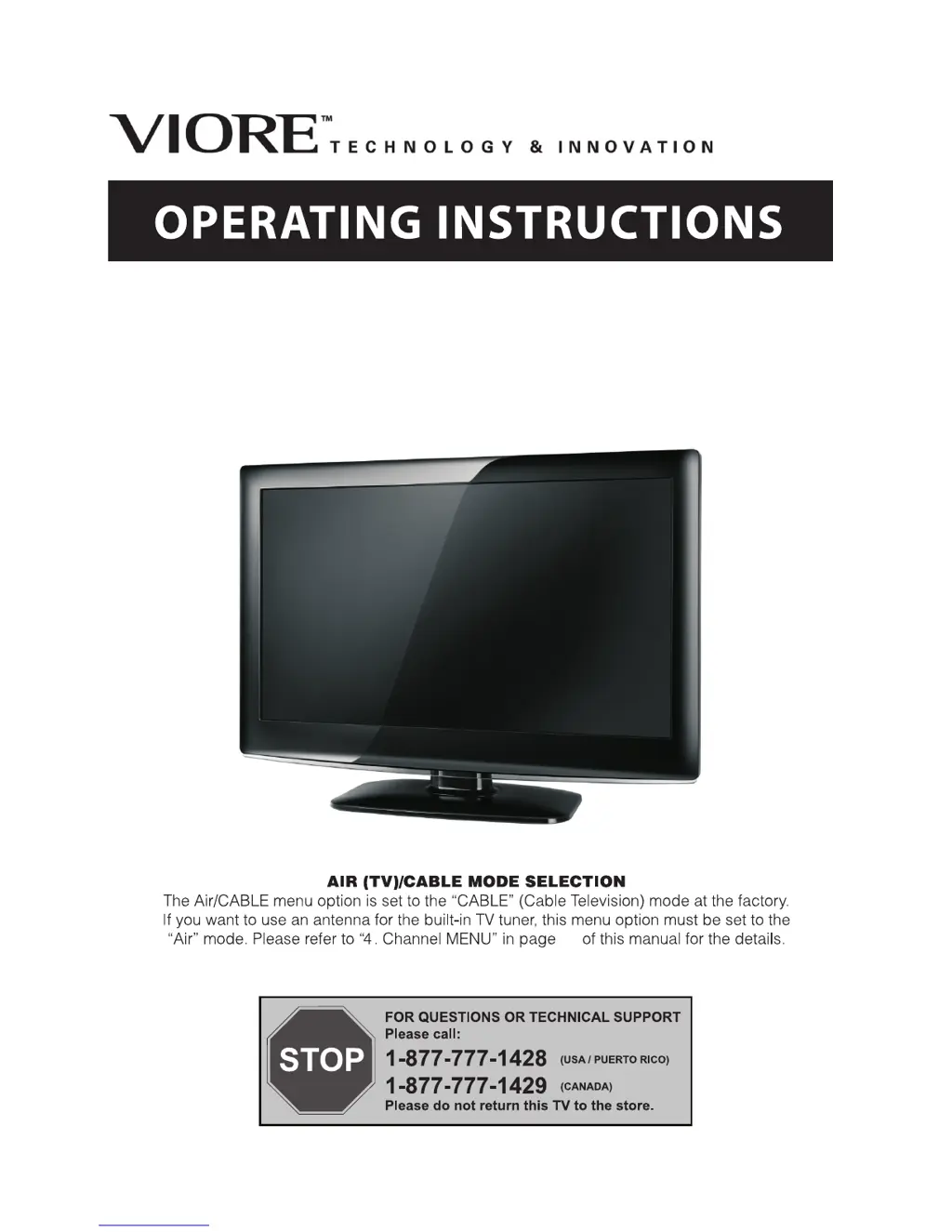
VIORE LC32VH70 - User Manual

VIORE LC32VH70
18 pages
Print Icon
To Next Page IconTo Next Page
Loading...
LC32VH70
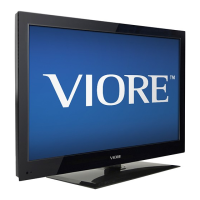
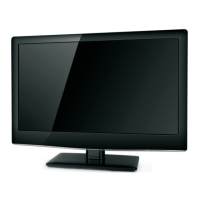
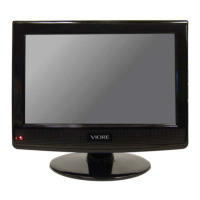
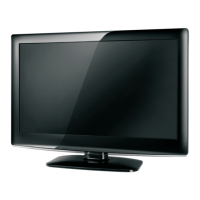
32" HD LCD Television
15

Questions and Answers

  • M
    mphillipsAug 12, 2025
    What to do if my VIORE LCD TV has no picture?
    • P
      Paul PerryAug 12, 2025
      If your VIORE LCD TV shows no picture, ensure the power cord is properly inserted and the power switch is turned on. Also, check the contrast and brightness/volume settings and press the standby key on the remote to inspect the TV.
  • T
    Tiffany MayAug 15, 2025
    Why is my VIORE LCD TV showing interference?
    • C
      Christie AndersonAug 16, 2025
      If you are experiencing interference on your VIORE LCD TV, check for nearby electronic equipment, cars, motorcycles, or fluorescent lights that may be causing the issue.
  • L
    leslievargasAug 19, 2025
    How to fix snow on my VIORE LC32VH70 LCD TV?
    • J
      Joseph MedinaAug 19, 2025
      If your VIORE LCD TV is displaying snow, check the antenna's position, direction, and connections to ensure they are properly set up.
  • R
    rreynoldsAug 23, 2025
    Why does my VIORE LCD TV have a ghosting effect?
    • C
      Casey ClarkAug 23, 2025
      If you see a ghosting effect on your VIORE LCD TV, inspect the antenna's position, direction, and connections.
  • J
    James BoydAug 27, 2025
    How to fix no color on my VIORE LC32VH70 LCD TV with normal audio?
    • C
      Carlos JohnsonAug 27, 2025
      If your VIORE LCD TV has normal audio but no color, adjust the color control setting.
  • S
    Shane AdkinsAug 30, 2025
    What to do if the picture on my VIORE LC32VH70 LCD TV is breaking up?
    • C
      Christian EwingAug 31, 2025
      If the picture on your VIORE LCD TV is breaking up, retune the channel.
  • C
    Crystal CareySep 3, 2025
    How to fix no color and noise on my VIORE LCD TV?
    • O
      ovelezSep 3, 2025
      If your VIORE LCD TV has no color and is producing noise, check the TV system settings.
  • L
    Lisa WoodSep 7, 2025
    What to do if there is no sound on my VIORE LCD TV but the picture is normal?
    • D
      David BautistaSep 7, 2025
      Check if the mute function is activated, or if the audio system connections are incorrect on your VIORE LCD TV.

Summary

Safety and Warnings

Important Safety Instructions

Essential safety guidelines including reading instructions, heeding warnings, and proper usage of the apparatus.

Safety Symbols and Warnings

Explanation of warning symbols like CAUTION and their implications for user safety and product care.

General Safety Precautions

Visual and textual warnings covering electrical hazards, placement, ventilation, and environmental handling.

Introduction

Main Features

Highlights key functionalities and performance aspects of the television, such as resolution and connectivity.

Specifications

Detailed technical specifications including screen size, resolution, inputs, power consumption, and audio output.

Installation

Panel Connections

Overview of front, side, and rear panel connections for various input sources and accessories.

PC Connection

Step-by-step guide for connecting the TV to a computer using VGA and audio cables.

Antenna Connection

Instructions for connecting indoor or outdoor antennas and CATV nets for signal reception.

AV Equipment Connection

Guidance on connecting external video and audio devices like VCR, DVD, and game consoles.

Wall Mount Installation

Information and precautions regarding mounting the TV on a wall using a compatible mounting kit.

Remote Control

Remote Control Buttons

Detailed explanation of each button's function on the remote control for navigating menus and features.

Battery Installation

Instructions for inserting batteries into the remote control and guidelines for battery replacement.

Operation

Initial Setup Wizard

Guide to selecting initial picture mode settings (Home or Retail) via the setup wizard.

Picture, Audio, and System Settings

Instructions for adjusting picture, audio parameters, and system setup options.

Parental Control Features

Details on setting up parental controls, changing passwords, and adjusting rating systems (MPAA, Canada).

Timer and Closed Caption

Configuration for sleep timer, time zone settings, and closed caption (CC) modes.

Channel and Multimedia Usage

Operations for channel scanning, managing channels, and playing media files via USB.

Troubleshooting

Trouble Phenomenon and Inspection

Common picture and audio issues with corresponding inspection checks and possible solutions.

VIORE LC32VH70 Specifications

General IconGeneral
BrandVIORE
ModelLC32VH70
CategoryLCD TV
LanguageEnglish

Related product manuals