EasyManua.ls Logo

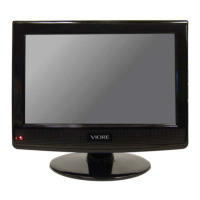
VIORE LC22VH56PB - User Manual

VIORE LC22VH56PB
17 pages
Print Icon
To Next Page IconTo Next Page
Loading...
VIOR ,o.ovAT,oN
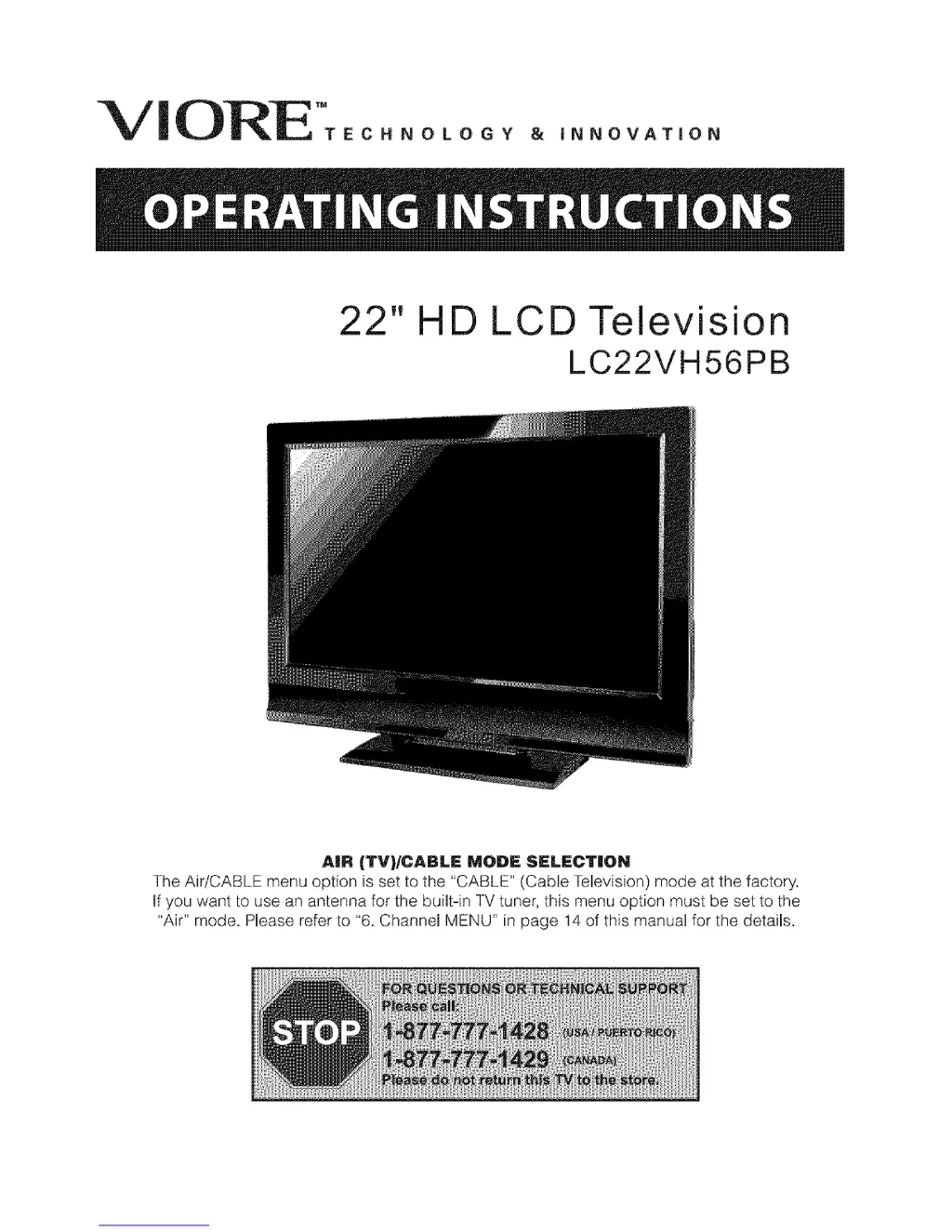
22" HD LCD Television
LC22VH56PB
AIR (TV)/CABLE MODE SELECTION
The Air/CABLE menu option is set to the "CABLE" (Cable Television) mode at the factory.
If you want to use an antenna for the built-in TV tuner, this menu option must be set to the
"Air" mode. Please refer to "6. Channel MENU" in page 14 of this manual for the details.

Questions and Answers

  • C
    carlaustinJul 31, 2025
    What to do if my VIORE LCD TV has no picture?
    • A
      Amanda SchroederJul 31, 2025
      If your VIORE LCD TV shows no picture, first ensure the power cord is properly inserted and the power switch is turned on. Then, adjust the contrast and brightness/volume settings. Finally, press the standby key on the remote control to check if that resolves the issue.
  • A
    Ashley DaviesAug 5, 2025
    Why is the picture breaking up on my VIORE LCD TV?
    • J
      jessicagardnerAug 5, 2025
      If the picture on your VIORE LCD TV is breaking up, try retuning the channel.
  • C
    Christopher WeissAug 11, 2025
    How to fix interference on VIORE LCD TV?
    • R
      robertgreenAug 11, 2025
      If your VIORE LCD TV displays interference, eliminate the source by removing electronic equipment, cars/motorcycles, or fluorescent lights from the vicinity.
  • M
    Mrs. Dana Walsh MDAug 17, 2025
    Why VIORE LCD TV showing snow?
    • K
      klinekarenAug 17, 2025
      If you are getting snow on your VIORE LCD TV, check the antenna's position, direction, and connections.
  • W
    William MoralesAug 25, 2025
    Why does my VIORE LCD TV have a ghosting effect?
    • L
      larry30Aug 25, 2025
      If you are seeing a ghosting effect on your VIORE LCD TV, check the antenna's position, direction, and connections.

Summary

Operating Instructions

Safety and Warnings

Important Safety Instructions

Provides crucial safety instructions for using the appliance.

Electrical and Physical Safety

Covers risks from high voltage, unstable placement, and physical hazards.

Environmental and Operational Safety

Details precautions on ventilation, heat, sunlight, and cord management.

Installation

Servicing and Grounding

Covers servicing, grounding, and caution against tampering.

Remote Control

Remote Control Buttons and Functions

Explains each button on the remote control and its operation.

Operation

Picture Menu Settings

Describes how to adjust picture settings like contrast, brightness, and color.

V-Chip Parental Control

Describes how to set up and manage parental control using the V-Chip system.

V-Chip Rating Systems

Details the different rating systems (MPAA, Canada English/French) for parental control.

Troubleshooting

Picture and Audio Issues

Lists common picture and audio problems and their inspection checks.

VIORE LC22VH56PB Specifications

General IconGeneral
BrandVIORE
ModelLC22VH56PB
CategoryLCD TV
LanguageEnglish

Related product manuals