To set the units:
Press Menu to enter into menu setting.
Repeatedly press Menu to swtich to Units menu
Use the Up/Down Arrow to select Units option.
Press Ent to enter into setting.
Use the Up/Down Arrow to select the option.
Press Ent to confirm the setting.
Press Exit to exit the setting.
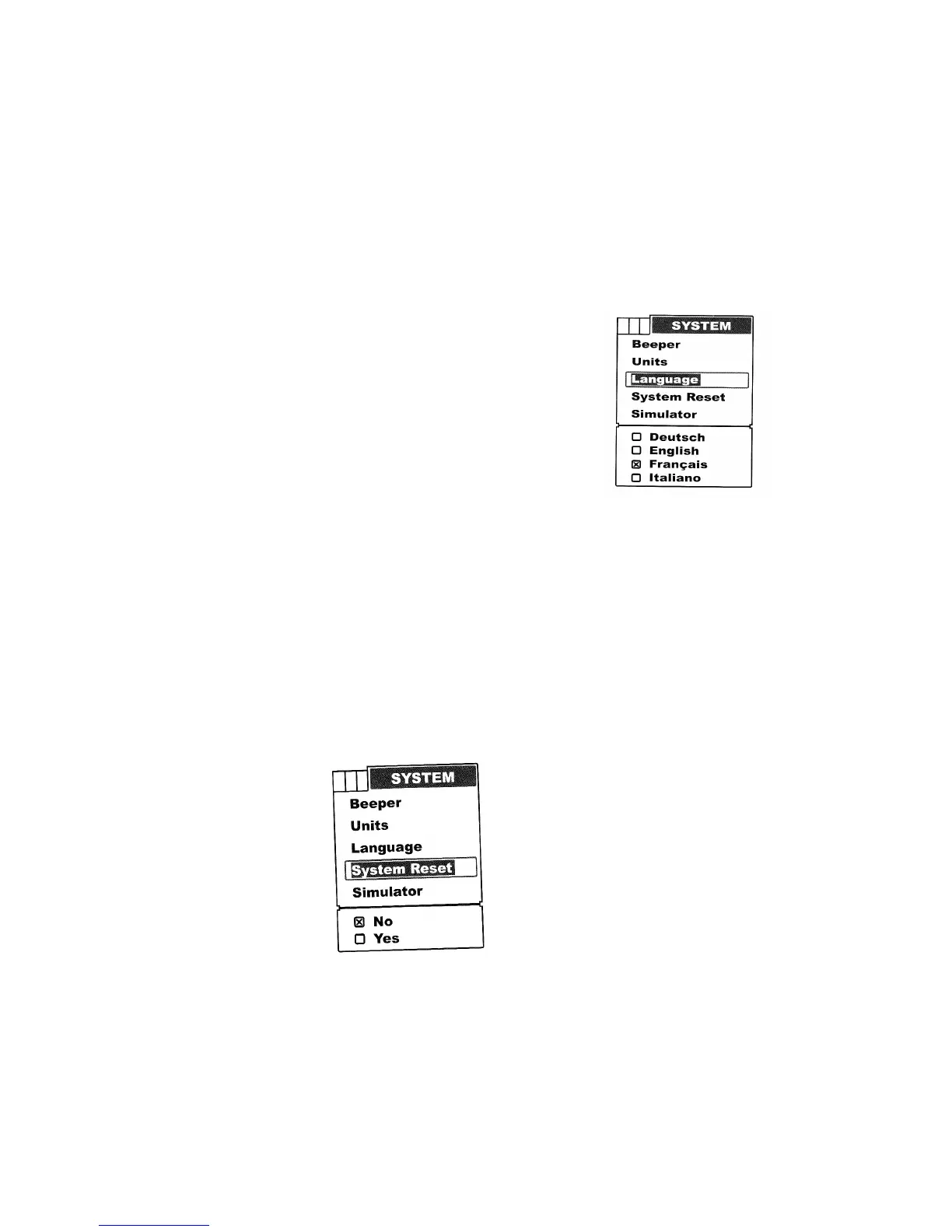
Language
Language is used to choose the language of menu operation.
To set the language:
Press Menu to enter into menu setting.
Repeatedly press Menu to switch to System menu.
Use the Up/Down Arrow to select Language option.
Press Ent to enter into setting.
Use the Up/Down Arrow to select the option.
Press Ent to confirm the setting.
Press Exit to exit the setting.
System Reset
System Reset is used to restore original factory setting.
To set the System Reset:
Press Menu to enter into menu setting
Repeatedly press Menu to switch to System menu
Use the Up/Down Arrow to select System Reset option
Press Ent to enter into setting.
Use the Up/Down Arrow to select the option.
Press Ent to confirm the setting.


 To Next Page