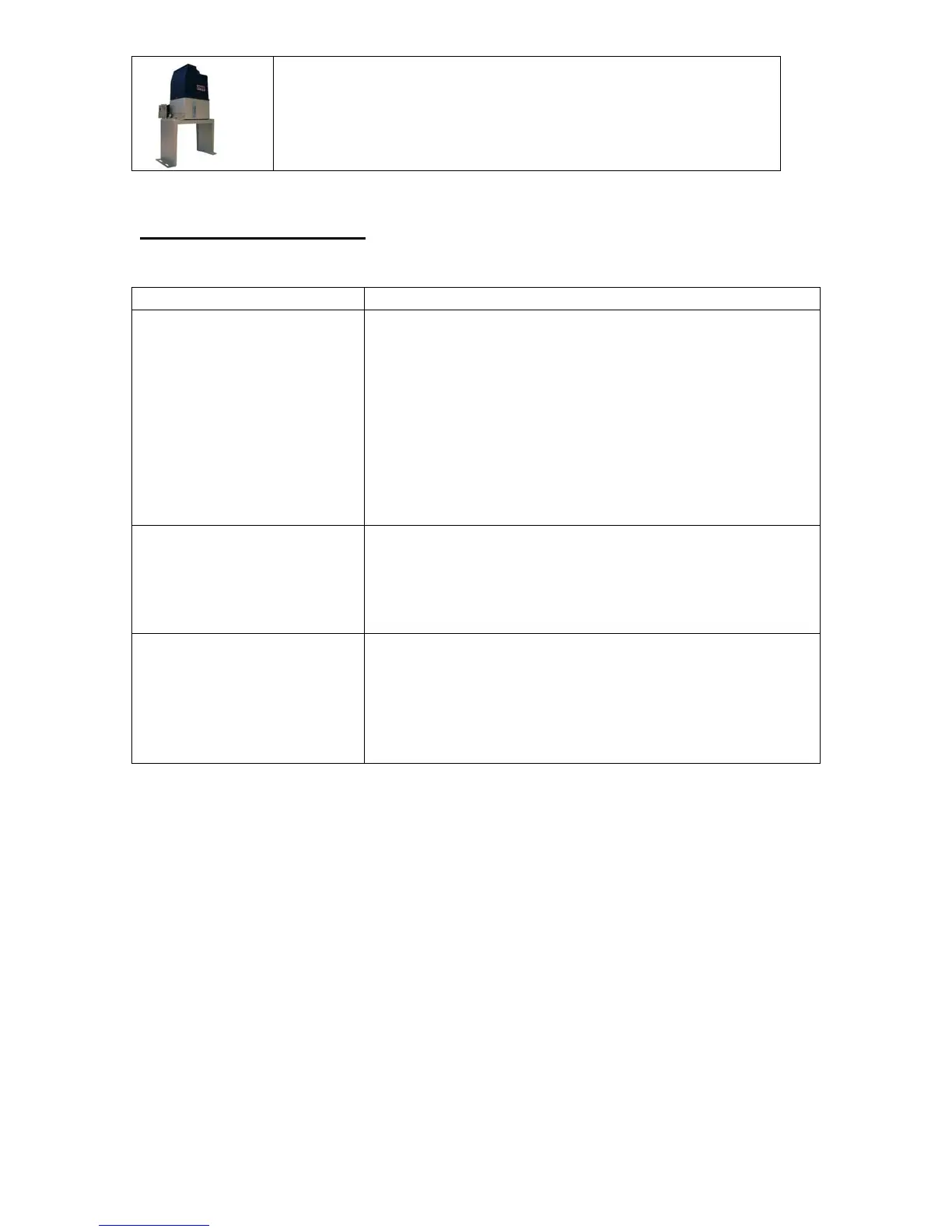
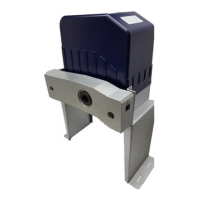
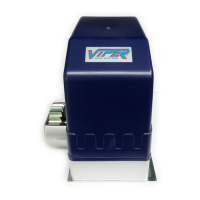
TC-9 Viper ™ Gate System
Residential Sliding Gate Operator
22
Having a Problem?
Situation Probable Cause & Solution
Opener does not operate
from remote
Is the gate locked?
Does the operator have electrical power? Check the
electrical outlet for power.
Remove the Viper TC-9 cover and check the power
indicator light 31.
Check for obstruction in the Sensor Beam path
Check the Fuse 33 with an ohm meter.
Verify that the Clutch Key is tight.
Verify the DIP switch Security Codes are correct.
Replace the Remote Battery.
Gate Opener operates then
stops
Adjust the Obstruction Sensor and decrease the sensitivity
Release the Clutch using the Clutch Key. Manually move
the gate to see that it slides freely.
Check the chain for tightness. There should be about 3” of
sag in the chain across the gate.
Gate will not stop at the
designated position
Check the Open Magnet to ensure it is in the proper place.
Remove the Viper cover and release the Clutch using the
Clutch Key. Manually operate the gate and check the
Indicators 26 for Open, and 27 for Close.
Reposition the Magnets as needed to correct the operation.


 To Next Page