Page 12 of 36
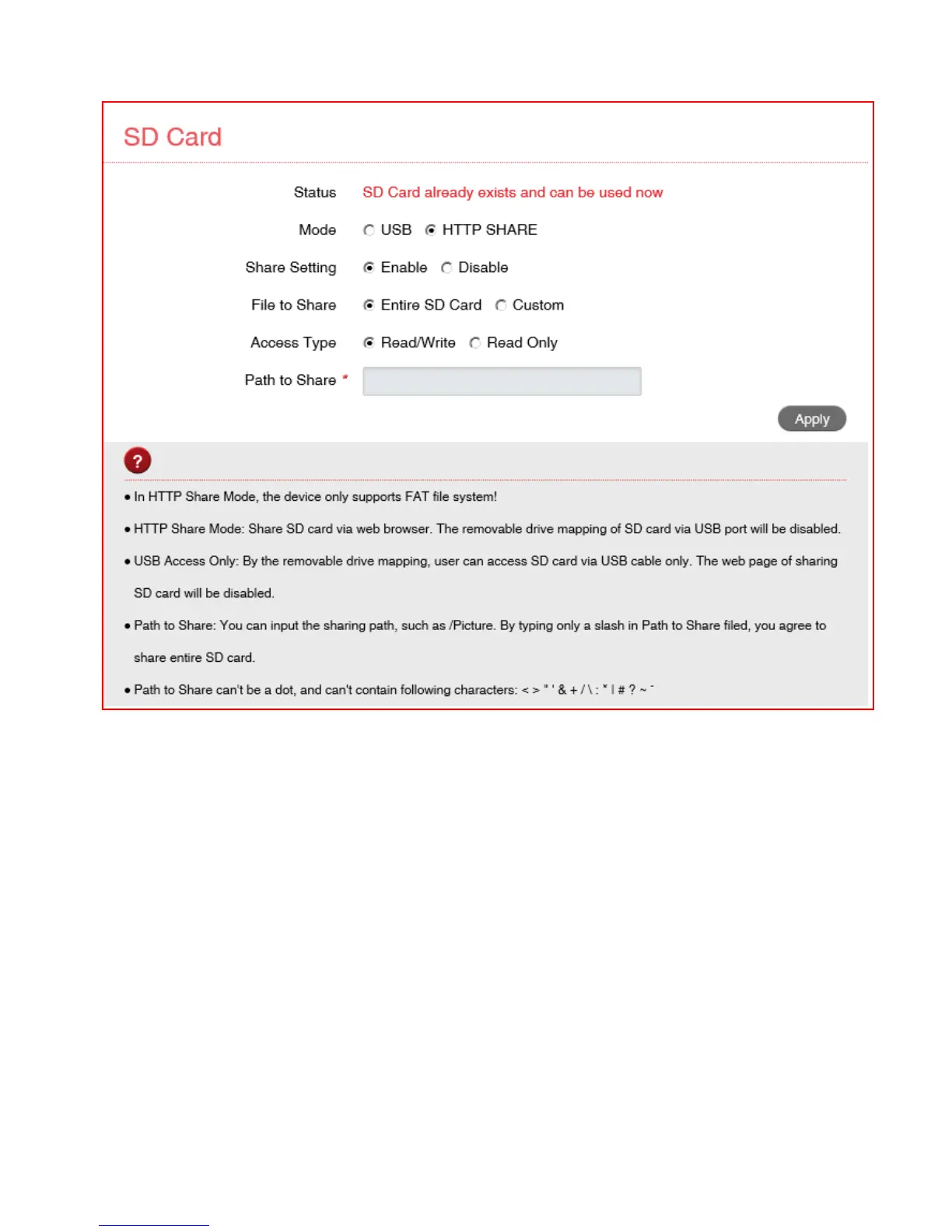
SD CARD
• If you have an SD card in your device you can share your files with other users
connected to your device
• Enable HTTP Share to share the contents of your SD card with other Wi-Fi users
connected to your device.
• Select USB Share to restrict access to USB mode only (like an external storage
device)
• Read only or Read / Write access can be configured.
• Select Entire SD Card to share the whole card.
• Custom sharing can be enabled to restrict access to certain paths.
• Press the Web Share button to view all the files.
• Remember to press Apply to save your settings to enable SD sharing.



 To Next Page