Page 13 of 36
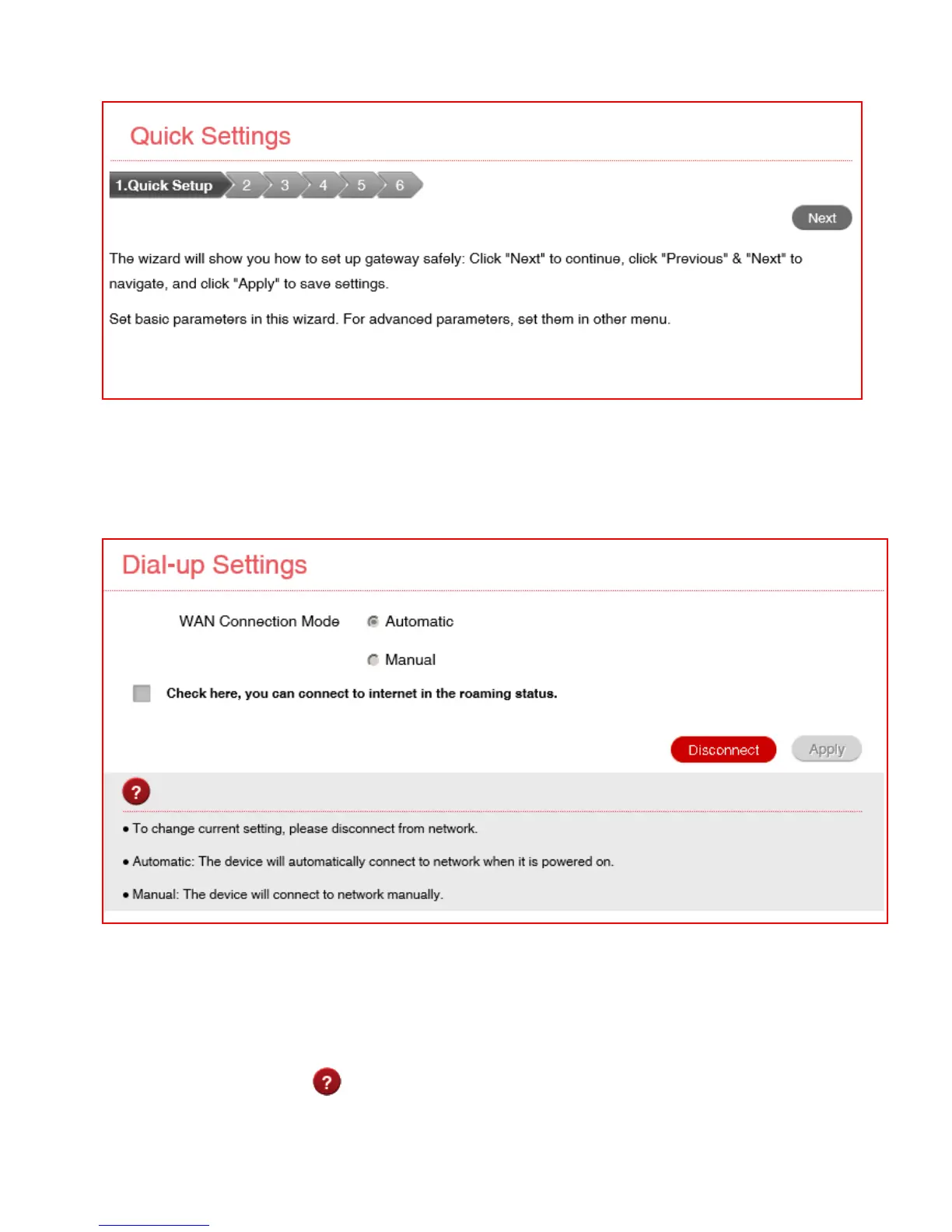
SETTINGS > QUICK SETTINGS:
Step through the Quick Settings wizard to quickly review your current default
settings.
SETTINGS > NETWORK SETTINGS > DIAL UP SETTINGS:
• The default connection setting will automatically connect to the network. The
setting is greyed out if you are connected.
• Press the Disconnect button to change this setting and to enable International
Roaming if required.
• If you make any changes, press Apply to save the change
• Press the Help icon to get in context tips.



 To Next Page