Page 19 of 36
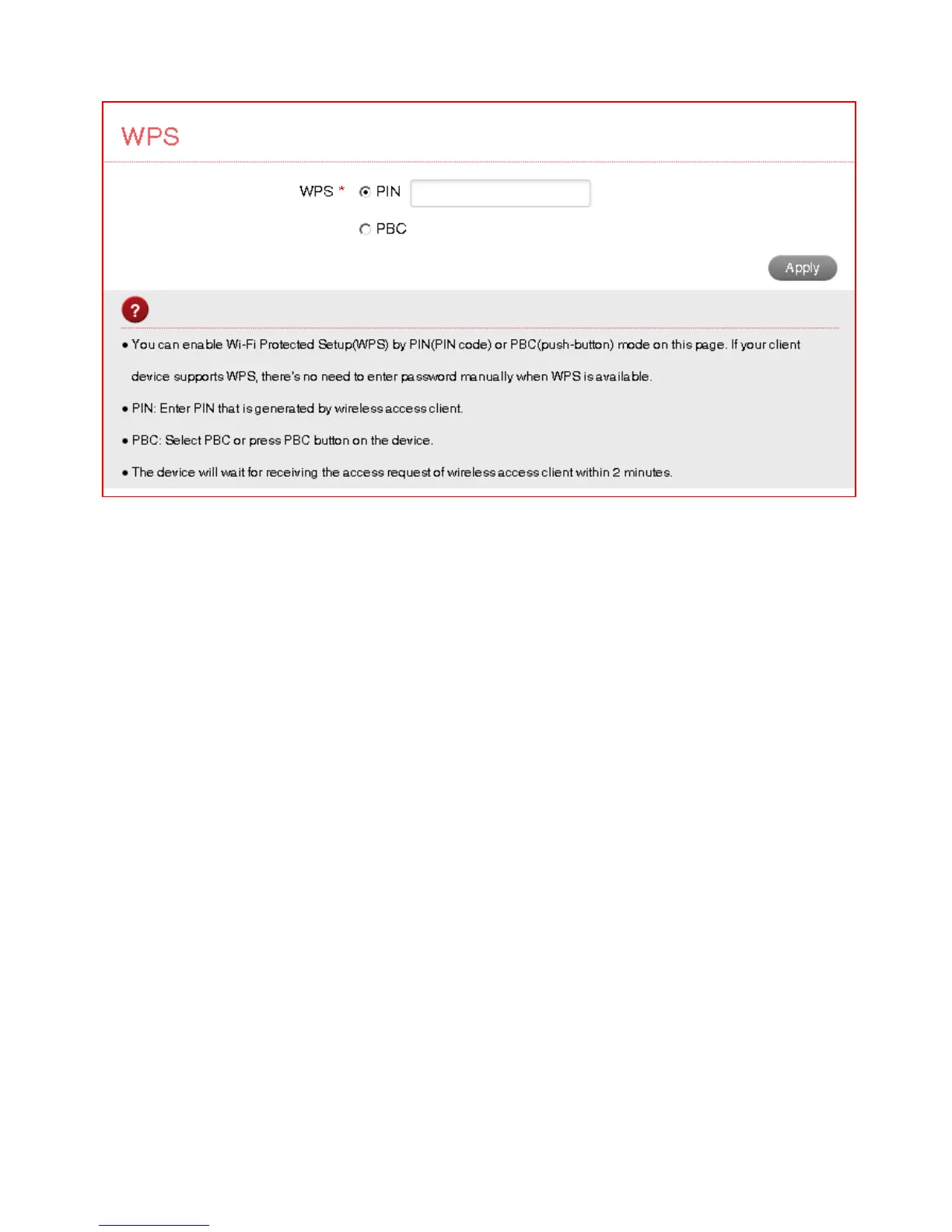
SETTINGS > WI-FI SETTINGS > WPS
• WPS uses the push button on the front panel to connect seamlessly to
supported devices.
• Press WPS to enable, compatible devices can connect to your Wi-Fi network
without authorisation, or you can set a PIN if required.
• WPS is enabled for 2 minutes once pressed and the device LED’s will flash to
indicate WPS mode.
• If you have enabled PIN mode then you need to enter the same PIN on devices
you wish to connect.



 To Next Page