Page 20 of 36
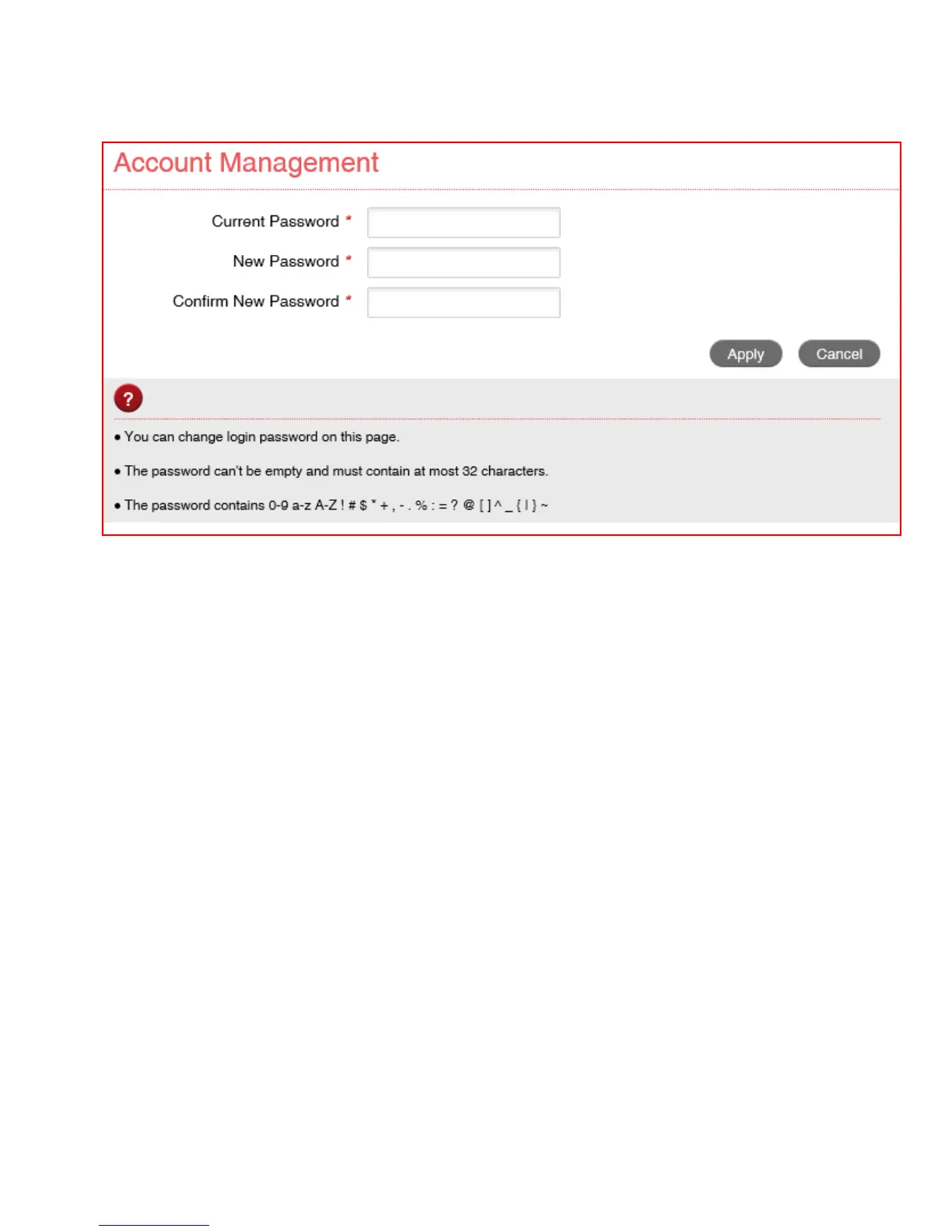
SETTINGS > DEVICE SETTINGS > ACCOUNT
MANAGEMENT
• Use the Account Management settings to change the administrator password if
required.
• The default password is admin. If you have changed and forgotten the password
then you need to restore the device to factory defaults:
1. With the device switched on open the back cover and locate the reset button on
the left hand side.
2. Using a blunt item such as a pencil, tooth pick or paperclip press and hold the
“Reset” button for 5 seconds.
3. The LEDs will flash and the device will re-boot to factory default settings.



 To Next Page