Page 25 of 36
• Select Enable to turn on the Port Filtering settings
• You can apply filters based on MAC Address, Source IP Address, Destination IP
Address and select the action to drop or accept the packets.
• Firewall settings are for advanced users and network administrators.
• Press the Help icon to get in context tips.
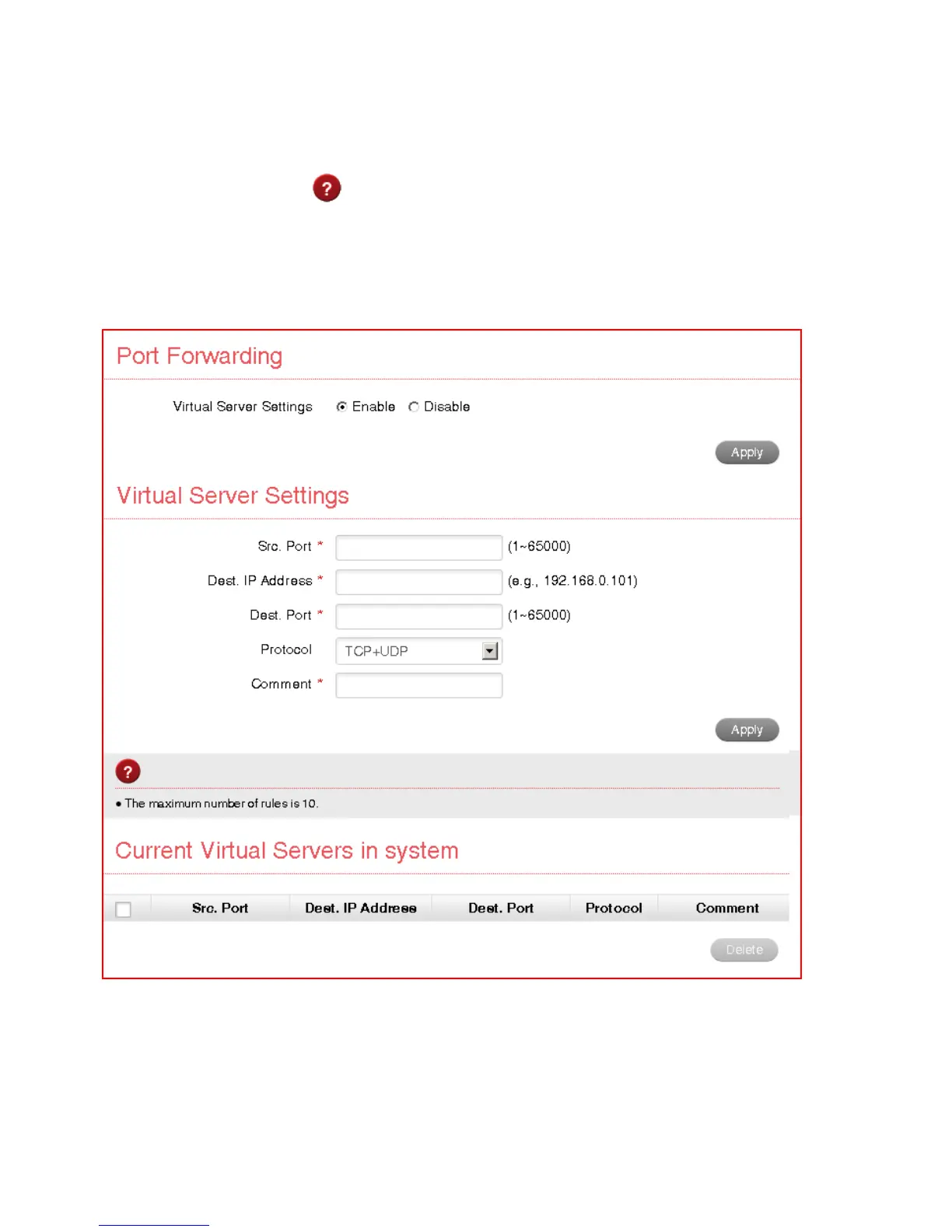
SETTINGS > FIREWALL > PORT FORWARDING
• Select Enable to turn on the port forwarding settings.
• Port forwarding can be used to allow a specific external server or computer
access to devices located on your LAN side or to translate a specific incoming
port into a different destination port.
• The destination port and address is on your local LAN side.
• Typical applications will be for multi party gaming, requiring specific control and



 To Next Page