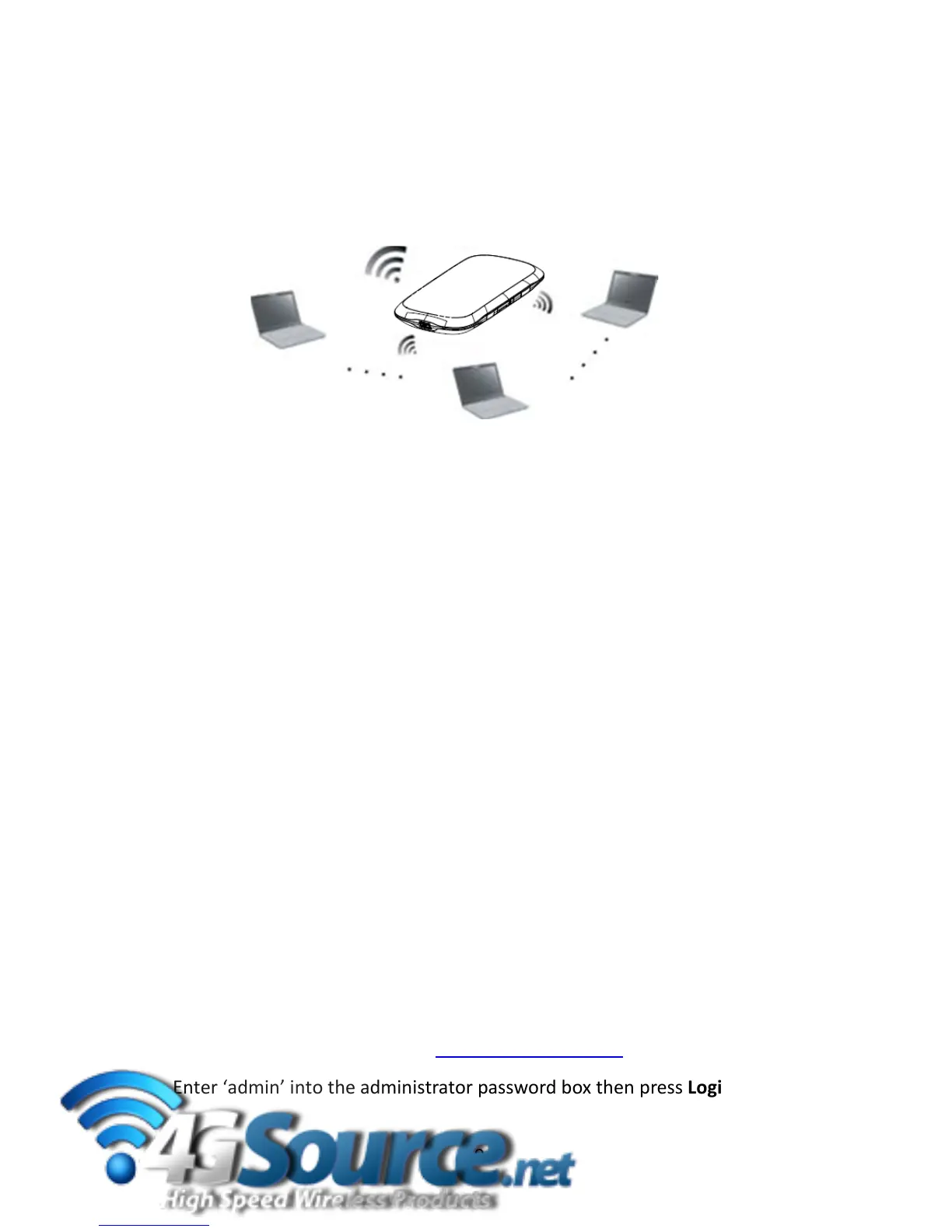
3UsingtheWirelessRouter
3.1Pre
paration
Beforeusingthewirelessrouter,makesurethat:
The(U)SIMcardisinserted.
ThedeviceisOnandthedisplayisvisible.
SearchforavailableWirelessNetworksonyourcomputerandconnect.
ExampleforWindowsXP:Start>ControlPanel>NetworkandSharingCenter
>SelecttheVi
rginMobileHotspotWirelessNetworkandclickConnect.
Enterthedefaultsecuritykeyexactlyasshownonthestickerunderthe
battery.Yoursecuritykeyiscasesensitive,besuretousethecorrecttext.
3.2Lo
gintotheWebbasedUserInterface
Therouterwillworkoutoftheboxusingthedefaultsettings.Ifyouwishto
customiseanysettingspleaselogontotherouterusinga standardbrowser:
UseyourcomputertoSearchandConnecttotheVirginMobileHotspot.
Openawe
bbrowserandenterhttp://virginmf62.comintheaddressbar.
Enter‘admin’intotheadministratorpasswordboxthenpressLogin
9



 To Next Page