Virtue Ion Board
led, power & eyes
To the right of the Ion Power button there is a multicolor LED
which tells you the status of your marker.
The The Virtue Ion Board uses Instant On technology. Simply tap the
power button, and the marker instantly turns on and is ready to
fire. When the marker is turned on, the eyes are automatically en-
abled. To turn the marker off at any time, press the power button
for 2 seconds.
When the marker is turned on the eye system is automatically en-
abled. The eyes can be turned off by pressing the power button
for 1 second. When the eyes are disabled, the LED will begin
flashing red.
The eye logic differentiates between a ball being fired, and some-
thing continually blocking the eye (like your finger). If the eye be-
comes blocked (by paint or other residue), the LED will flash blue,
indicating an eye malfunction, and the rate of fire will be reduced
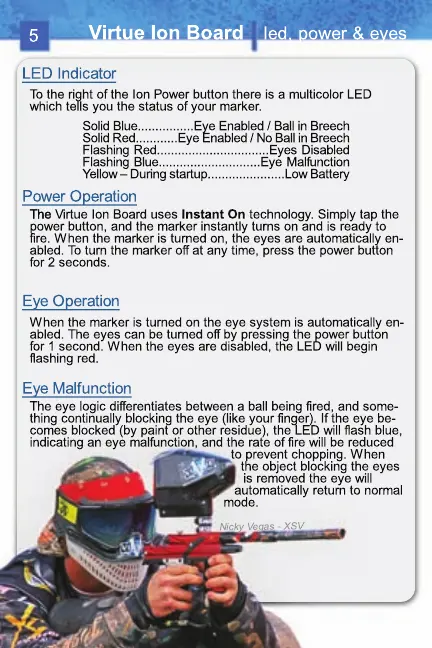
to prevent chopping. When
the object blocking the eyes
is removed the eye will
a automatically return to normal
mode.
Solid Blue................Eye Enabled / Ball in Breech
Solid Red............Eye Enabled / No Ball in Breech
Flashing Red................................Eyes Disabled
Flashing Blue.............................Eye Malfunction
Yellow – During startup......................Low Battery
5


 To Next Page