COMPUTER INSTRUCTION
OPERATION
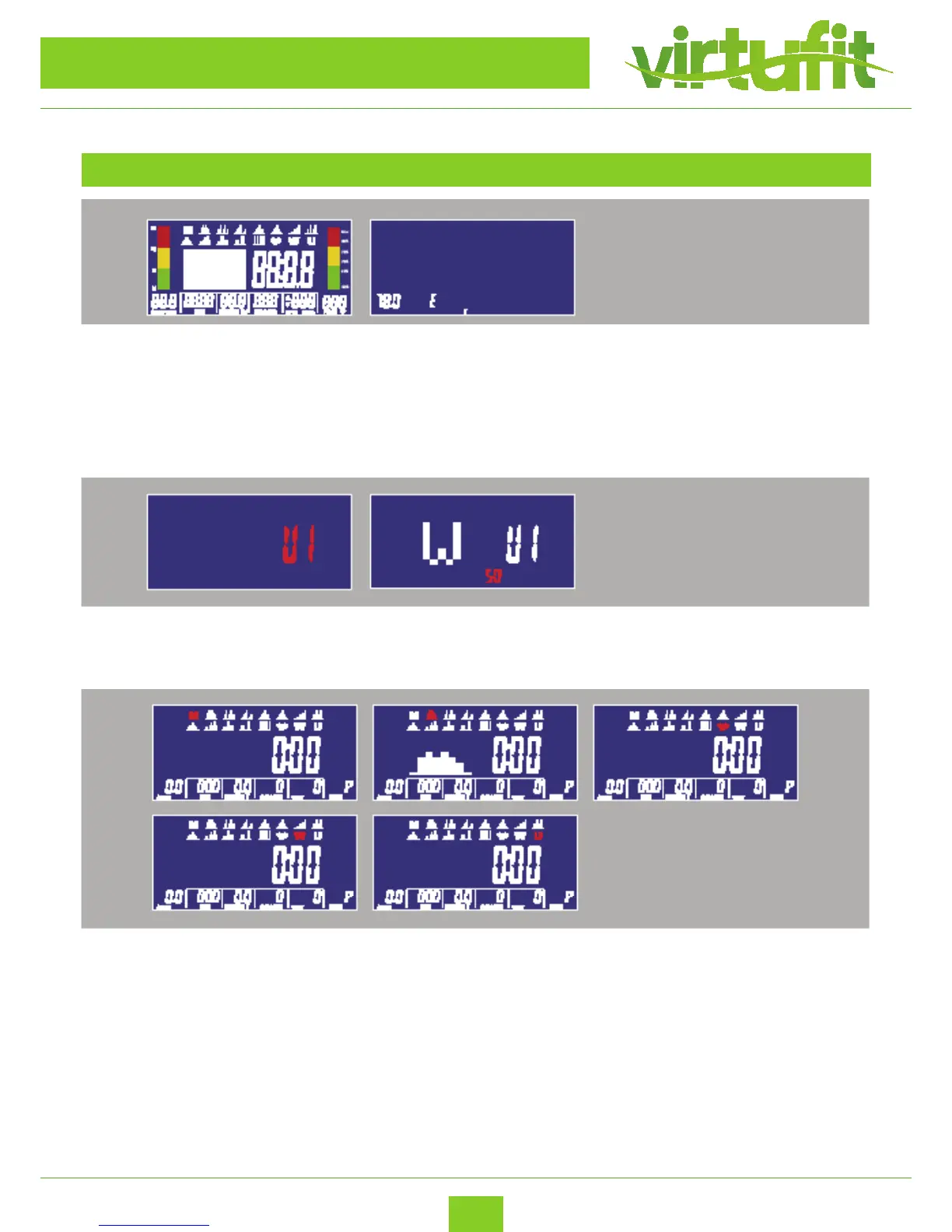
1. Plug in power supply (or Holding press RESET KEY for 2 seconds), buzzer would make a sound and
display all segments on LCD for 2 seconds.
Then wheel diameter value would display in SPEED area and European specication would
display “E” or Asian Specication would display “A” in the TIME area & KM (K) / ML (M) DISTANCE text
would display on the right. Then entering the setting mode , regardless where the motor’s level is,
it has to reverse and turns into zero and then go to LOAD = 1 ,wait for each setting.
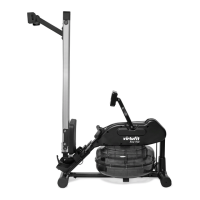
3. Turning and pressing encoder can enter Entering setting mode, the M (Manual) would ash in
the matrix display with 1HZ. Turning the encoder can choose M(Manual), P(Program), ♥ (H.R.C.),
W(Watt), U(User) cyclically.
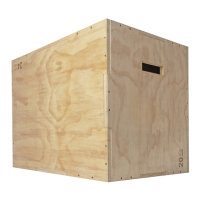
2. Turning and pressing encoder can enter USER setting (with BODY FAT function), setting personal
date in U1~U4. Then entering work out section.


 To Next Page