47
After Sales Support
Telephone: 1300 884 987
Email: australia@medion.com
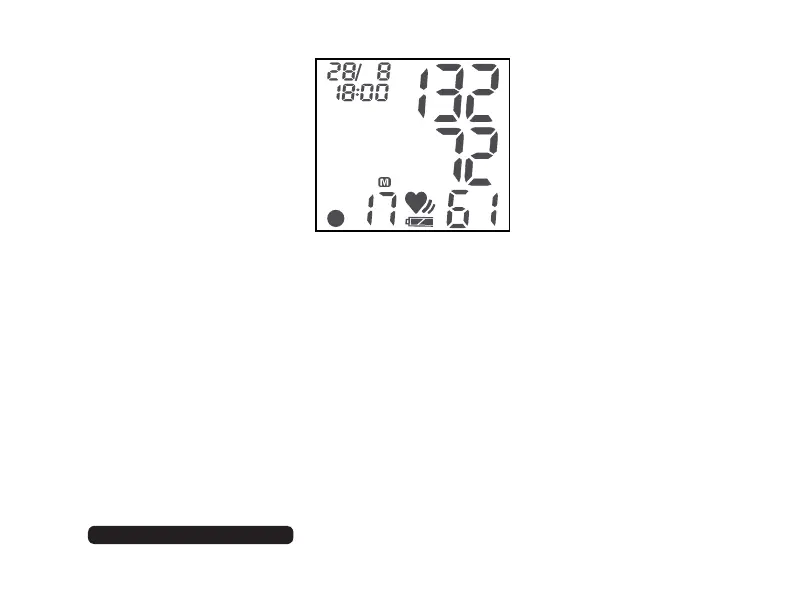
If you have switched on language output, this value will also be given verbally.
To switch off the unit, press the corresponding button for around three
seconds.
Deleting the values of an user
Press button 1 and hold it down for around 2 seconds.
Press button 1 again to get into the storing menu.
To clear all values of the user 1, press button 2 and 1 and hold it down
simultaneously until
CLOO is displayed.
12450 AUS Final REV1 Content.indd 4712450 AUS Final REV1 Content.indd 47 24.08.2012 14:16:5424.08.2012 14:16:54


 To Next Page