VIVA Series - Digital Piano
27
The control panel
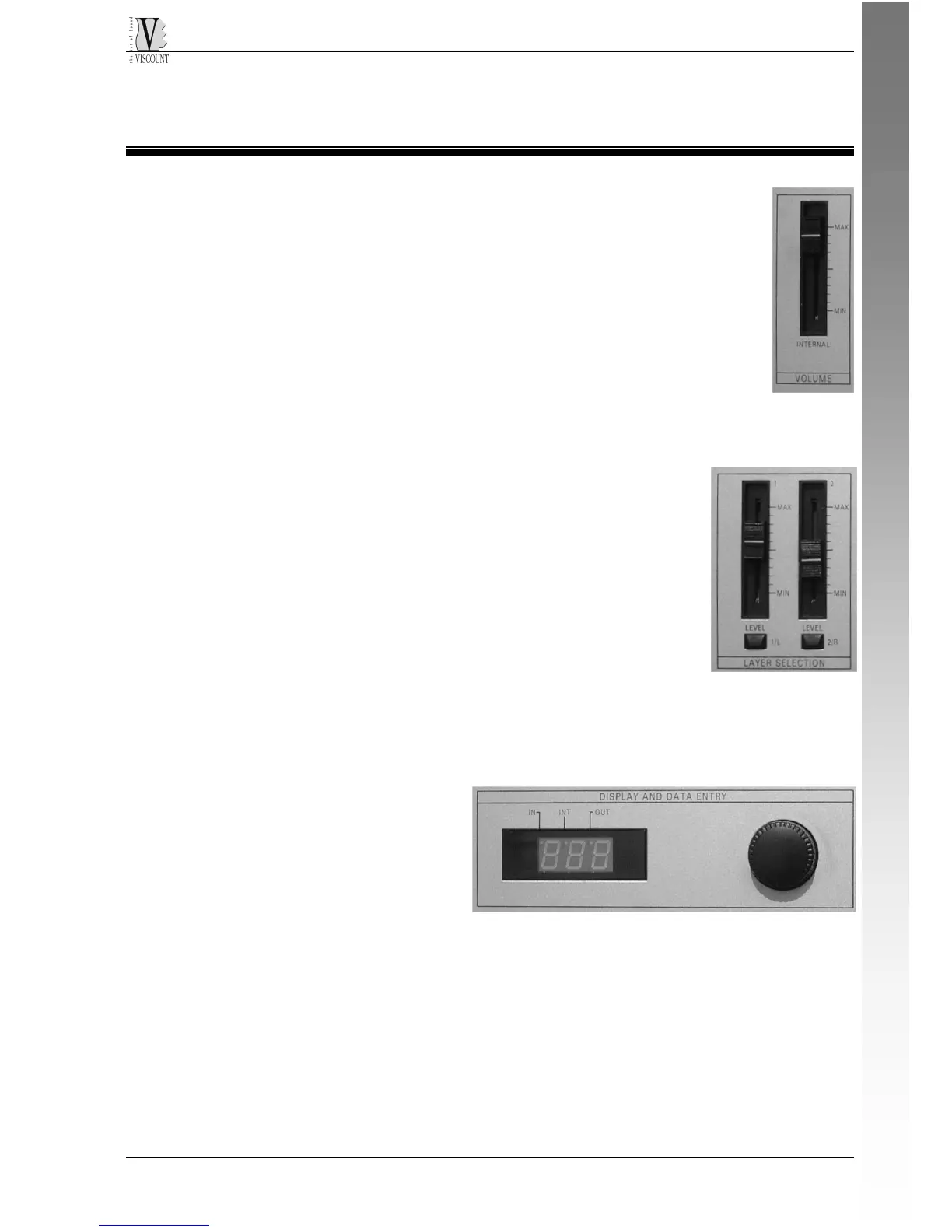
VOLUME FADER
Looking the front panel from left to right, firstly we found
the fader for the volume control of the whole instrument.
LAYER SELECTION
After the volume, we find two faders that control the voulme of the
two separate layers; under these faders we find two
keys [1/L] [2/R] with LED. Pressing the key (LED is
then lit) we select the layer in which we operate
(timbre selection of parameter editing).
THE DISPLAY AND ITS KEYS
At the center of the control panel we see a 3 digit display, with three
function keys.
At the right side of the display
we find an encoder that is
used to increase or decrease
the value of the displayed
parameter. Increasing is
clockwise, decreasing is
counterclockwise.
ENGLISH











 To Next Page