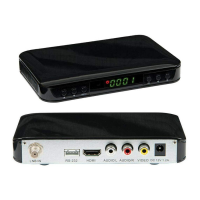
Connect the satellite receiver to your TV with the HDMI cable supplied.
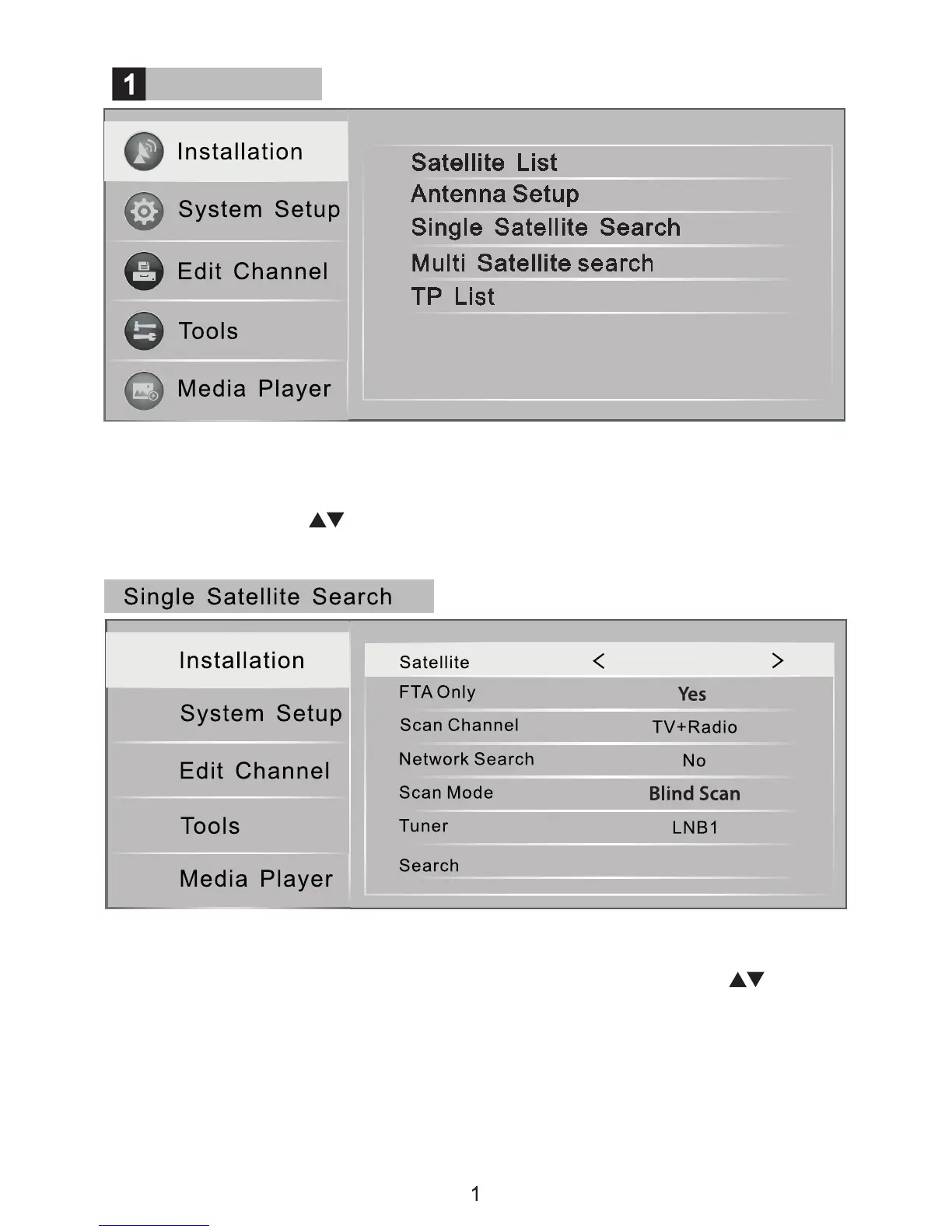
Then select the relevant HDMI input on your TV menu. Press [menu] on the
satellite receiver remote control and the main menu shown above will appear
on screen. Press the keys on the remote to select menu items, and press
the [OK] key to conrm your selections. To leave a screen press [EXIT].
Enter “Single Satellite Search” menu, to search for available channels on
a satellite. Select and conrm the satellite information using the keys.
FTA only should be set to Yes as this receiver will not decode scrambled/
encrypted channels. In “Scan Mode” function, choose “Blind Scan” to locate all
available channels. You can use “Auto Scan” but if any of the channels you
want don't appear you will then need to try searching again with Blind Scan.
Some channels will be suxed 'Fail' this indicates that no Free to Air channels
have been found on this transponder.
Installation and Operation
Main Menu
(1/1) Astra 2E


 To Next Page