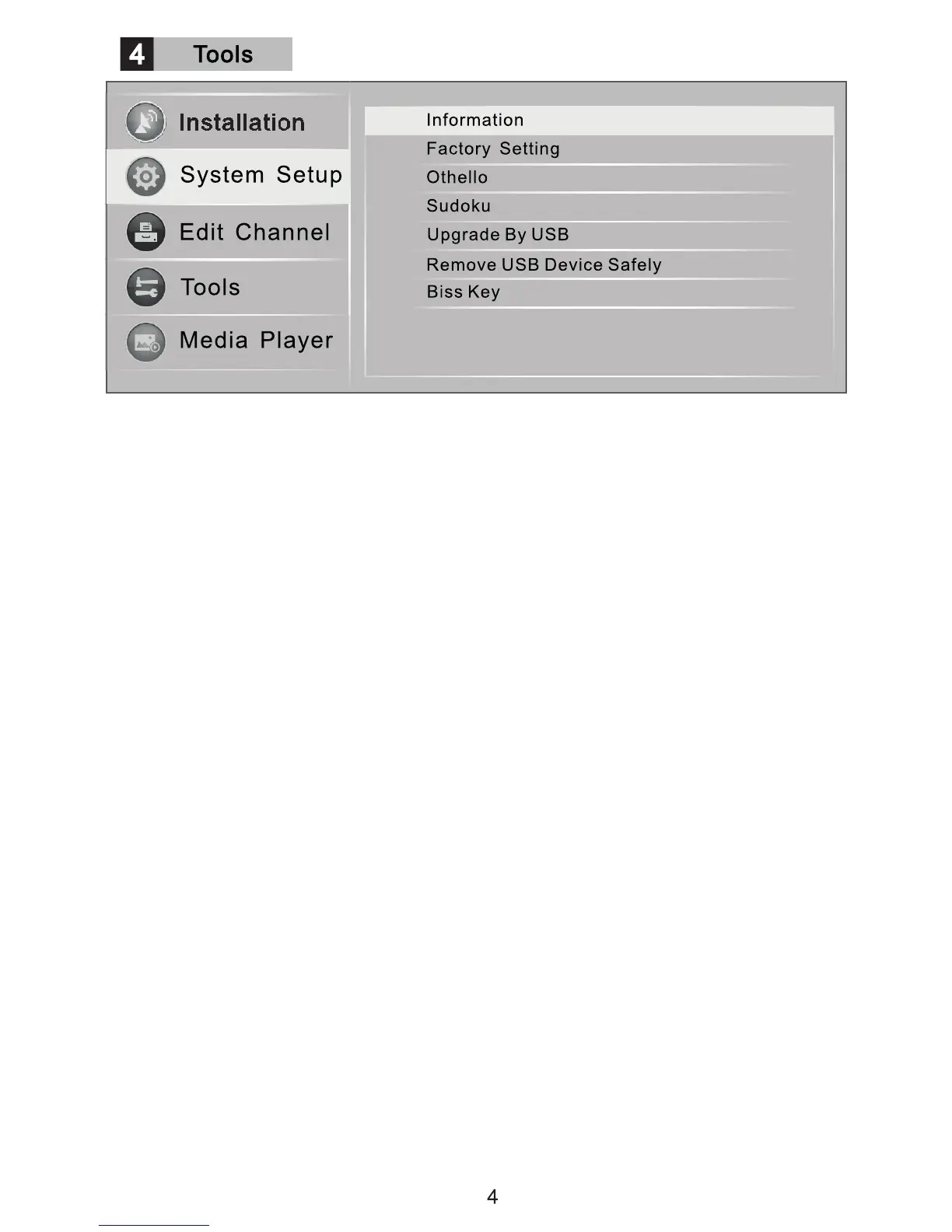
Enter the "Tools" menu to check the software version information, to revert to Factory
Setting, to load software updates, biss management and playing games.
NOTE: Software updates need to be loaded on a suitable USB device which needs to be
plugged into the USB port. Don't remove the USB device during the upgrade process.
Change the biss key information using the color keys. (Not normally used).


 To Next Page