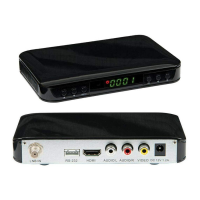
Use the USB 2.0 port on the back of the receiver to plug in USB devices for
recording and playback.
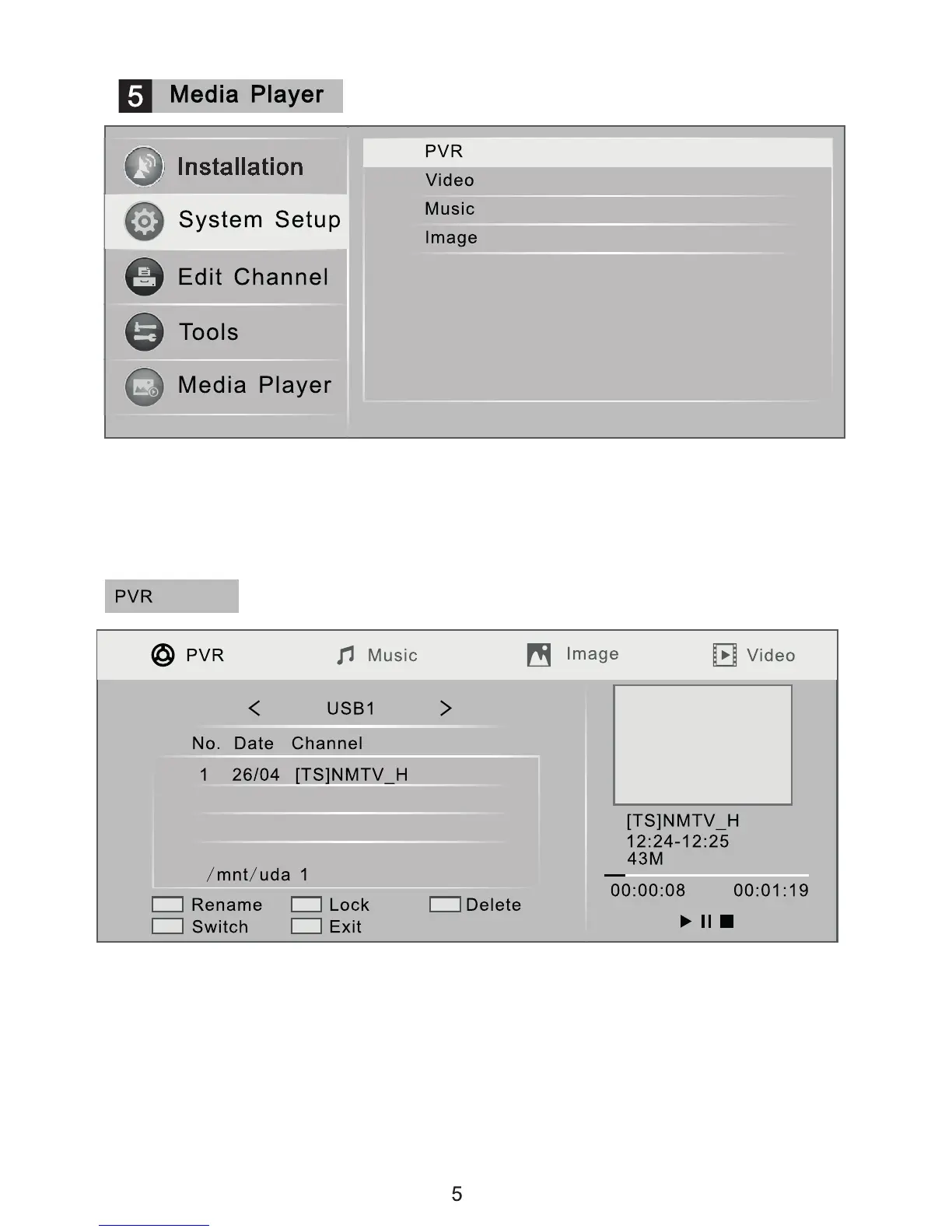
Media Player Main Menu - Check the media les stored on connected USB
devices, such as photos, music, videos etc. When channels are recorded the
recorded les will be saved to the connected USB devices.
Press the [REC] key to record the channel currently playing.
Press the [STOP] key to nish recording.
The information on recordings is saved to the "PVR" menu.
Press the [UP] and [DOWN] keys to select the recorded channel information.
In the top right hand corner is the video preview window.
Press the [PLAY] key to play a selected recording.
Use the colour keys to select rename, lock and delete functions and to edit
information on recordings.
Media Player Options


 To Next Page