3
1
Installing the TV
INSPECTING THE PACKAGE CONTENTS
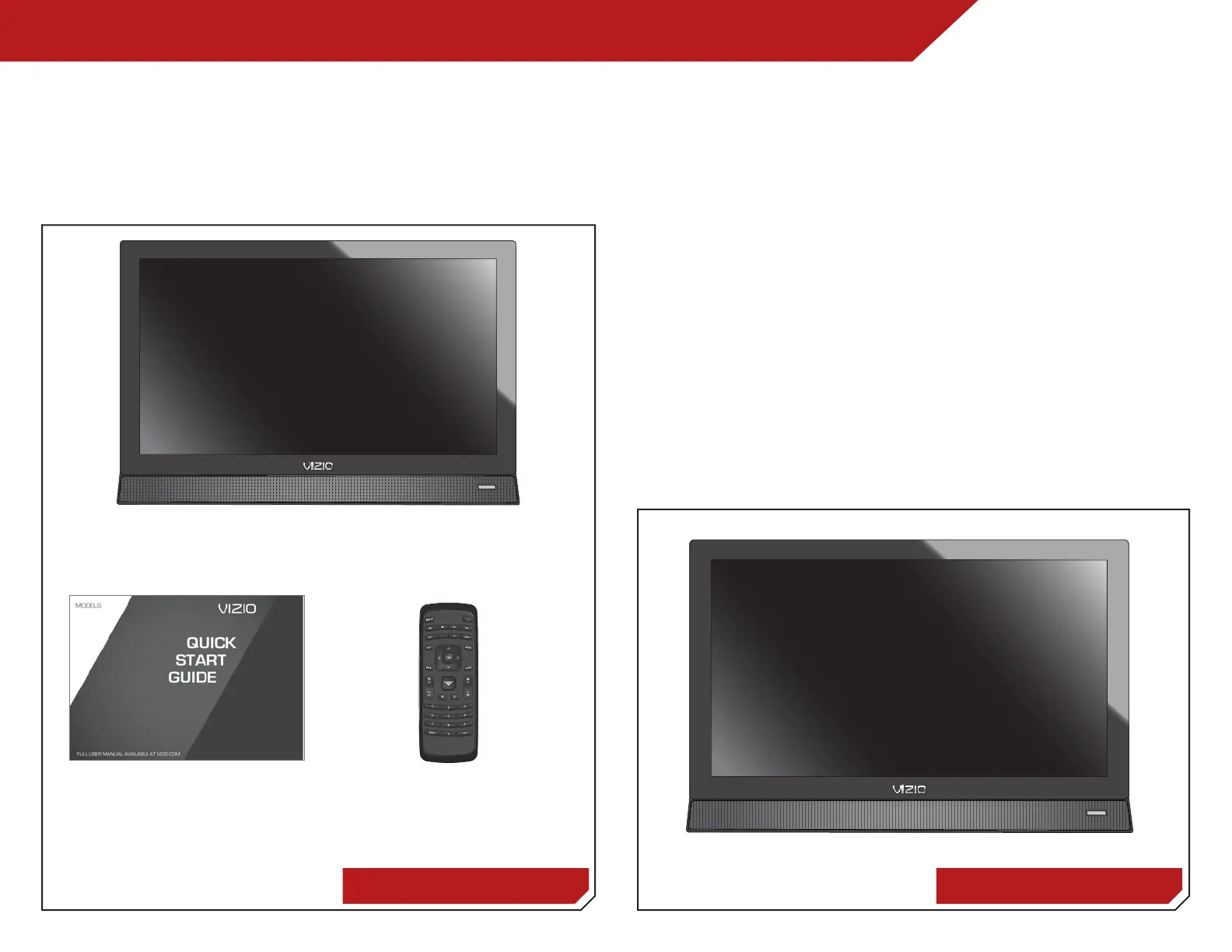
Before installing your new TV, take a moment to inspect the
package contents. Use the images below to ensure nothing is
missing or damaged.
Remote Control with BatteriesQuick Start Guide
VIZIO LCD HDTV
INSTALLING THE TV
After removing the TV from the box and inspecting the package
contents you can begin installing the TV. Your TV can be installed
in two ways:
• On a flat surface, using the included stand
• On a wall, using a VESA-standard wall mount (not
included)
Installing the TV Stand
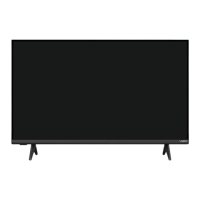
Your TV includes a stand designed to support the weight of the
TV and keep it from falling over. However, the TV can still fall over if:
• It is placed on an uneven, unstable, or non-level surface
• It is pushed, pulled, or otherwise improperly moved
• If an earthquake occurs and the TV is not properly
secured
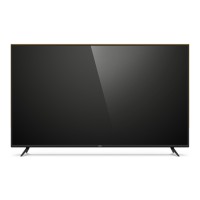
Package Contents TV on Stand



 To Next Page