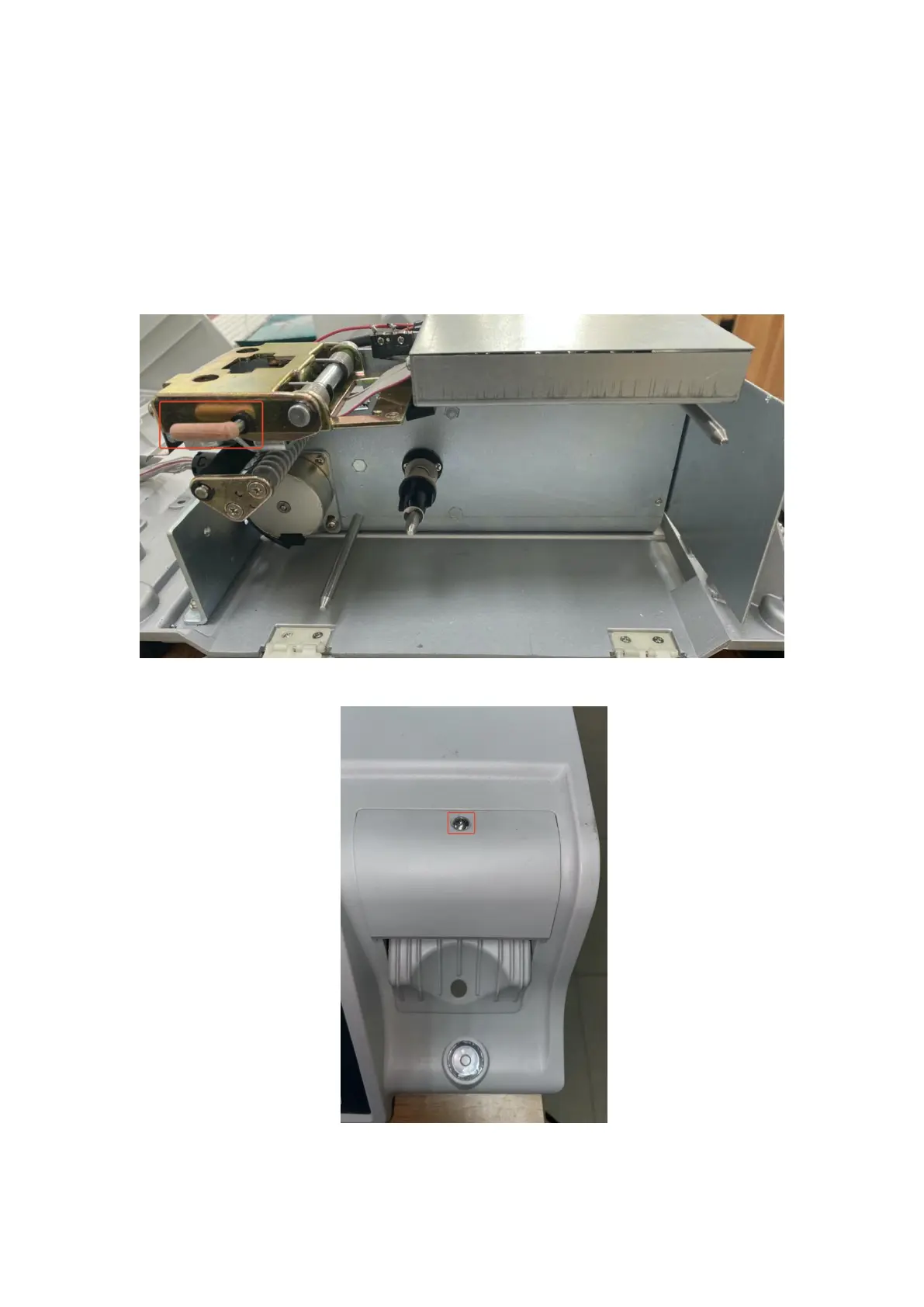
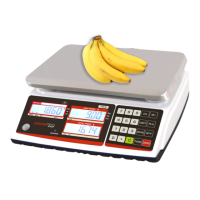
12.9 Print head replacement
*Any of the following operations need to turn off the power of the electronic
scale and unplug the power cord.
· Print head replacement procedure
:
1
)
Turn on the printer, turn the print head switch, take out the printer
:
2
)
Unscrew the external screws of the print head, as shown in the figure
:


 To Next Page