VISIONEER
®
ROADWARRIOR 4D WELCOME
8 SCANNER USER’S GUIDE
SYSTEM REQUIREMENTS
■ Apple
®
Mac OS X
®
operating system
■ 1.6 GHz or faster PowerPC G5 or 1.83 GHz or faster Intel
®
Core Processor
■ DVD-ROM drive
■ Universal Serial Bus (USB) 2.0 port (Hi-Speed USB)
■ Minimum of 2 gigabyte (GB) of internal memory (RAM)
■ Minimum available hard disk space:
● 350 MB for the scanner driver
DOCUMENTATION
The following printed documentation is provided in the box:
■ Installation guide—abbreviated scanner setup and installation instructions.
■ Technical support card—contact information for technical support and customer service, and a brief
overview of our standard product warranty.
The following soft-copy documentation is available on the installation disc:
■ Scanner user guide—instructions for scanner setup, installation, operation, maintenance, safety, and
warranty. The instructions in this guide cover how to properly use the scanner and perform maintenance.
Please refer to your scanning application’s user guide or help file for instructions on how to access the
scanner’s interface, scan and save files.
■ TWAIN scanning guide—instructions for scanning using the TWAIN interface. This guide describes the
options in the TWAIN interface. Please refer to your scanning application’s user guide or help file for
instructions on how to access the scanner’s interface, scan and save files.
VISIONEER
®
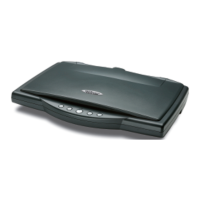
ROADWARRIOR 4D SCANNER
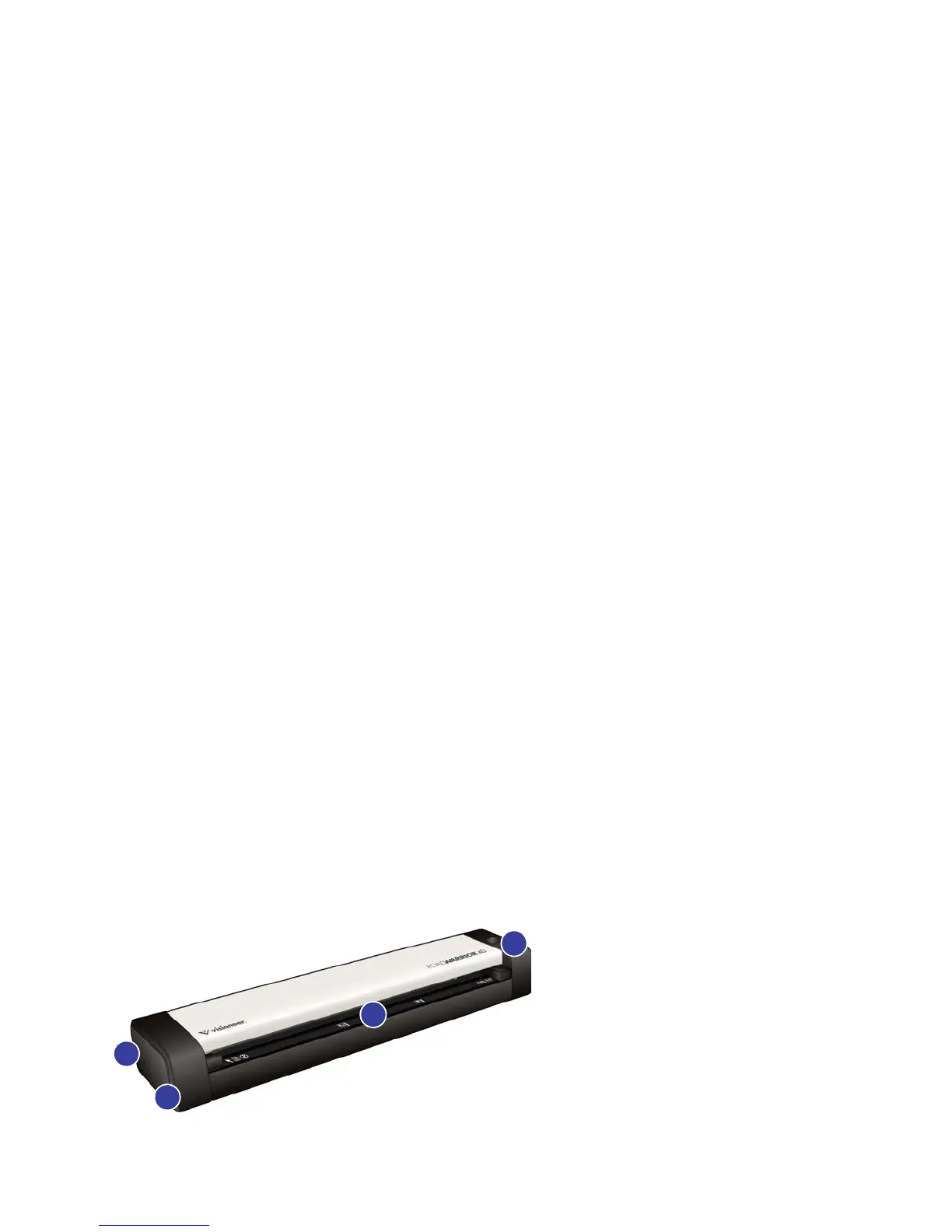
1. Safety lock slot—slot for installing a Kensington® style safety lock. (May not be available for all models).











 To Next Page